Construction Contracts and Quantity Takeoff
Setting up construction projects, MoWUD/PPA standard contracts, FIDIC conditions, and initial quantity takeoffs.
1. Overview & Business Value#
This comprehensive operational guide details the architecture, business workflows, configuration parameters, and execution steps for Construction Contracts and Quantity Takeoff within SmartERP.
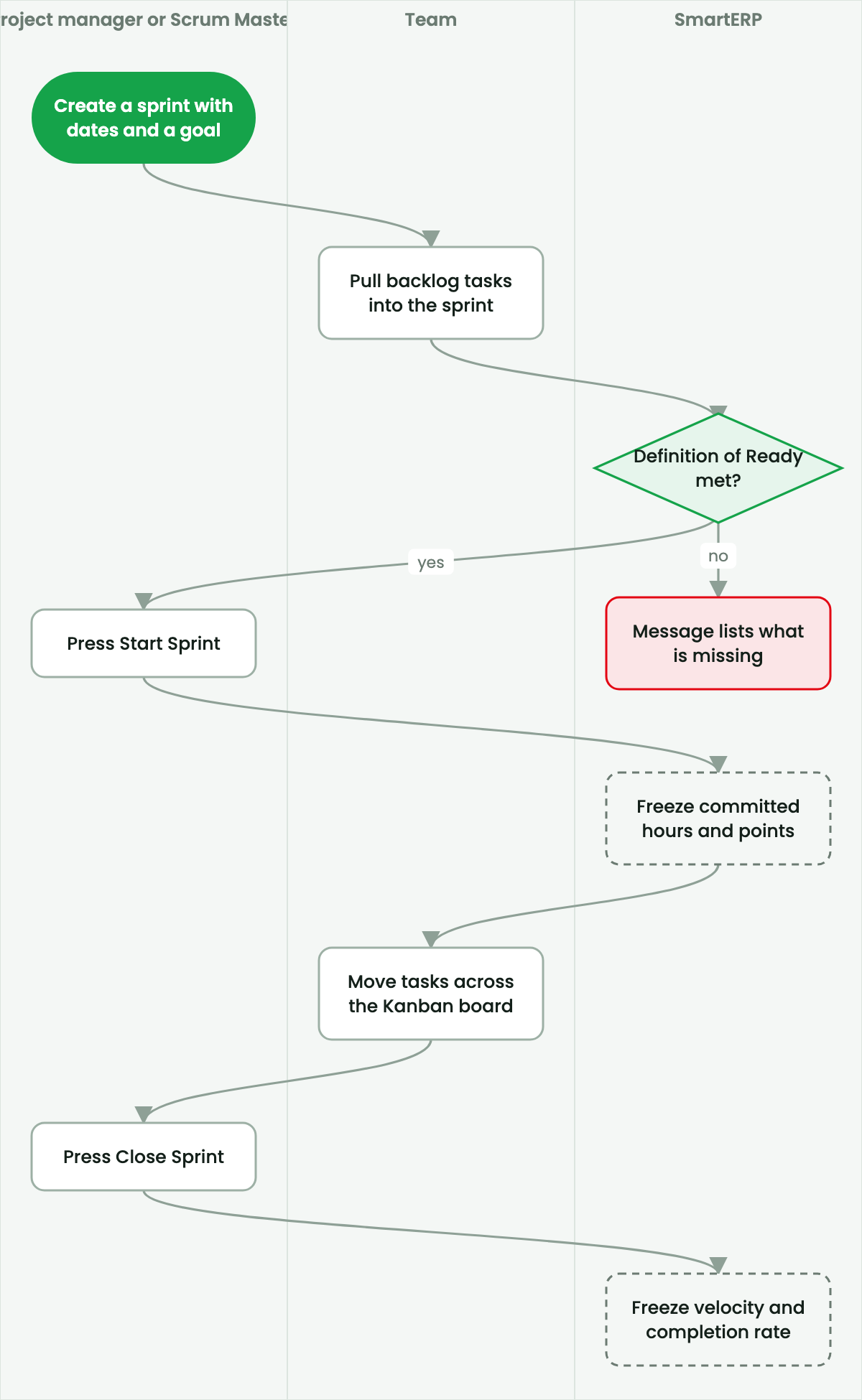
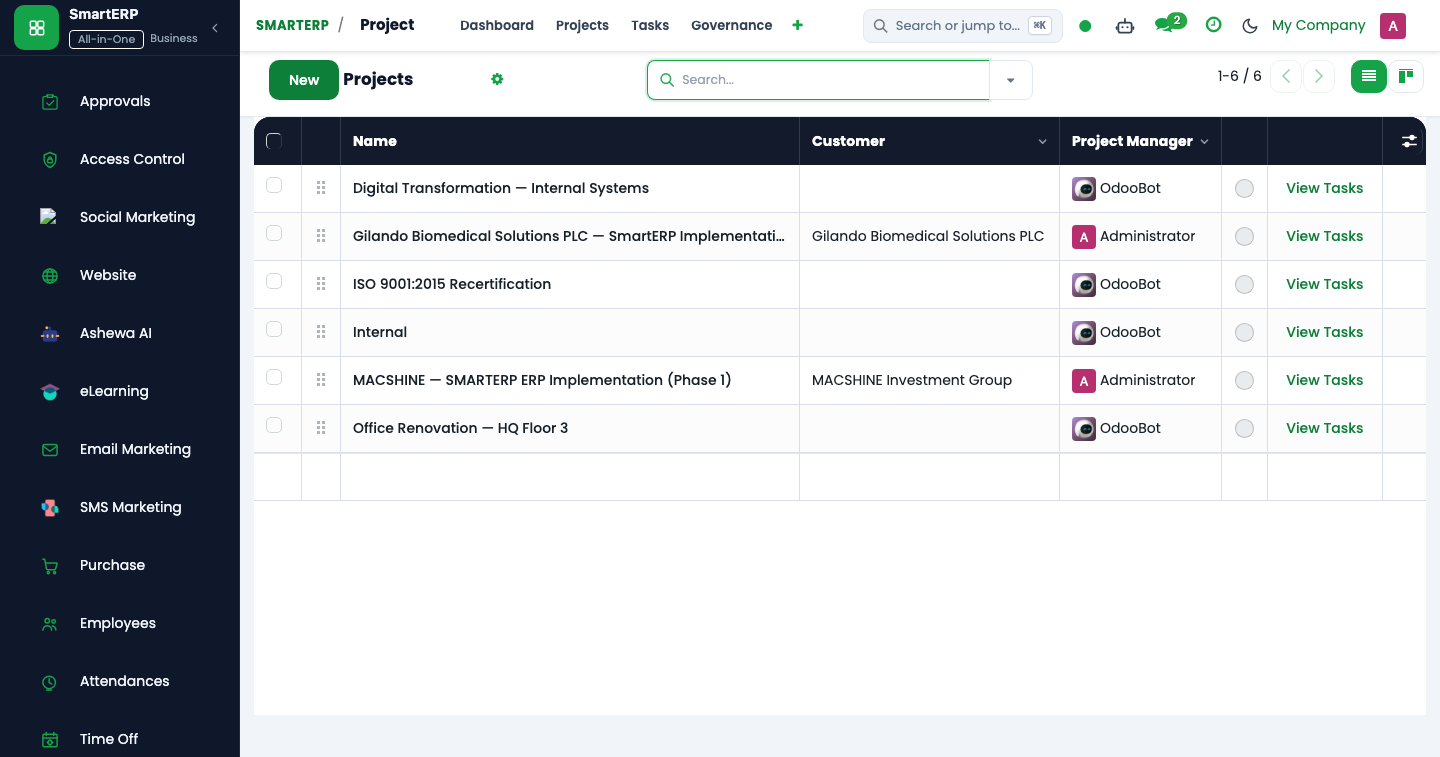
Setting up construction projects, MoWUD/PPA standard contracts, FIDIC conditions, and initial quantity takeoffs.
2. Prerequisites & Security Access Groups#
- Required Modules:
project, smarterp_project_governance, hr_timesheet - Security Groups:
Project User(Technical ID:project.group_project_user)Project Administrator(Technical ID:project.group_project_manager)Timesheet Approver(Technical ID:hr_timesheet.group_hr_timesheet_approver)
- Master Data Dependencies: Project master records, milestone stages, work breakdown structures (WBS), bill of quantities (BoQ), and employee billing cost rates.
3. Step-by-Step Configuration & Execution#
Step 1: Navigating to the Interface#
- Log into your SmartERP instance at
https://smarterp.et/odoo. - Open the main App Switcher (grid icon in the top-left corner).
- Navigate to Project → Projects.
Step 2: Operational Data Parameters & Controls#
Ensure all mandatory parameters comply with enterprise operational standards:
- Authorized Operator: Action executed under assigned RBAC permissions (Project Director, Project Manager, Agile Scrum Master, Lead Engineer).
- Relational Integrity: Linked to upstream master records, approval requests, or transactional ledgers.
- Statutory & Quality Controls: Verified against Ethiopian statutory regulations and corporate governance standards.
Step 3: Operational Execution & State Progression#
- State Progression Gate: Advance record from Draft through Audited to Confirmed / Certified.
- Integrated System Impact: Automatically updates real-time operational states and posts financial/inventory journal moves.
- Audit Verification: System registers tamper-evident audit records logging user ID, timestamp, and cryptographic transaction digests.
Construction Contracting Framework in Ethiopia#
Commercial and infrastructure construction in Ethiopia is governed by standard contract conditions issued by the Public Procurement and Property Administration Agency (PPA), the Ministry of Works and Urban Development (MoWUD 1994 Standard Conditions of Contract), or international FIDIC Red/Yellow Books for multilateral donor-funded civil works.
SmartERP Construction integrates contractual obligations, milestone schedules, advance payment guarantees, and performance bonds directly with the project delivery structure.
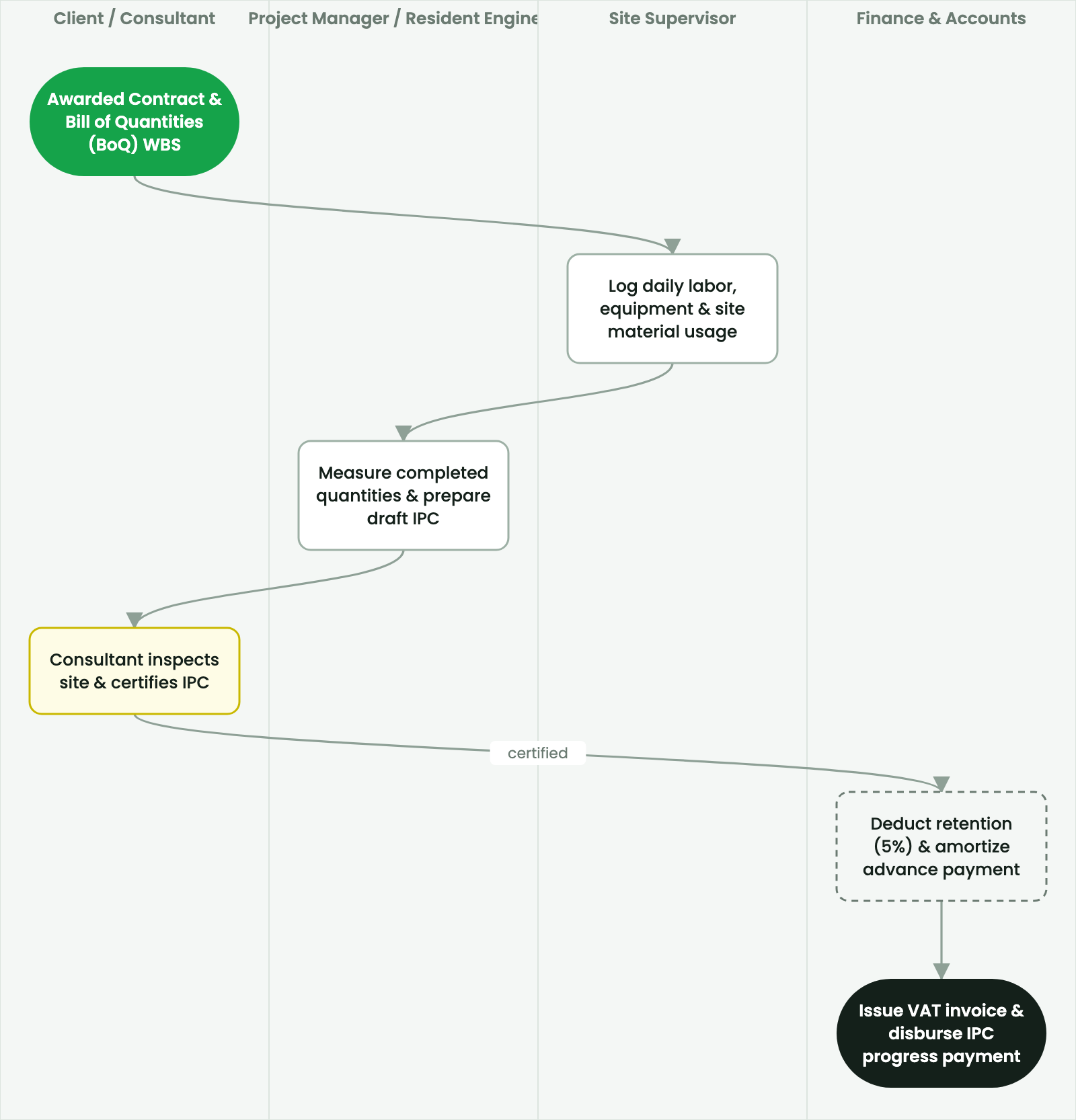
Procedure: Onboarding a Construction Contract#
- Navigate to Projects > Construction > Contracts and click New.
- Contract Title:
Design-Build Construction of Bole Mixed-Use Complex (G+12). - Employer / Client: Select client partner (e.g.,
Addis Commercial Development SC). - Contract Form: Select
PPA 2011 Standard ConditionsorFIDIC Red Book. - Contract Sum: Enter total contract price (e.g.,
450,000,000.00 ETBincluding 15% VAT). - Key Contract Terms:
- Advance Payment (%): Standard
20%(against unconditional Advance Payment Guarantee). - Advance Payment Recovery (%): Rate deducted from each IPC (e.g.,
25%of gross certificate value until fully amortized). - Retention Money (%): Statutory
5%withheld from each progress payment. - Defect Liability Period (DLP):
365 Daysfrom Practical Completion Certificate.
- Advance Payment (%): Standard
- Click Confirm Contract.
4. Advanced Configuration Points#
- Automated Actions & Scheduled Tasks (Crons):
Project: Flag overdue milestone deadlines(project.ir_cron_overdue_tasks): Runs daily to notify project managers of pending schedule delaysTimesheets: Send unsubmitted reminder alerts(hr_timesheet.ir_cron_timesheet_reminder): Runs weekly on Friday afternoon to remind team members
- Custom Print Templates & Reports:
- Project Status & Milestone Execution Scorecard
- Interim Payment Certificate (IPC) for Construction
- Project Timesheet & Resource Utilization Summary
- Earned Value Management (EVM) Financial Report
- Multi-Company Rules: Record-level security isolation under Company 1 (
Ashewa Technology Solutions S.C.), preventing cross-company ledger leakage across parent and subsidiary legal entities.
5. Comprehensive Troubleshooting Matrix#
| Error Symptom / Exception | Probable Root Cause | Corrective Action / Resolution |
|---|---|---|
Access Rights Error: Cannot view confidential task | User is not listed as a project follower or team member. | Add user to Project Privacy Settings or Collaborators tab. |
Validation Error: Timesheet date outside active stage | Attempting to log labor against a closed or cancelled milestone. | Select an active task stage or request reopening of the target work package. |
Billing Rate Error: Missing employee cost rate | Assigned employee lacks an hourly labor cost rate on their profile. | Configure the employee hourly cost rate under Human Resources → Employees → HR Settings. |