Manage By-Products and Co-Products
Configuring secondary outputs, cost allocation percentages, by-product stock valuation, and processing yields.
1. Overview & Business Value#
This comprehensive operational guide details the architecture, business workflows, configuration parameters, and execution steps for Manage By-Products and Co-Products within SmartERP.
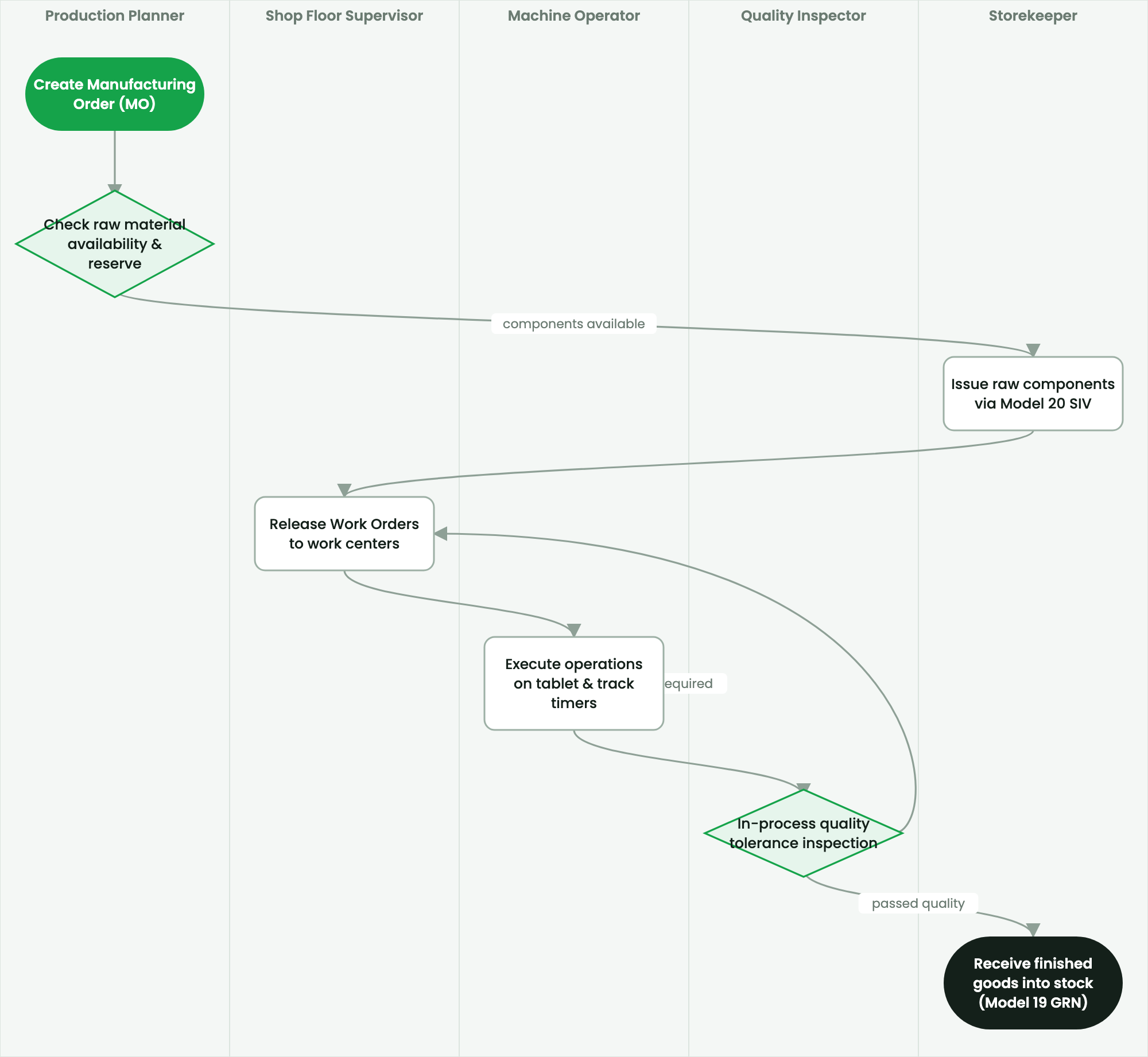
Configuring secondary outputs, cost allocation percentages, by-product stock valuation, and processing yields.
2. Prerequisites & Security Access Groups#
- Required Modules:
mrp, quality_control, smarterp_manufacturing_costing - Security Groups:
Manufacturing User(Technical ID:mrp.group_mrp_user)Manufacturing Administrator(Technical ID:mrp.group_mrp_manager)Quality Inspector(Technical ID:quality.group_quality_user)
- Master Data Dependencies: Bills of Materials (BoM), routing operations, work centers with machine/labor hourly rates, raw material stock, and inspection checkpoints.
3. Step-by-Step Configuration & Execution#
Step 1: Navigating to the Interface#
- Log into your SmartERP instance at
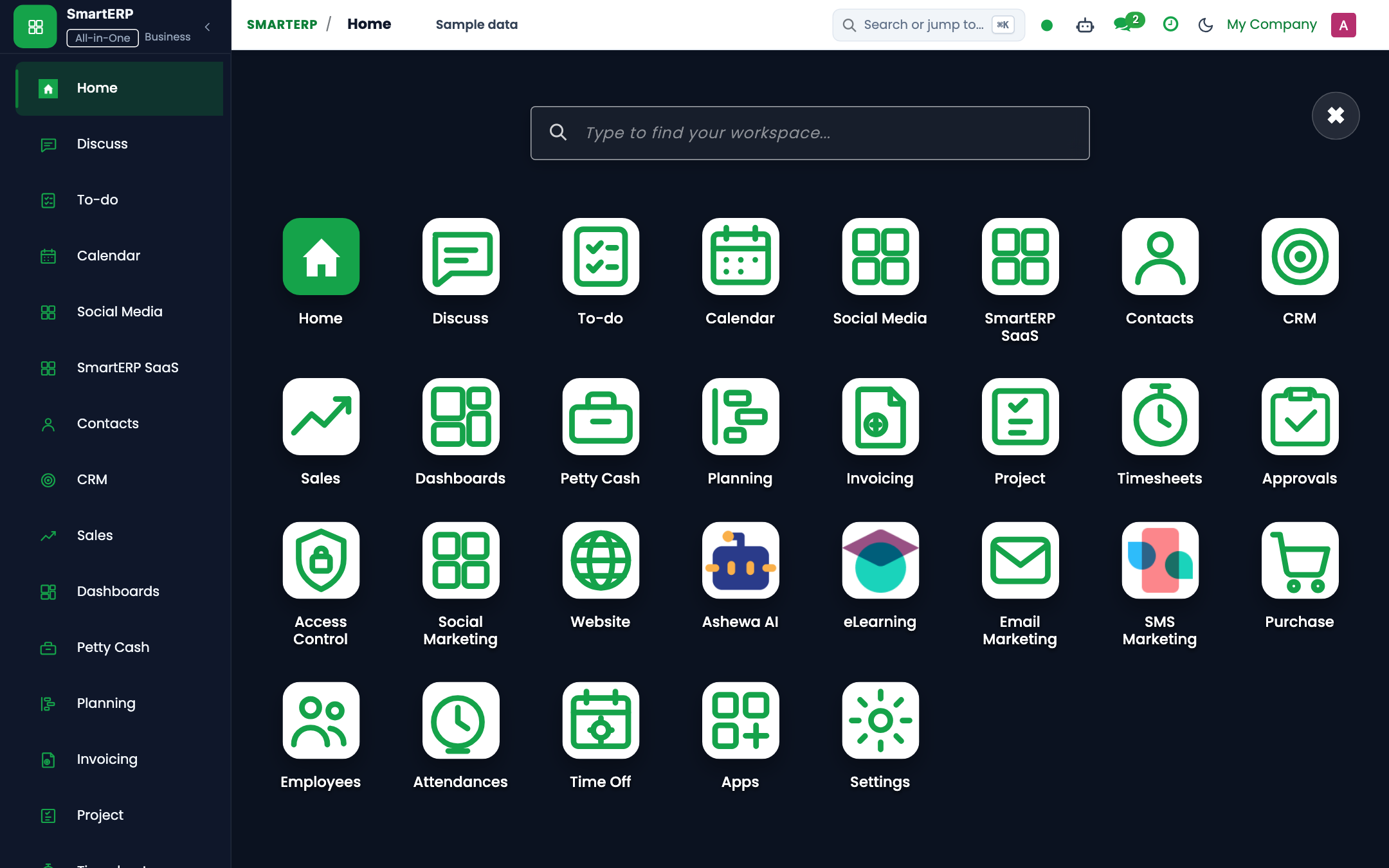
https://smarterp.et/odoo. - Open the main App Switcher (grid icon in the top-left corner).
- Navigate to Operations.
Step 2: Operational Data Parameters & Controls#
Ensure all mandatory parameters comply with enterprise operational standards:
- Authorized Operator: Action executed under assigned RBAC permissions (Authorized Operator).
- Relational Integrity: Linked to upstream customer, product, inventory lot, or manufacturing order.
- Statutory & Quality Controls: Verified against Ethiopian commercial and tax regulations or technical engineering specifications.
Step 3: Operational Execution & State Progression#
- State Progression Gate: Advance record from Draft through Confirmed to Completed / Posted.
- Integrated System Impact: Automatically updates inventory stock quants, customer receivables, or work-in-progress cost accounting ledgers.
- Audit Verification: System registers tamper-evident audit records logging user ID, timestamp, and cryptographic transaction digests.
Process Industry Joint Production#
In chemical, agricultural, and metallurgical processing plants, production operations frequently yield more than one distinct product:
- Edible Oil Processing: Crude Soy Oil (Primary Finished Good), Soy Meal / Press Cake (Valuable Co-Product), Soap Stock (Minor By-Product).
- Wheat Flour Milling: First Grade Flour (Primary), Second Grade Flour (Co-Product), Bran / Fushka (Animal Feed By-Product).
Procedure: Configuring Co-Products on a BoM#
- Navigate to Manufacturing > Products > Bills of Materials.
- Open the recipe and switch to the By-Products tab.
- Click Add a line.
- By-Product: Select the secondary item (e.g.,
Wheat Bran (Fushka) 50kg Bag). - Quantity: Enter standard expected yield (e.g.,
0.22Bags per 100 kg wheat input). - Cost Share (%): Enter the cost allocation ratio (e.g.,
15.0%).- The primary finished good absorbs the remaining
85.0%of raw material and processing costs.
- The primary finished good absorbs the remaining
- Click Save.
When the MO is marked done, SmartERP automatically distributes raw material and machine absorption costs across both inventory lines in accordance with their assigned cost share percentages.
4. Advanced Configuration Points#
- Automated Actions & Scheduled Tasks (Crons):
MRP: Recalculate BoM standard costs(mrp.ir_cron_bom_cost_roll): Runs weekly to update standard costing from latest procurement purchase pricesQuality: Trigger periodic inspection alerts(quality.ir_cron_inspection_check): Runs daily to flag mandatory quality testing queuesWorkcenter: Update OEE statistics(mrp.ir_cron_workcenter_oee): Runs hourly to compute Overall Equipment Effectiveness metrics
- Custom Print Templates & Reports:
- Production Order Traveler & Pick List
- Shop Floor Work Order Execution Slip
- Quality Inspection Certificate & Non-Conformance Report
- Manufacturing Cost Analysis & Variance Ledger
- Multi-Company Rules: Record-level security isolation under Company 1 (
Ashewa Technology Solutions S.C.), preventing cross-company ledger leakage across parent and subsidiary legal entities.
5. Comprehensive Troubleshooting Matrix#
| Error Symptom / Exception | Probable Root Cause | Corrective Action / Resolution |
|---|---|---|
BoM Missing Error: No active Bill of Materials found | Product variant lacks a verified and confirmed BoM in the system. | Create and confirm an active BoM under Manufacturing → Products → Bills of Materials. |
Component Shortage Block: Insufficient stock | Raw material components have not been transferred to the shop floor location. | Execute an internal transfer from main warehouse to production staging location. |
Quality Gate Blocked: Mandatory test failed | Work order failed critical quality tolerance threshold. | Perform required corrective rework or request authorized Quality Manager override. |
Workcenter Capacity Overload | Scheduled production duration exceeds available work center shift capacity. | Adjust scheduled start dates or distribute load across alternative work centers. |