Configure Multi-Level Bills of Materials (BoMs)
Procedural guide for configuring single-level, multi-level, phantom kits, and subcontracted BoMs.
1. Overview & Business Value#
This comprehensive operational guide details the architecture, business workflows, configuration parameters, and execution steps for Configure Multi-Level Bills of Materials (BoMs) within SmartERP.
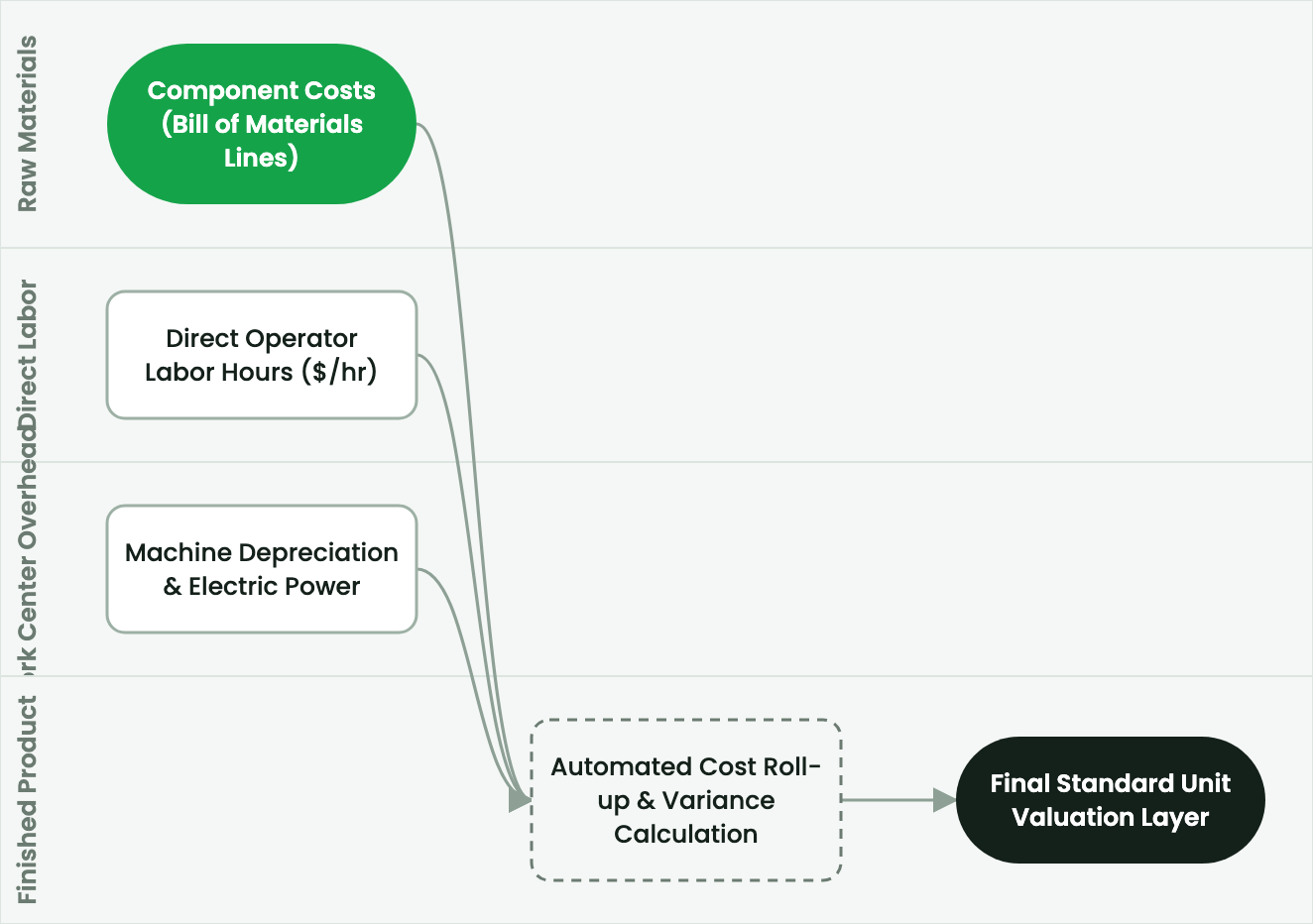
Procedural guide for configuring single-level, multi-level, phantom kits, and subcontracted BoMs.
2. Prerequisites & Security Access Groups#
- Required Modules:
mrp, quality_control, smarterp_manufacturing_costing - Security Groups:
Manufacturing User(Technical ID:mrp.group_mrp_user)Manufacturing Administrator(Technical ID:mrp.group_mrp_manager)Quality Inspector(Technical ID:quality.group_quality_user)
- Master Data Dependencies: Bills of Materials (BoM), routing operations, work centers with machine/labor hourly rates, raw material stock, and inspection checkpoints.
3. Step-by-Step Configuration & Execution#
Step 1: Navigating to the Interface#
- Log into your SmartERP instance at
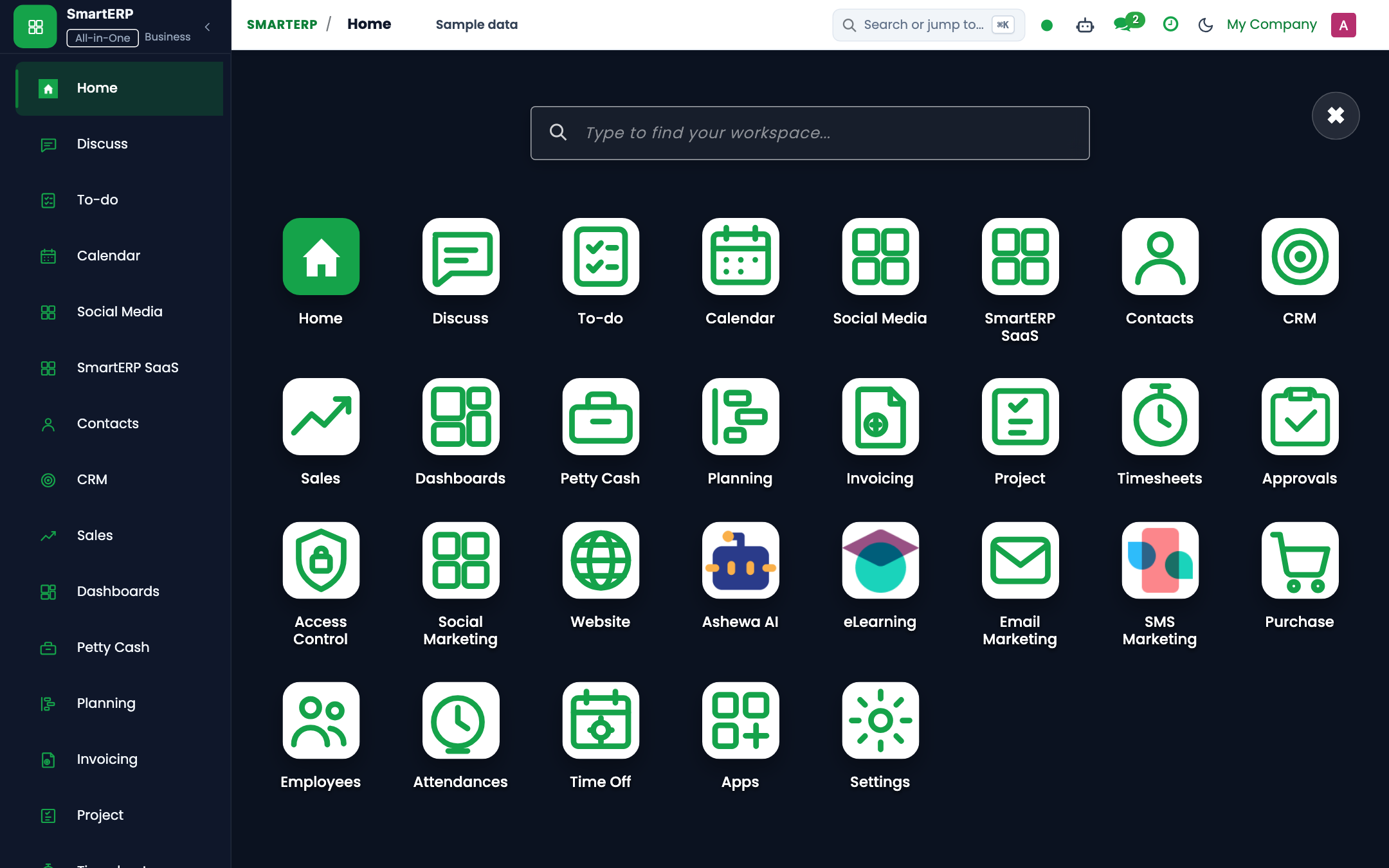
https://smarterp.et/odoo. - Open the main App Switcher (grid icon in the top-left corner).
- Navigate to Manufacturing → Products → Bills of Materials.
Step 2: Operational Data Parameters & Controls#
Ensure all mandatory parameters comply with enterprise operational standards:
- Authorized Operator: Action executed under assigned RBAC permissions (Product Design Engineer, Cost Accountant).
- Relational Integrity: Linked to upstream customer, product, inventory lot, or manufacturing order.
- Statutory & Quality Controls: Verified against Ethiopian commercial and tax regulations or technical engineering specifications.
Step 3: Operational Execution & State Progression#
- State Progression Gate: Advance record from Draft through Confirmed to Completed / Posted.
- Integrated System Impact: Automatically updates inventory stock quants, customer receivables, or work-in-progress cost accounting ledgers.
- Audit Verification: System registers tamper-evident audit records logging user ID, timestamp, and cryptographic transaction digests.
Overview of BoM Types in SmartERP#
SmartERP supports four distinct Bill of Materials structures:
- Standard Manufacturing BoM (
mrp.bomtypenormal): Used when the product is built on the factory floor with designated work orders, component consumption, and finished goods output. - Phantom / Kit BoM (
mrp.bomtypephantom): Used for kits or bundles that are not pre-assembled in production but rather picked together during delivery or used as non-stock sub-assemblies. - Subcontracting BoM (
mrp.bomtypesubcontract): Used when raw materials are shipped to an external vendor who returns the completed assembly. - Co-Product BoM: Used in process industries where a single production run yields multiple distinct saleable commodities.
Procedure: Creating a Multi-Level BoM#
Step 1: Create Sub-Assembly BoMs First#
When manufacturing complex machinery or processed foods, always define lower-level sub-assemblies before defining the parent product:
- Navigate to Manufacturing > Products > Bills of Materials.
- Click New.
- Product:
Electric Motor Sub-Assembly 5HP. - Add components:
Copper Magnet Wire: 4.2 kgSteel Stator Core: 1 unitRotor Shaft 25mm: 1 unitBall Bearings 6205: 2 units
- Save the sub-assembly BoM.
Step 2: Create the Parent BoM#
- Click New in Bills of Materials.
- Product:
Industrial Centrifugal Pump Unit. - Under the Components tab:
- Add
Electric Motor Sub-Assembly 5HP(Quantity: 1). - Add
Cast Iron Impeller Casing(Quantity: 1). - Add
Mechanical Face Seal(Quantity: 1). - Add
Mounting Base Plate & Bolts(Quantity: 1).
- Add
- Select the line for
Electric Motor Sub-Assembly 5HP. Set the Manufacturing Readiness rule:- Manufacture on Demand (MTO): Auto-generates a child MO when the parent pump MO is confirmed.
- Take from Stock: Consumes available motor stock; generates an alert if insufficient.
Component Scrap and Spoilage Margins#
In industrial cutting, stamping, or chemical blending, raw material loss is unavoidable:
- In the BoM component line, expand Component Details.
- Set Scrap Margin (%): For example,
3.5%on steel sheet cutting. - When an MO for 100 units is confirmed, SmartERP automatically reserves 100 * 1.05 * 1.035 = 108.68 units of raw material, ensuring accurate material reservation without manual recalculation.
BoM Versioning and Engineering Change Orders (ECO)#
To maintain compliance with ISO 9001 quality audits:
- Never overwrite active BoMs currently tied to open manufacturing orders.
- Navigate to Manufacturing > Products > Engineering Change Orders (ECO).
- Create an ECO to propose component substitutions, update routing run-times, and route for Engineering Director and Cost Accountant sign-off.
4. Advanced Configuration Points#
- Automated Actions & Scheduled Tasks (Crons):
MRP: Recalculate BoM standard costs(mrp.ir_cron_bom_cost_roll): Runs weekly to update standard costing from latest procurement purchase pricesQuality: Trigger periodic inspection alerts(quality.ir_cron_inspection_check): Runs daily to flag mandatory quality testing queuesWorkcenter: Update OEE statistics(mrp.ir_cron_workcenter_oee): Runs hourly to compute Overall Equipment Effectiveness metrics
- Custom Print Templates & Reports:
- Production Order Traveler & Pick List
- Shop Floor Work Order Execution Slip
- Quality Inspection Certificate & Non-Conformance Report
- Manufacturing Cost Analysis & Variance Ledger
- Multi-Company Rules: Record-level security isolation under Company 1 (
Ashewa Technology Solutions S.C.), preventing cross-company ledger leakage across parent and subsidiary legal entities.
5. Comprehensive Troubleshooting Matrix#
| Error Symptom / Exception | Probable Root Cause | Corrective Action / Resolution |
|---|---|---|
BoM Missing Error: No active Bill of Materials found | Product variant lacks a verified and confirmed BoM in the system. | Create and confirm an active BoM under Manufacturing → Products → Bills of Materials. |
Component Shortage Block: Insufficient stock | Raw material components have not been transferred to the shop floor location. | Execute an internal transfer from main warehouse to production staging location. |
Quality Gate Blocked: Mandatory test failed | Work order failed critical quality tolerance threshold. | Perform required corrective rework or request authorized Quality Manager override. |
Workcenter Capacity Overload | Scheduled production duration exceeds available work center shift capacity. | Adjust scheduled start dates or distribute load across alternative work centers. |