Site assessments, guard posts and contract invoicing for a security company
A security company sells the cover of a post around the clock, and the paperwork behind it is people, hours and follow-up. SmartERP holds the client and the assessment quotation, the guards listed by post and supervisor, the hours logged per site and the invoice. It is not a rota planner and it does not track patrols.
Start with CRM, Sales and Employees. Add Project so each site's tasks and incidents sit in one thread, and Timesheets to compare hours worked with the hours the contract pays for, then Accounting to invoice and to pay supplier bills.
Typical businesses: Security guard companies · Manned guarding firms · Private security agencies · Site protection contractors
Problems this industry runs into
Guards are known by name, not by post
The office keeps a phone list, so when a guard falls sick nobody can say who holds which post, who supervises it or who could cover.
Assessments are lost between the visit and the quote
Notes on gates, blind corners and the shifts a site needs stay in a notebook, and the quotation is written from whatever the assessor recalls.
Incidents are phoned in and never closed
A break-in attempt or a missing item is reported by phone, discussed and forgotten, because no task shows who owns the follow-up with the client.
Billing follows the contract, hours follow the guards
The client pays per post, yet guards cover extra shifts and overtime. The gap surfaces only when the client queries an invoice or a guard asks about pay.
A recommended starting set of applications
There is no packaged edition for this industry yet. These applications are our recommendation for a business of this kind, not a fixed bundle.
What each application does for security services
Accounting
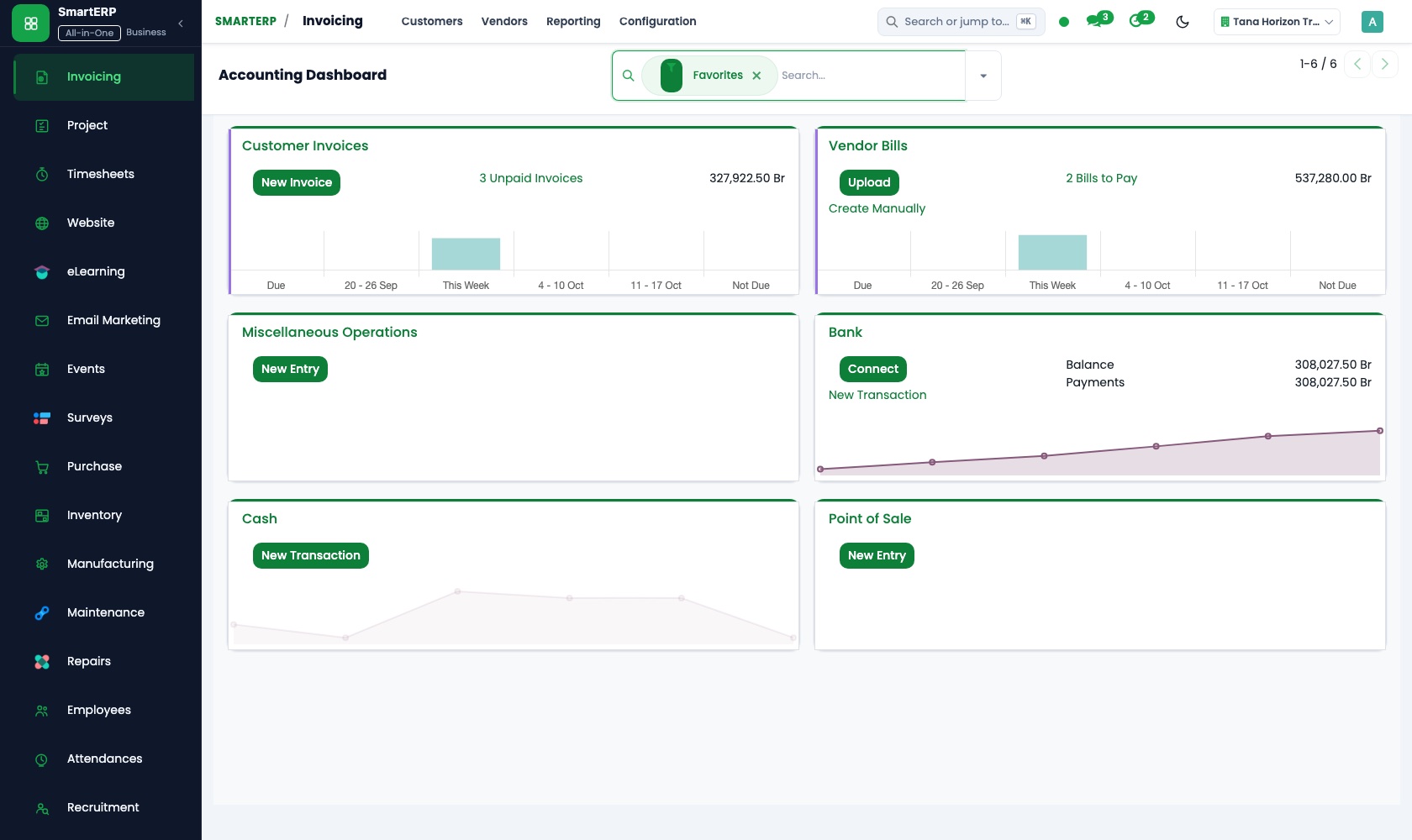
Clients are invoiced for contracted posts plus extra shifts, with a credit note for a night a post went uncovered. Bank transfers are matched to the invoice.
Sales
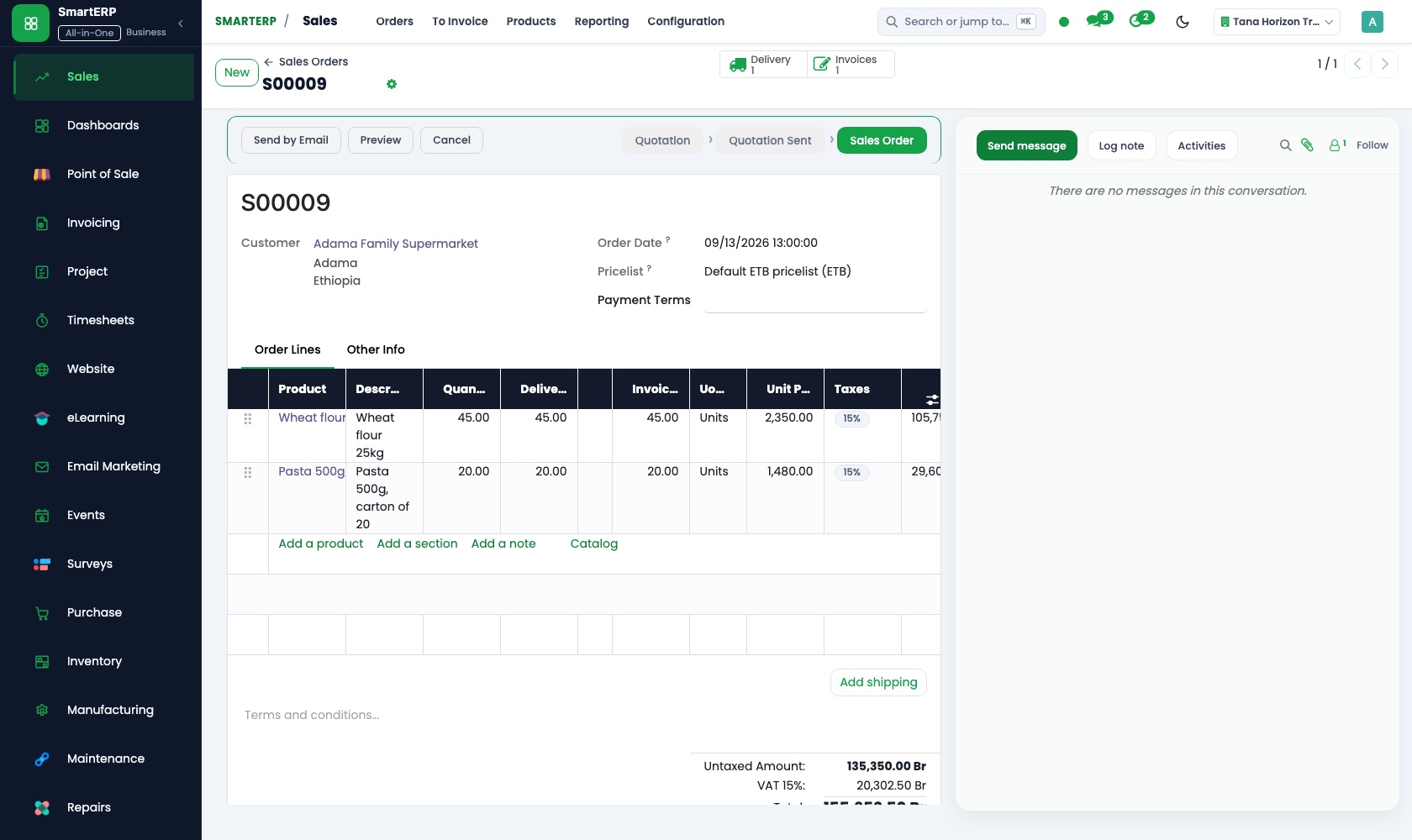
Assessment findings become a quotation pricing each post and its shift hours. Once signed, the confirmed sales order is what guards, hours and invoices point back to.
CRM
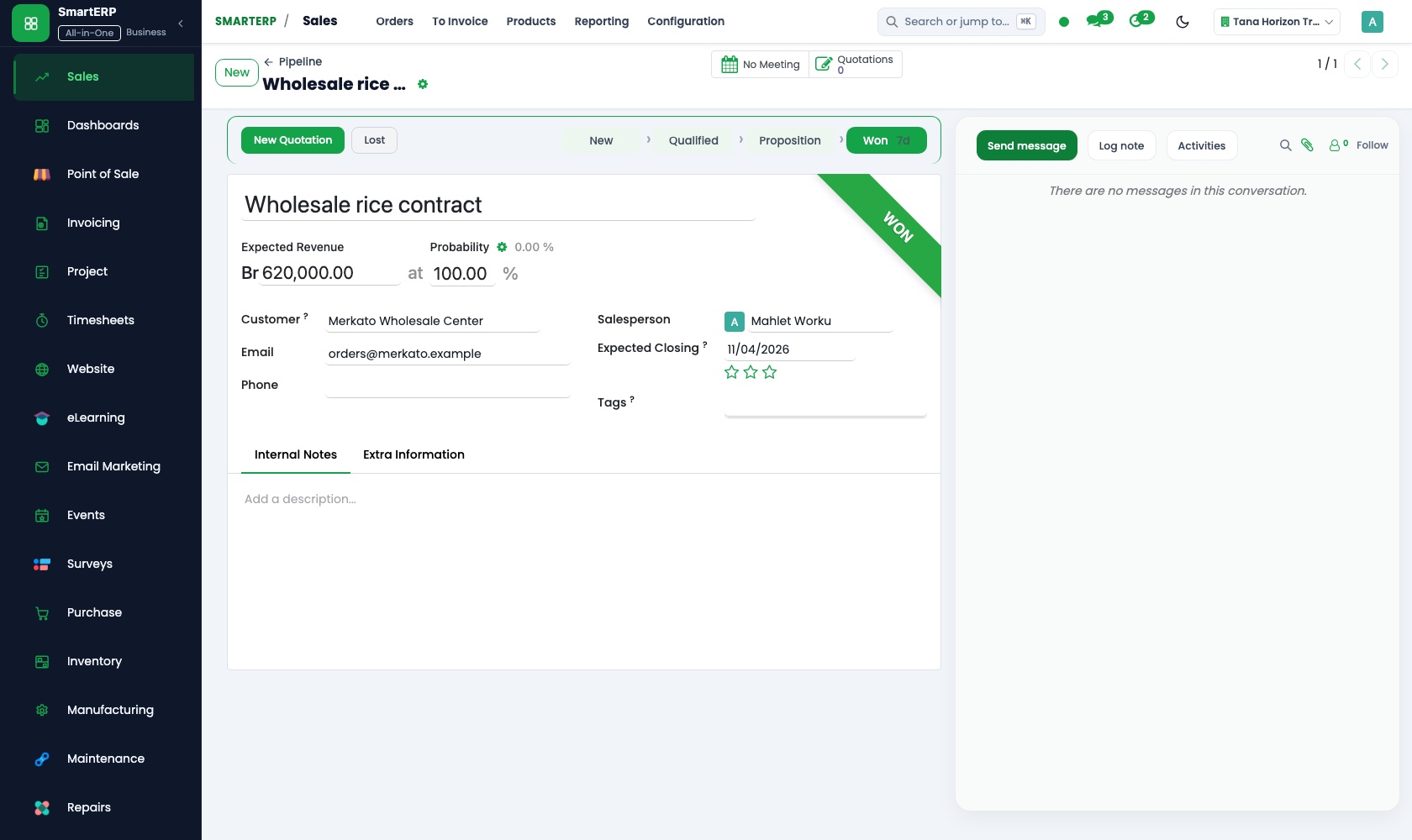
A factory, school or compound asking for cover is an opportunity, with the assessment walk and the second visit set as scheduled activities.
Project
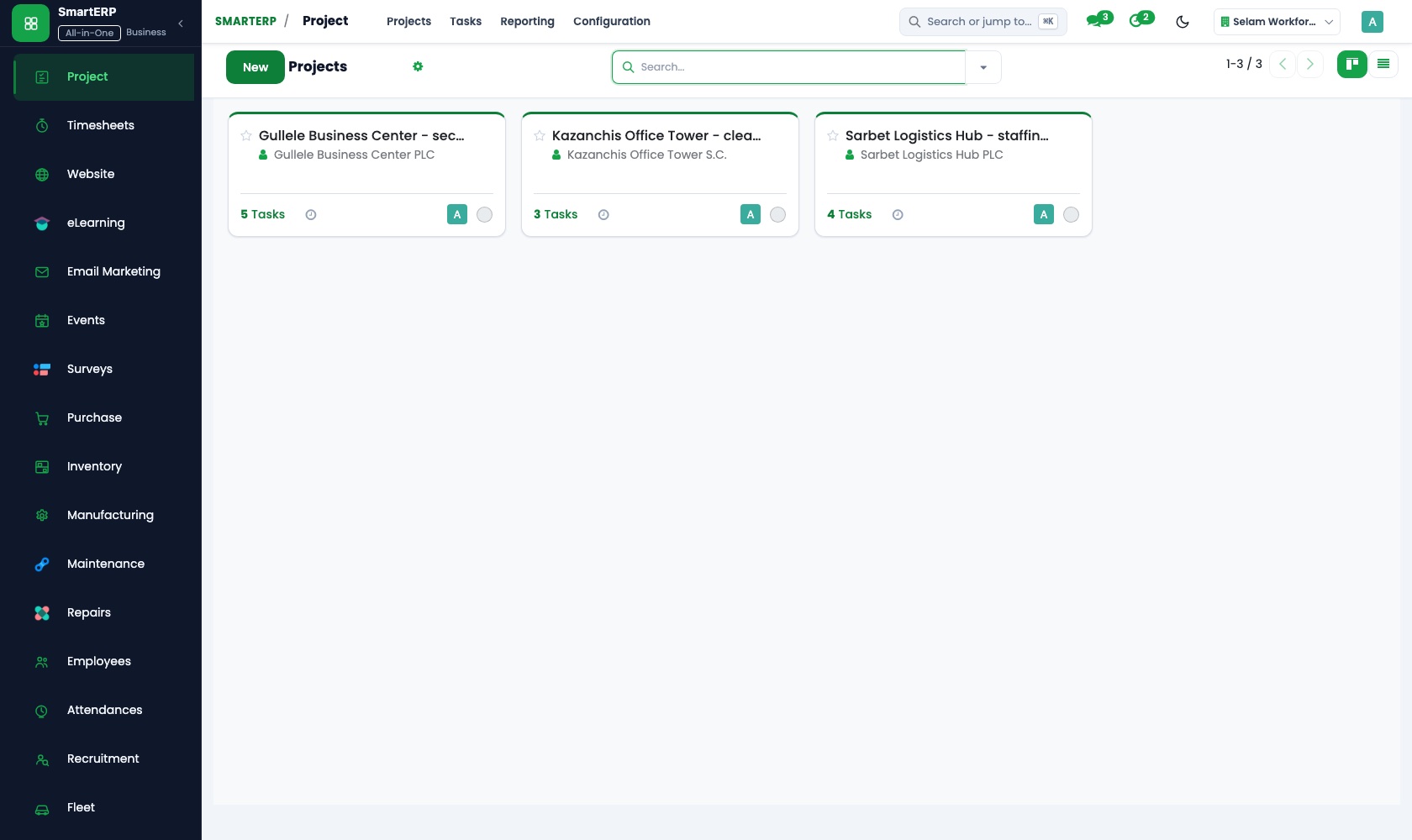
Each site is a project. Its tasks and incidents carry an owner and a deadline, so a reported break-in attempt is followed until the client is answered.
Timesheets
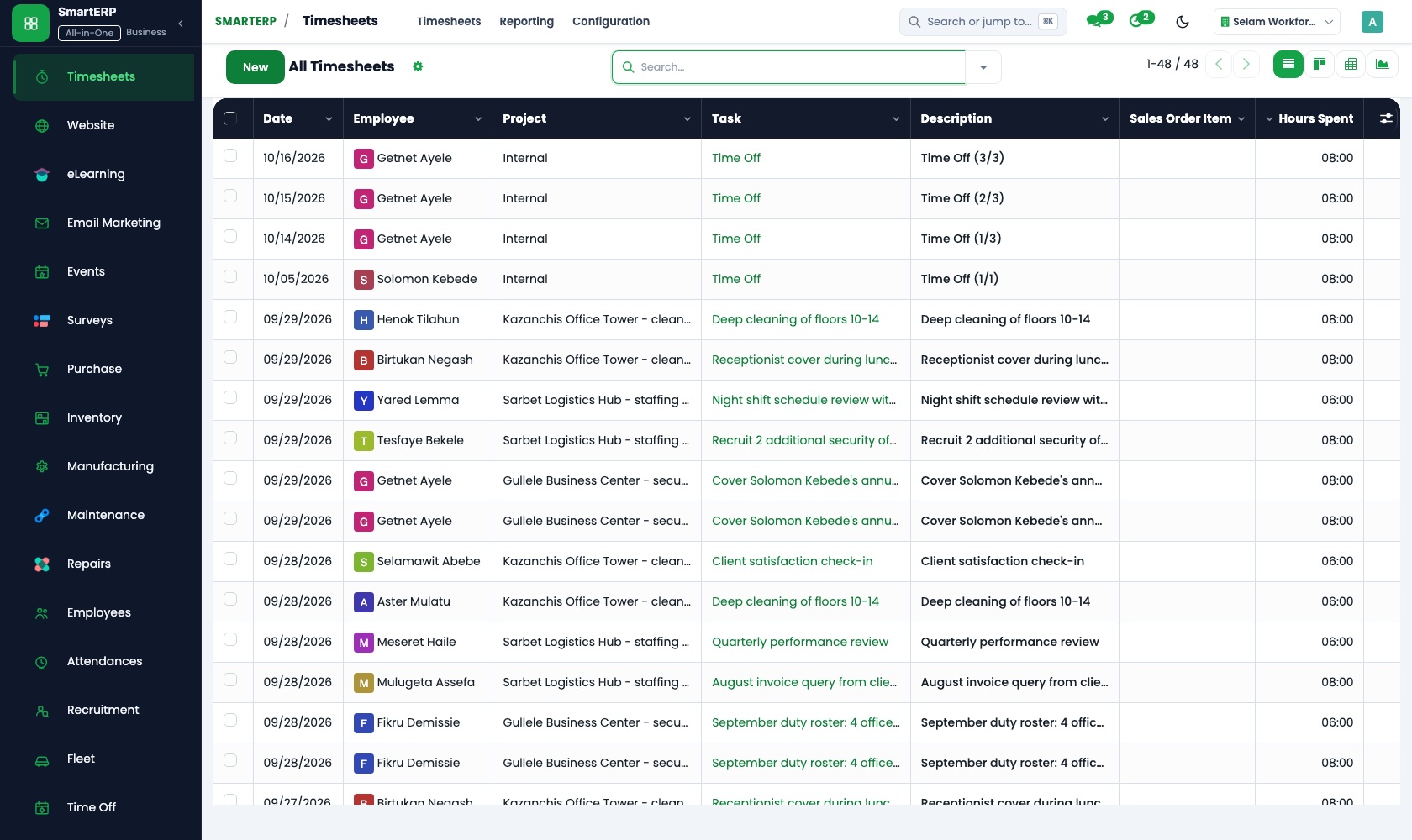
Supervisors log each guard's shift hours against the post's task. Extra shifts are kept apart as billable time, and a manager can review the week's hours.
Employees
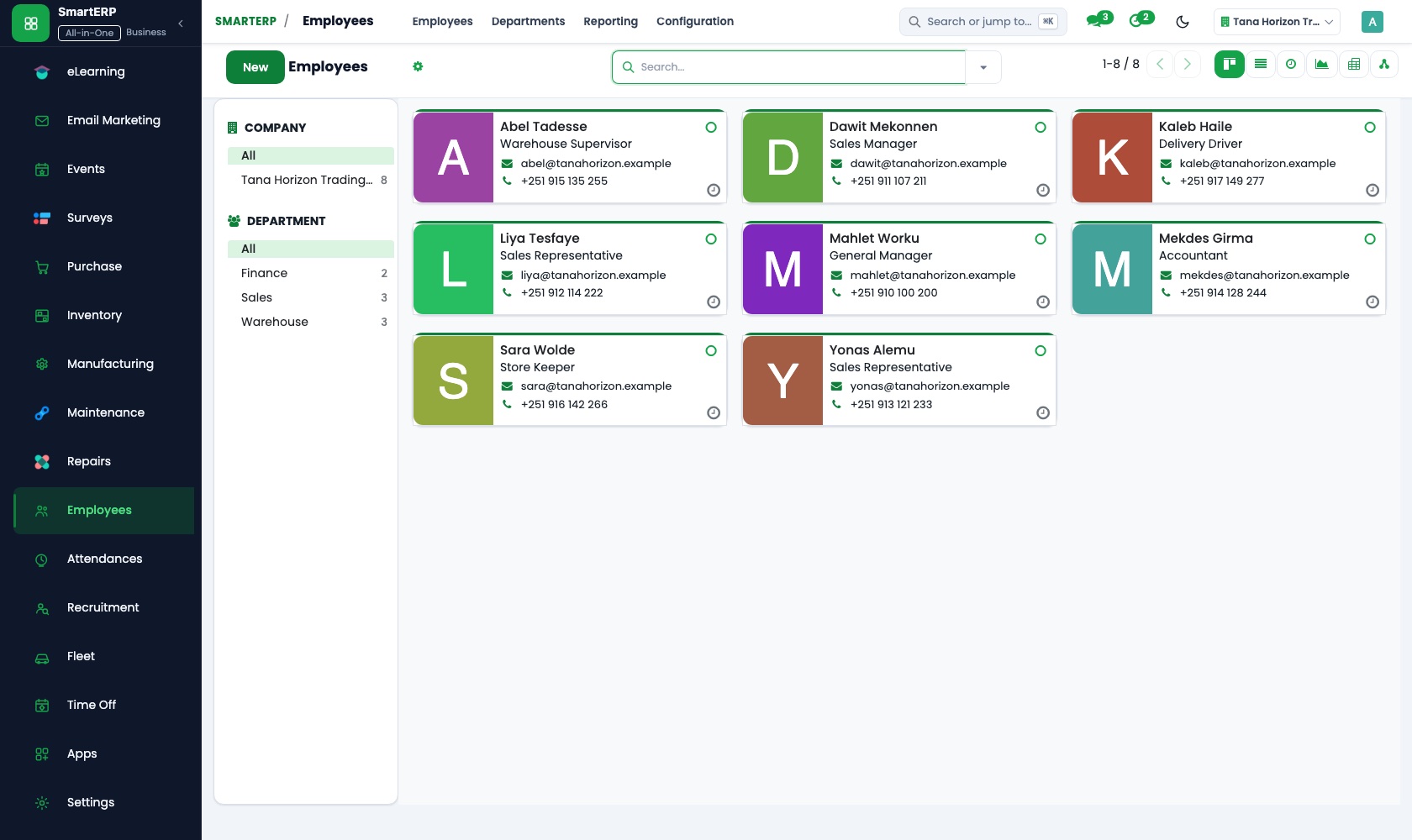
Guards sit in the employee directory under site and supervisor, and job positions such as gate officer show how many places each contract needs.
How the work runs on SmartERP
From a site assessment to a staffed guard post
A factory, school or compound asks for guards, the site is assessed and priced, and the guards are listed against the new contract.
- CRM: Leads and opportunities Register the factory, school or compound that asked for guards, with the manager who arranged the visit.
- CRM: Scheduled activities Schedule the assessment walk and the second visit to present the written plan.
- Sales: Quotations and sales orders Price the posts and shift hours found in the assessment and confirm the contract once signed.
- Employees: Departments and org chart Group guards under their supervisor and site, so the office sees who serves which client.
- Employees: Job positions Define the guard, gate officer and supervisor positions the contract needs and count who fills them.
From logged guard hours to the contract invoice
Shift hours are logged by post, confirmed by the supervisor, compared with the contract and invoiced.
- Timesheets: Log time on tasks The supervisor records each guard's shift hours against the task that stands for that post.
- Timesheets: Approval and review The supervisor's own manager checks the week's hours before they count toward the invoice.
- Timesheets: Billable time Separate the extra shifts the client requested from the hours the contract already covers.
- Accounting: Customer invoices and credit notes Invoice the contracted posts plus extra shifts, and credit a post left uncovered for a night.
- Accounting: Bank and cash Match the client's bank transfer to the invoice so the client's account shows as settled.
Your first month
- First week. We list clients, sites and posts, place each guard under a supervisor, and agree the positions every contract needs.
- Second week. Assessment quotation layouts are built, task stages for incidents are agreed, and your accountant prepares the accounts behind contract invoicing.
- Third week. Supervisors log a week of shift hours against post tasks, the operations manager reviews them, and finance invoices a live contract and compares the hours.
- After go-live. The owner and the operations manager go through the first invoices with us, and we adjust positions and the split between contracted and extra hours.
What to have ready
- Client contracts with posts, shift hours and monthly amount
- A guard list with post, supervisor and position
- Notes from your latest site assessment
- Incidents still open, with the client contact
- Unpaid supplier bills and your bank account details
The applications on screen
Real SmartERP screens with sample data.
Who uses it
- Business owner or general managerSee the whole business and keep every department working on the same records.
- Finance and accountingInvoices, bills, bank and reports from one ledger.
- Operations and productionPlan production, maintain equipment, deliver on time.
- Human resourcesStaff records, hiring, leave and attendance.
Company sizes
- 11 to 50 people
- 51 to 100 people
- 101 to 200 people
What SmartERP does not cover for this industry
SmartERP has no guard rota or shift planner, no patrol or location tracking, no incident reporting screen for guards in the field and no register of weapon permits. Salary calculation for guards also stays outside it.
Questions about SmartERP for security services
Does SmartERP plan guard rotas or track patrols?
No. SmartERP has no rota or shift planner and does not track patrols or locations. It lists guards by post and supervisor and records hours and invoices.
Can guards report an incident from their post on a phone?
There is no incident reporting screen for guards in the field. The office records the incident as a task on the site's project, with an owner, until the client is answered.
Can SmartERP hold weapon permits or work out guard salaries?
No to both. There is no register of weapon permits, and payroll is only through an implementation project, not the standard service.
How does a site assessment turn into a contract invoice?
CRM schedules the visit, Sales prices the findings as a quotation, Timesheets record the hours worked, and Accounting invoices the contract and any extra shifts.
Can a new client accept our quotation online?
Yes. The customer portal in Sales lets the client open the quotation you send, review it and accept it.
See it before you decide
A site assessment turned into a staffed post for a fictional security company
The walkthrough registers a factory that asked for guards, prices the posts found in the assessment, confirms the contract and lists the guards under a supervisor, on sample data.
There is no self-service sandbox. The demo is a guided walkthrough on sample data, or you can start a trial workspace.
Pricing
This industry has no packaged edition yet. You can start on a per-user plan with the recommended applications, or ask for a quote. Current plans and prices are on the pricing page.
See plans and pricingA website for your business
SmartERP can also set up a starter website for this kind of business, offered as part of a website project: Home, Guarding, Alarm & CCTV, Event Security, Our Guards, Site Assessment, Contact. How the website tools work.
Start with what your business needs first
Tell us your industry and we carry it through the guided set-up, or talk to us first.
Start SmartERP Book a demo