Term fees, teaching staff and campus purchasing for a school's business office
A school office handles admissions, fees, staff and supplies with few people and long lists. SmartERP does not hold pupil records, timetables or marks. It supports the business office: what each family was charged and has paid, who holds which post, and what the school bought.
Start with Sales and Accounting for fees and shop items, Employees for the staff directory and Purchase for supplies. Add Events for open days and campus visits, Surveys for parent feedback and eLearning for extra study material.
Typical businesses: Private schools · Kindergartens · Primary schools · Secondary schools · Preparatory schools
Problems this industry runs into
Term fees are recorded family by family in ledgers
Siblings, agreed discounts and uniform or textbook purchases make each family's balance a small calculation, and the office cannot list unpaid families quickly when term starts.
Classroom, canteen and maintenance orders come from everywhere
Teachers, the cook and the caretaker each buy from their usual shop, so the school cannot compare prices or see what it has committed to spend this term.
Teachers' posts and contact details sit in personal files
Job titles, sections and phone numbers of teachers and support staff are in files each head of section keeps, so the director cannot say who teaches or works where.
Open-day visitors are counted at the gate
Parents who want to see the campus sign a paper on the day, so the school cannot prepare for numbers beforehand or contact the families again afterwards.
Applications in the Education edition
These applications are the ones the industry edition's blueprint includes. Each opens its own page.
Often added for this industry
What each application does for school (K-12)
Accounting
The business office invoices term fees family by family and credits the discount agreed for a second child. Receivables list the families who have not paid when term starts.
Sales
Term fees, uniforms and textbooks are sold as products on one quotation, so a family's balance is a single document. Price lists hold agreed discounts.
Purchase
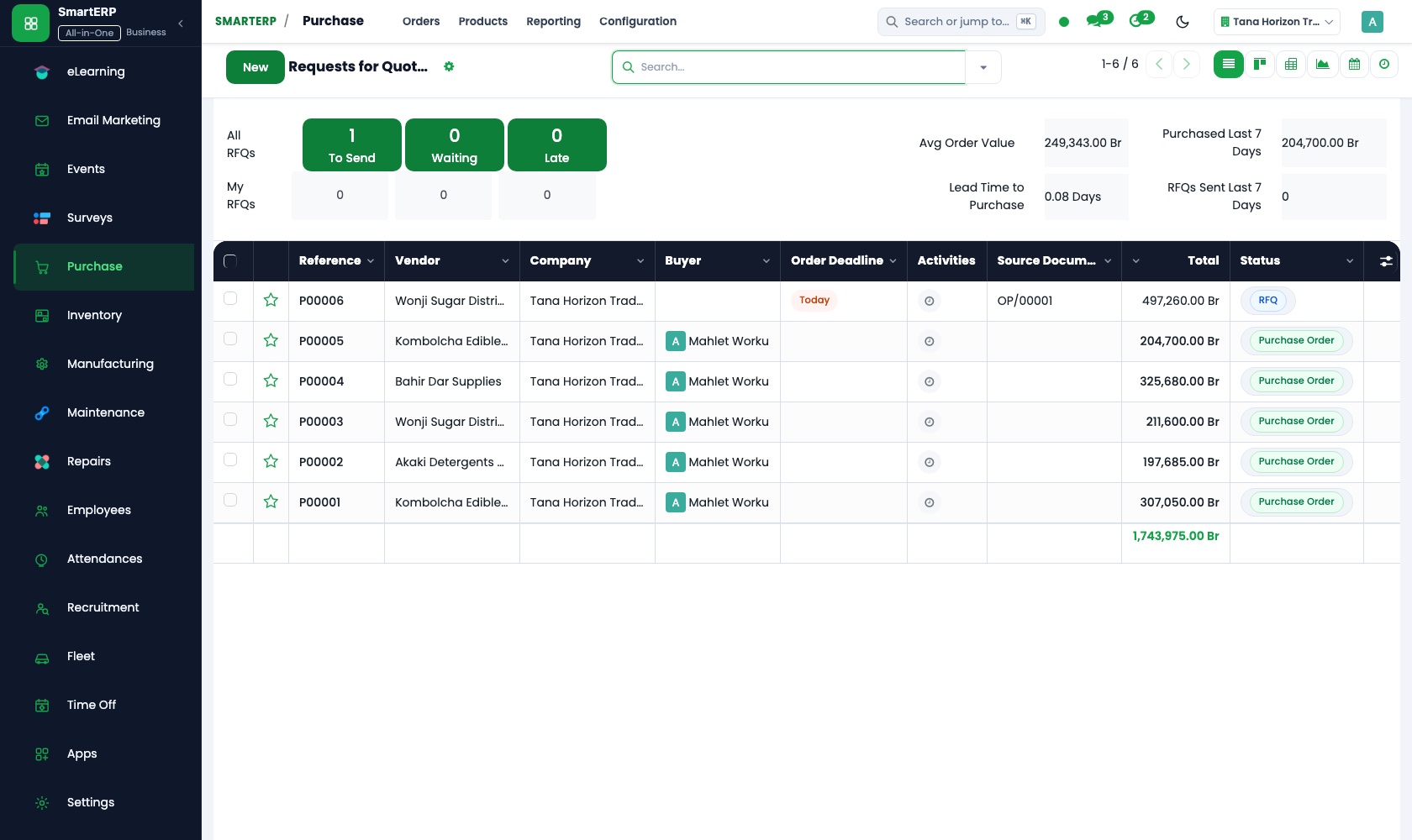
Textbooks, exercise books and canteen supplies are ordered on purchase orders instead of by whoever visits the shop. Requests for quotation compare booksellers.
Employees
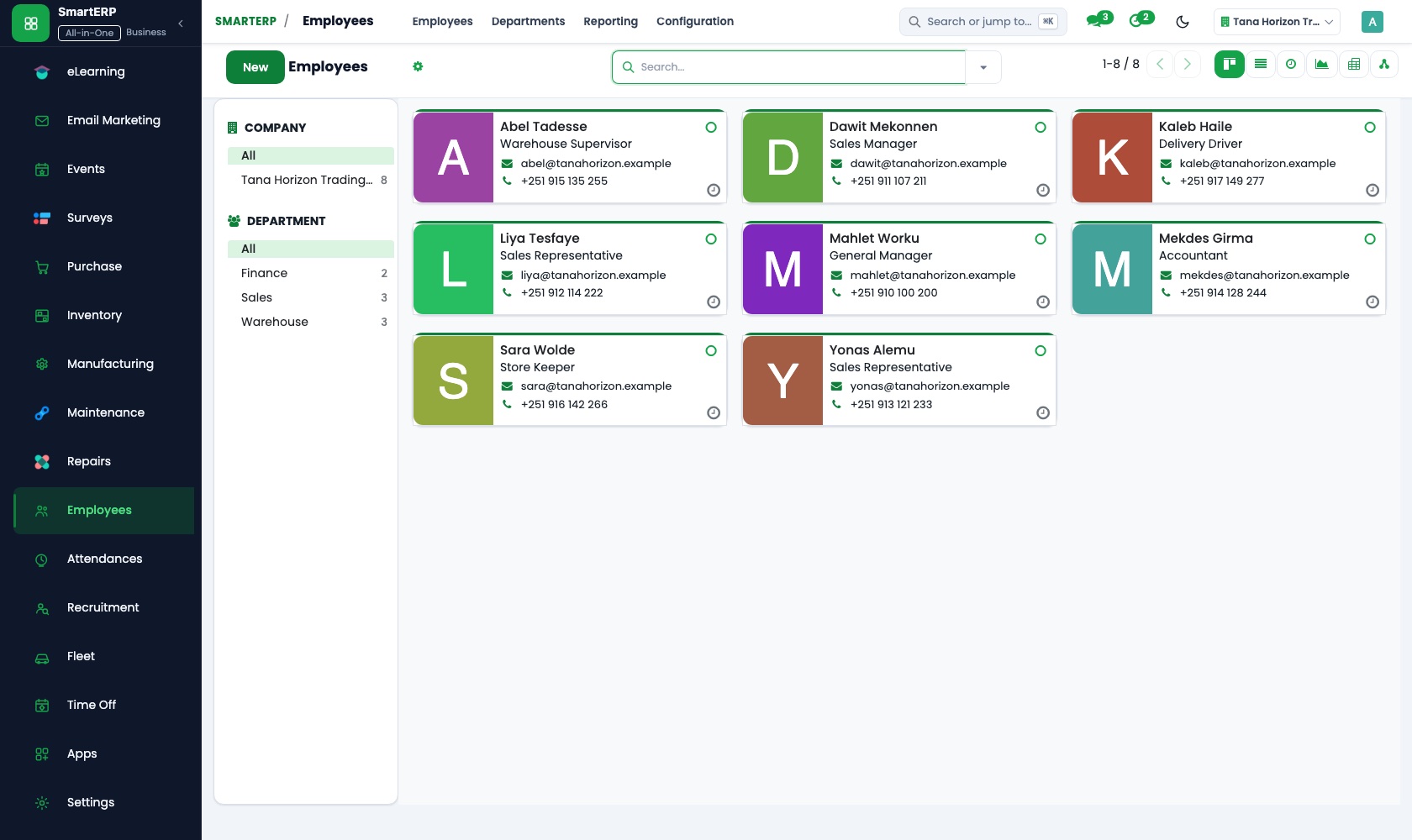
Teachers and support staff sit in one directory with post, section and contact details. The director sees who works where, and private details are restricted to HR officers.
How the work runs on SmartERP
From an open day to a first term's fee
Families register for a campus visit, the school follows up those who come, and a family that joins is quoted and invoiced.
- Events: Event pages Publish the campus-visit day with its times and the levels that will be shown to visiting families.
- Events: Online registration Parents register before the day, so the school knows how many families to expect.
- Events: Attendee list Mark who actually came and keep that list for the admissions team's follow-up.
- Sales: Quotations and sales orders Quote the enrolment and the first term's fee for a family that decides to join.
- Accounting: Customer invoices and credit notes Invoice the family and credit the discount agreed for a second child.
From a term's textbook order to the supplier's payment
The school prices textbooks and exercise books with suppliers, orders once, checks the delivery and pays against it.
- Purchase: Requests for quotation Ask two booksellers or printers to quote the coming term's textbooks and exercise books.
- Purchase: Purchase orders Place the order with the chosen supplier so the head teacher and the office share one record.
- Purchase: Receipts and three-way matching Count the delivered boxes against the order and the supplier's bill before anything is paid.
- Accounting: Vendor bills and payments Pay the bookseller when the bill matches and see what remains owed to other suppliers.
Your first month
- First week. We list each level's fees, the extra items families buy, such as uniforms and textbooks, and the discounts you allow, then load families, suppliers and staff.
- Second week. Fee items and price lists are set up, the accountant confirms the chart of accounts and banks, and each teacher is entered with post and section.
- Third week. The office quotes and invoices a few real families, including a sibling discount. The textbook order is priced with two booksellers and checked on delivery.
- After go-live. At the end of the first term we list unpaid families, compare purchases with what was planned, and adjust price lists, fee items and the staff directory.
What to have ready
- The fee schedule of every level, with the uniform, textbook and other items families buy
- Family contacts and the fees each family owes this term
- Teachers and support staff with post, section and contact details
- Booksellers, printers and shops the school buys from, with usual prices
- Bank account details and opening balances, from your accountant
The applications on screen
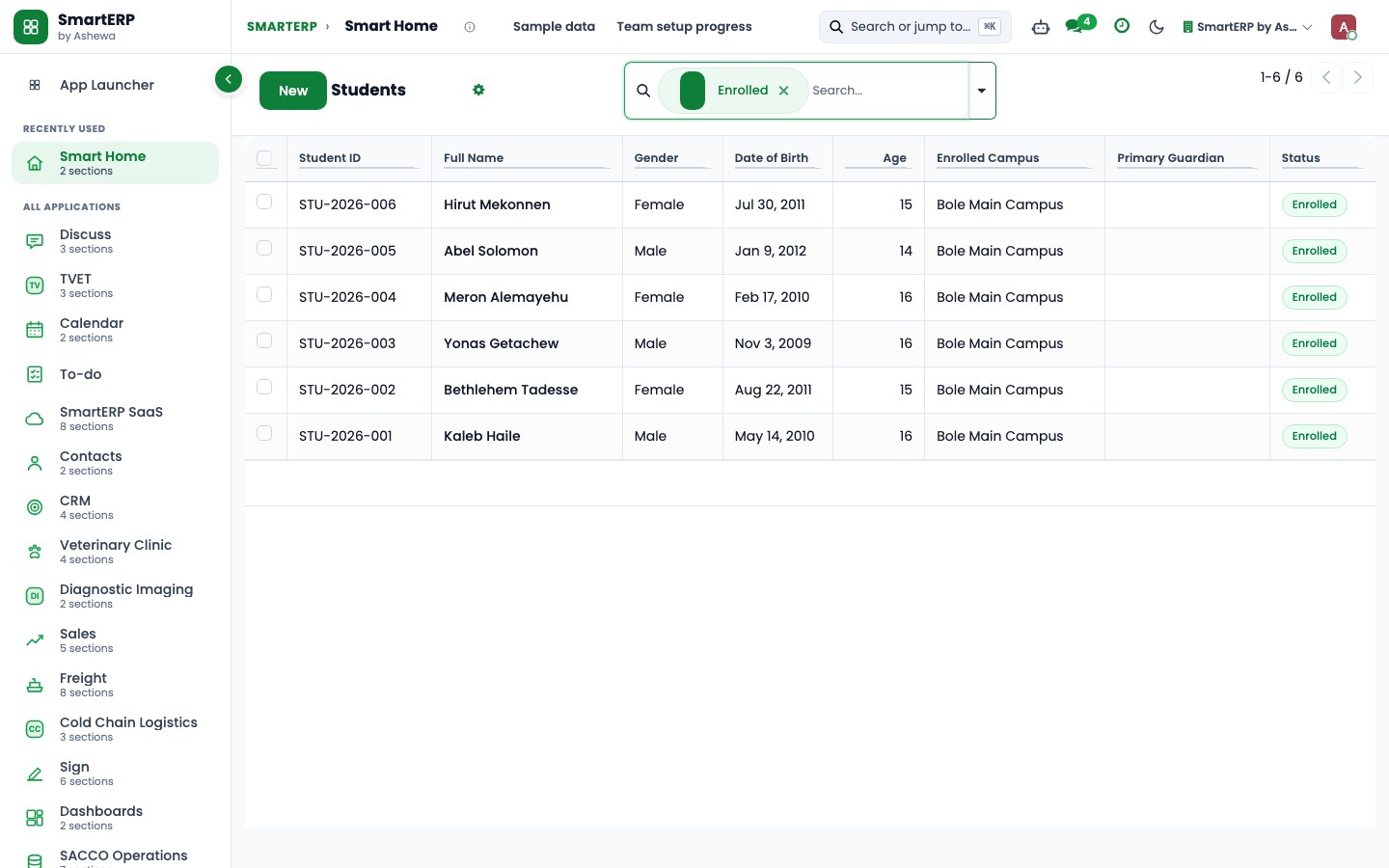
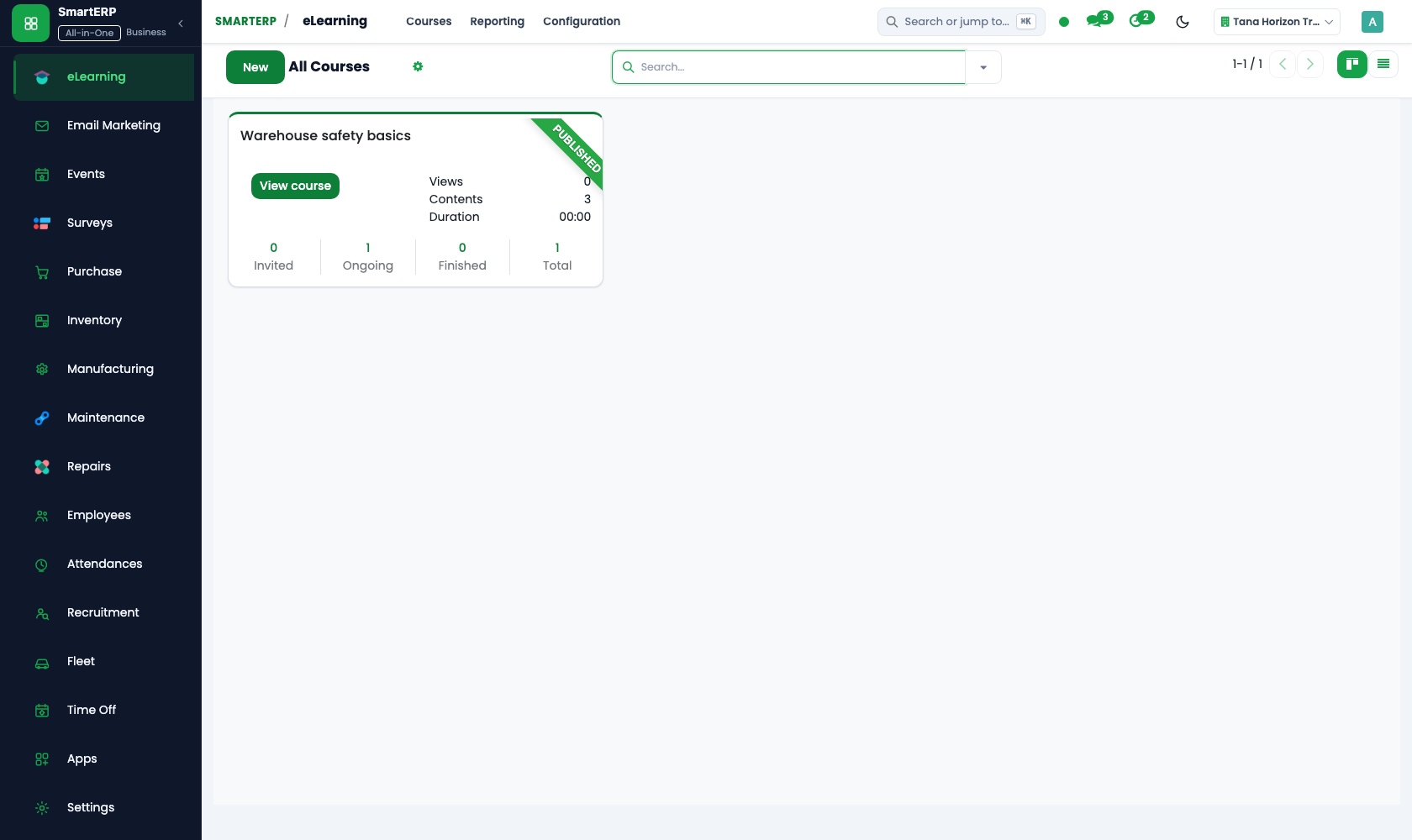
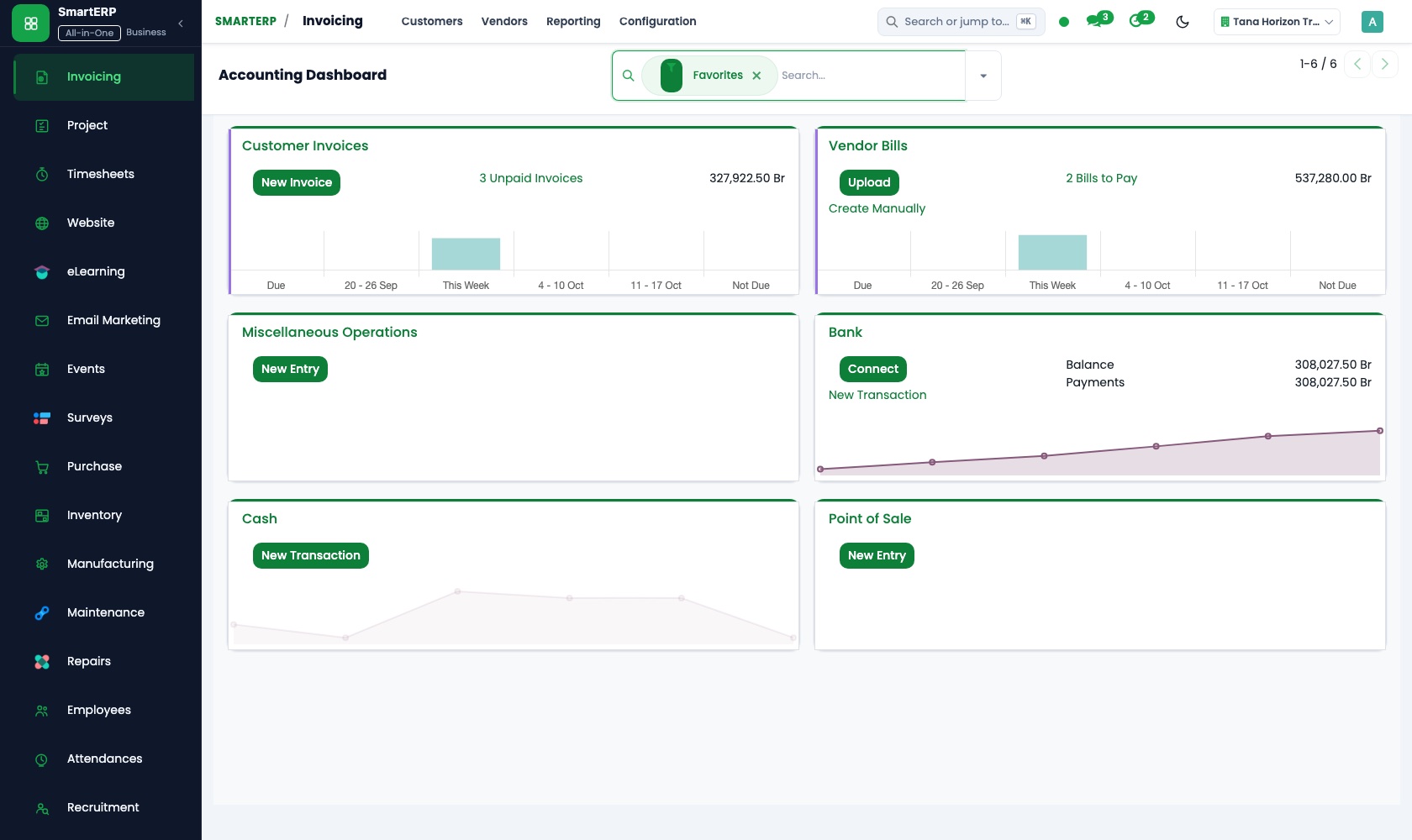
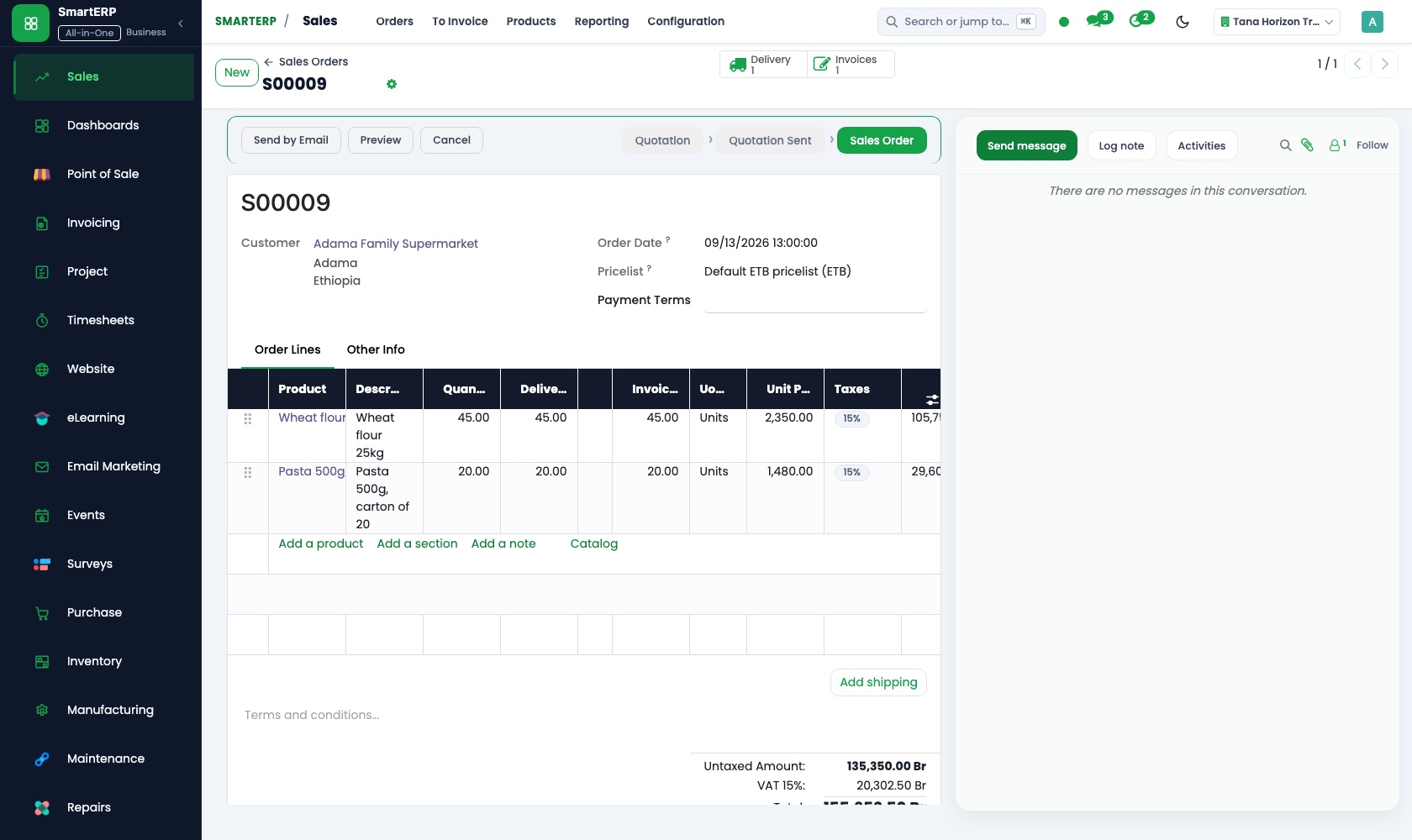
Real SmartERP screens with sample data.
Who uses it
- Business owner or general managerSee the whole business and keep every department working on the same records.
- Finance and accountingInvoices, bills, bank and reports from one ledger.
- Purchasing and storesBuy, receive and control stock.
- Human resourcesStaff records, hiring, leave and attendance.
Company sizes
- 11 to 50 people
- 51 to 100 people
What SmartERP does not cover for this industry
SmartERP has no pupil register, timetable, marks or report cards, class attendance, admission form workflow or parent messaging, and no salary calculation. Use your school-management system for academic records; SmartERP covers fees, purchasing, events and staff.
Questions about SmartERP for school (K-12)
Can SmartERP keep pupil records, marks and the timetable?
No. SmartERP has no pupil register, timetable, marks or report cards, class attendance, admission form workflow or parent messaging. Use your school-management system for those.
Can we register parents for an open day?
With Events added, the campus-visit day is a website page, parents register online, and one attendee list shows who is confirmed. The admissions team can email participants with reminders.
How do we bill a family with several children?
Apply the discount agreed for a second child from a price list on the quotation, and invoice the family in Accounting. A credit note adjusts the balance if something changes.
Can the cook and the caretaker keep buying from their usual shops?
Yes, but each purchase becomes a purchase order, so the school sees what was ordered, can compare prices through requests for quotation, and checks the bill against the delivery.
Do fees, supplies and staff records work together?
Fees run from Sales into Accounting, supplies from Purchase into vendor bills, and Employees holds the staff directory. SmartERP does not calculate salaries for teachers or support staff.
See it before you decide
From an open day registration to a first term invoice, for a fictional school
The walkthrough registers a family for a campus visit, marks them as attending, quotes the first term's fee with a sibling discount and invoices it, on sample data for a fictional school.
There is no self-service sandbox. The demo is a guided walkthrough on sample data, or you can start a trial workspace.
Pricing
SmartERP has an industry edition for this sector (Education). The applications listed above are its applications, and the editions, their staff bands and the current prices are on the pricing page. This page shows no price.
See plans and pricingA website for your business
SmartERP can also set up a starter website for this kind of business, offered as part of a website project: Home, Academics, School Life, Admissions, Campus & Visits, Parents & News, About, Contact. How the website tools work.
Start with what your business needs first
Tell us your industry and we carry it through the guided set-up, or talk to us first.
Start SmartERP Book a demo