A coordination desk for shippers, with fees, carrier costs and stock on record
An import and export desk earns fees for moving other people's goods, while paying carriers, agents and warehouse keepers on their behalf. SmartERP records each enquiry as an opportunity, each fee as a quotation and each outside cost as a purchase, so charges passed on to the shipper are billed rather than forgotten.
Start with CRM and Sales for the shipper relationship, Purchase and Accounting for carrier and agent bills, and Inventory when goods sit in your warehouse between arrival and release. Consignment tracking and customs entries are not part of SmartERP.
Typical businesses: Import agencies · Export agencies · Consignment coordinators · Shipper service desks
Problems this industry runs into
Shippers ask for prices in messages and calls
A first-time shipper asks what a move will cost and the answer is typed out again each time, so repeat enquiries take as long as new ones and follow-ups lapse.
Costs paid on a shipper's behalf go unbilled
Port charges, agent fees and transport are paid in cash or by transfer during the job. Some are never added to the shipper's invoice, and the desk absorbs them.
One consignment's costs are spread over many bills
Carrier, agent and warehouse bills arrive separately and late, so the true cost of a consignment is known only after the shipper has been invoiced.
Goods held at the warehouse have no clear release record
Cargo waiting for clearance or collection is booked in and out on loose sheets, so a shipper who asks what is on hand receives a guess.
Applications in the Import and Export edition
These applications are the ones the industry edition's blueprint includes. Each opens its own page.
What each application does for import and export
Accounting
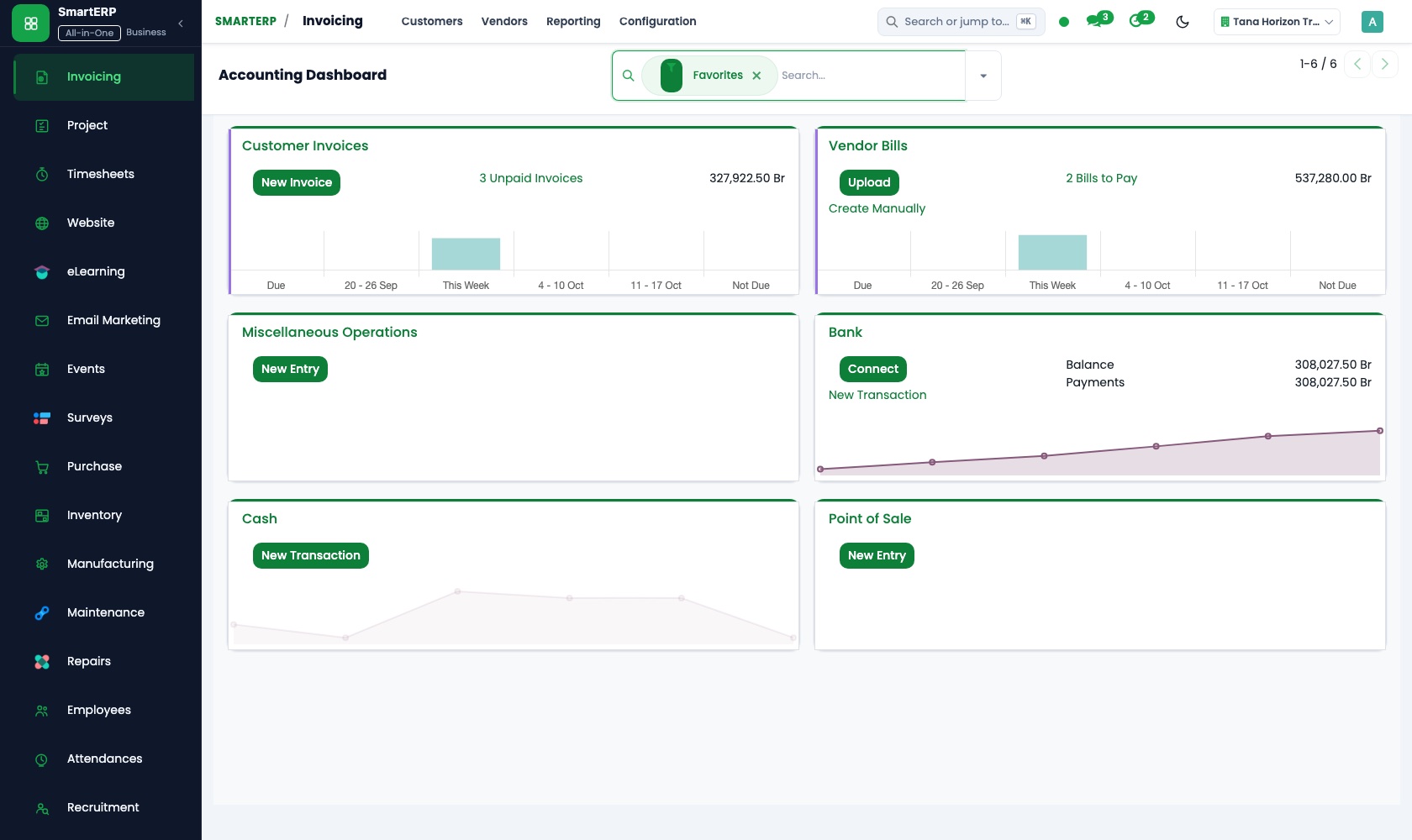
Carrier and agent bills are registered and paid when due. The shipper gets one invoice with the fee and passed-on charges, matched to its payment in bank and cash.
Sales
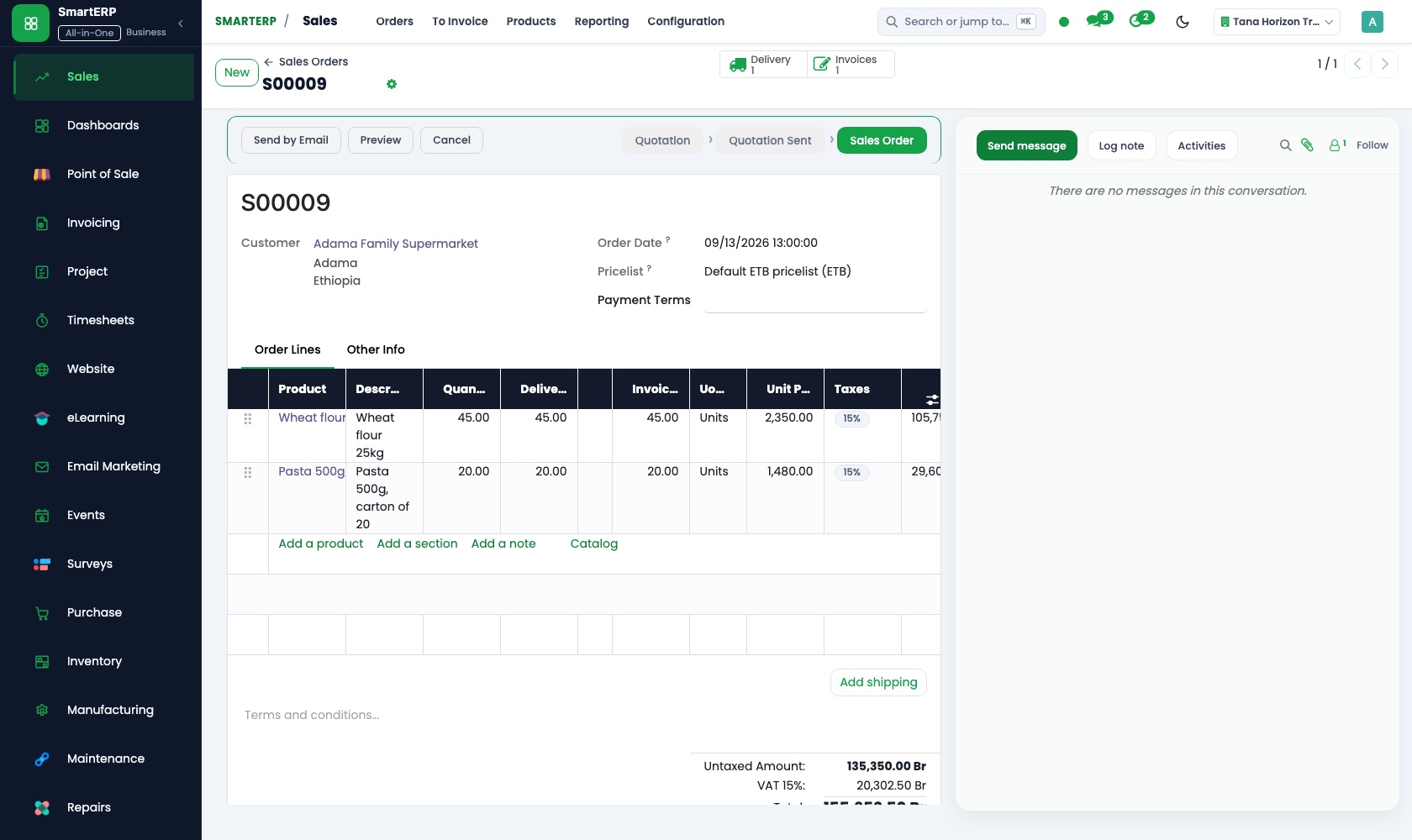
Each consignment's fee is a quotation, confirmed as an order when the shipper agrees. Delivery and invoicing status shows whether the work is billed.
Inventory
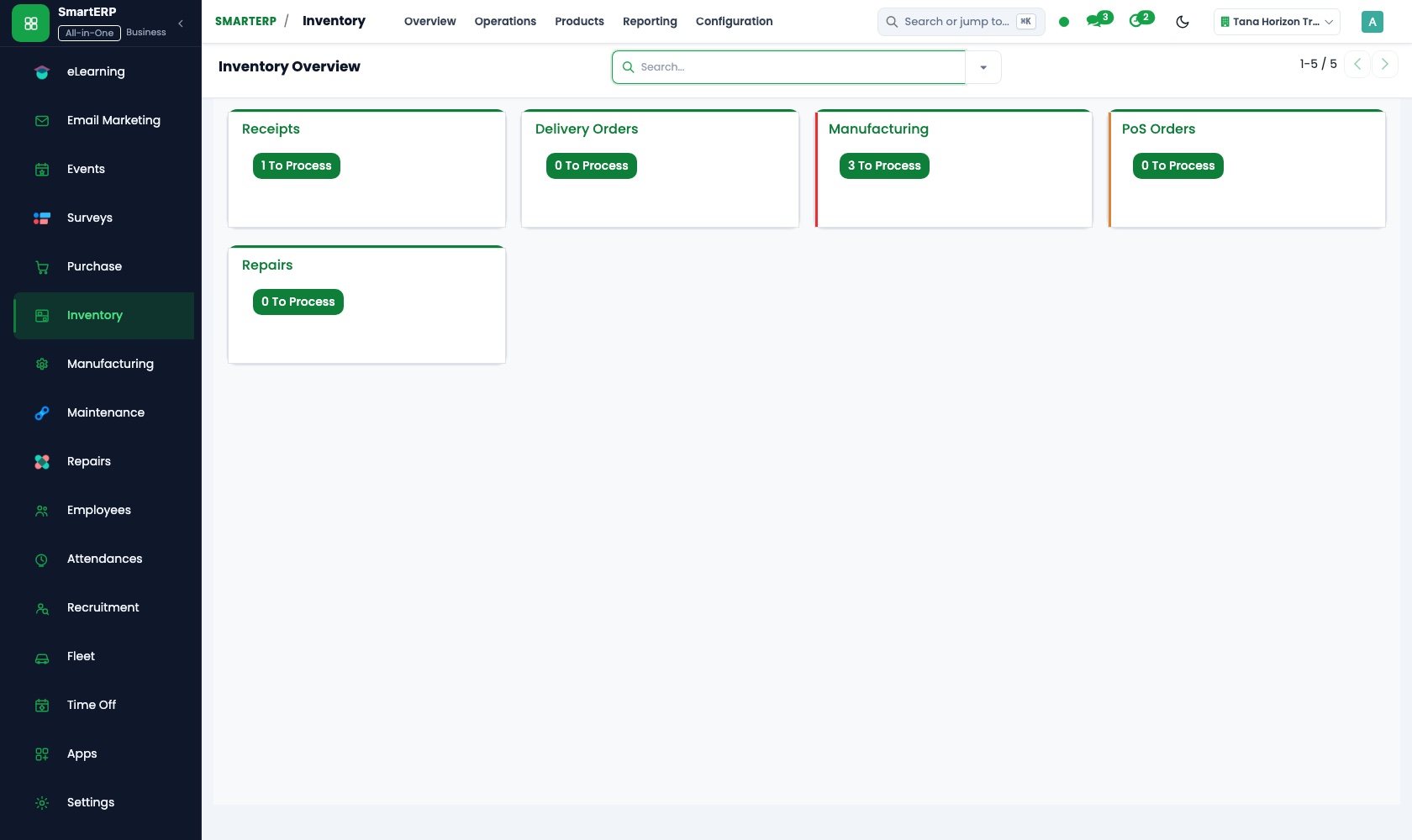
Goods waiting in your warehouse between arrival and release are booked in and out by location, and a stock report answers a shipper who asks what is on hand.
Purchase
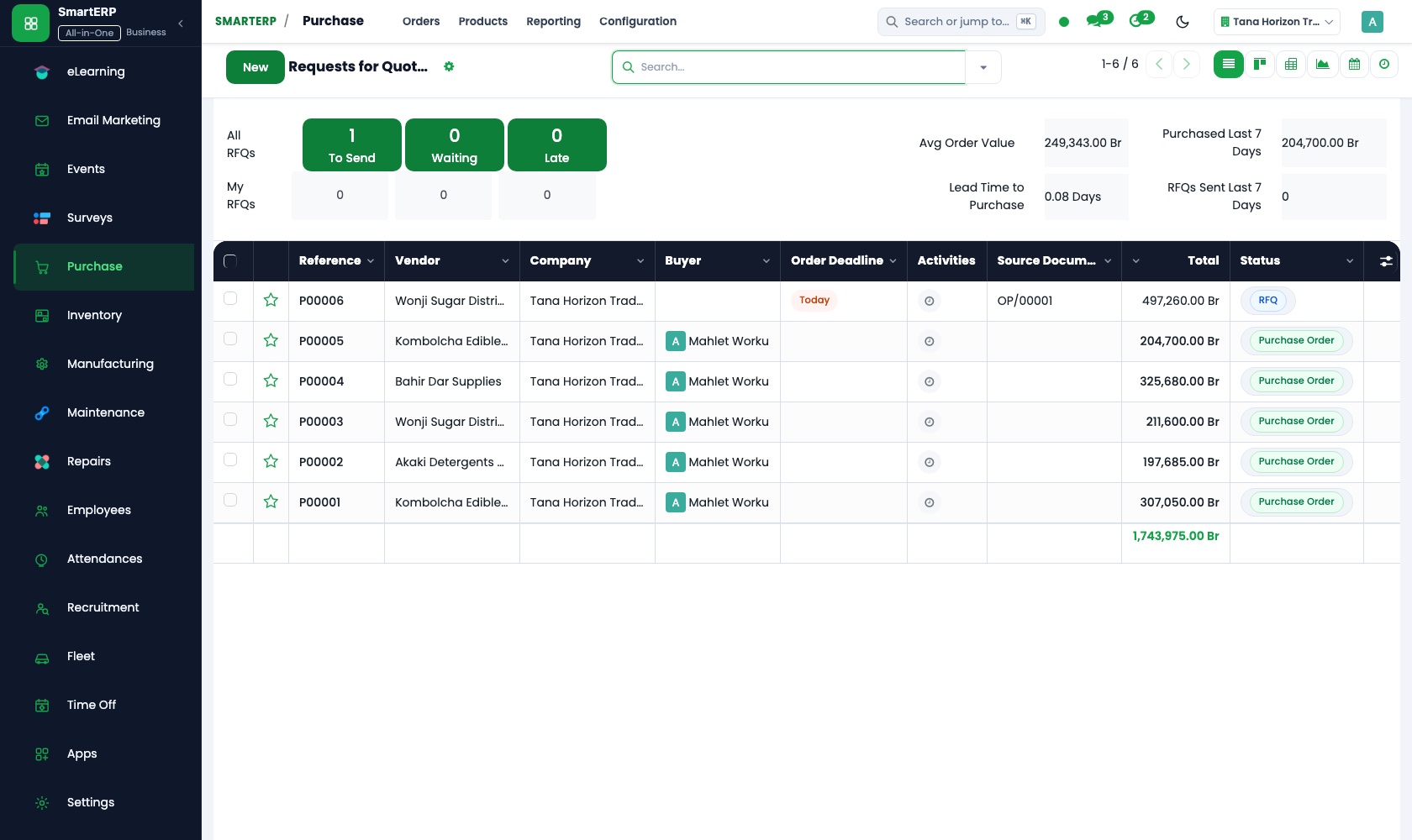
Carriers, agents and warehouse keepers are vendor records with their own accounts. A purchase order for each outside service puts the expected charge on record before the bill arrives.
CRM
Each shipper request is an opportunity recording the goods, the route and whether it is an import or an export. Scheduled activities keep a quiet enquiry in view.
How the work runs on SmartERP
From a shipper's enquiry to a fee invoice
A shipper's request is logged, followed up until a fee is agreed, confirmed as an order and billed on completion.
- CRM: Leads and opportunities Record the goods, the route and the kind of move the shipper wants arranged, whether import or export.
- CRM: Scheduled activities Schedule the next call to collect missing shipper details, so a stalled enquiry stays visible.
- Sales: Quotations and sales orders Quote the service fee for this consignment and confirm it as an order when the shipper agrees.
- Accounting: Customer invoices and credit notes Invoice the fee when the job is done, with a credit note if part of the service is dropped.
Passing carrier and agent costs on to the shipper
Outside providers are ordered and paid for a consignment, and their charges are billed on to the shipper who owes them.
- Purchase: Vendor records Keep each carrier, clearing agent and warehouse keeper as a supplier with their own account.
- Purchase: Purchase orders Place an order with the carrier or agent for this consignment so the expected cost is on record.
- Accounting: Vendor bills and payments Register the carrier's bill against the order and pay it by transfer or cash on the due date.
- Accounting: Customer invoices and credit notes Bill the shipper for the charges passed on, together with the service fee, in a single invoice.
Your first month
- First week. We list your shippers and the carriers, agents and warehouse keepers you pay, and agree how a fee quotation reads for an import job and an export job.
- Second week. Warehouse locations are set up for held goods, your accountant prepares the accounts, and what shippers and carriers owe is entered as opening balances.
- Third week. The desk logs real enquiries, quotes a fee, orders outside services and registers their bills, then finance invoices the fee with the passed-on charges.
- After go-live. With the owner we see which consignments paid once costs and fees sit side by side, and adjust quotation wording and the supplier list.
What to have ready
- Your shippers with contacts and the goods each usually moves
- Carriers, agents and warehouse keepers you pay, with usual rates
- Fee sheets or past quotations sent to shippers
- Goods held in your warehouse, with the owner of each lot
- Unpaid carrier bills, unpaid shipper invoices and your bank details
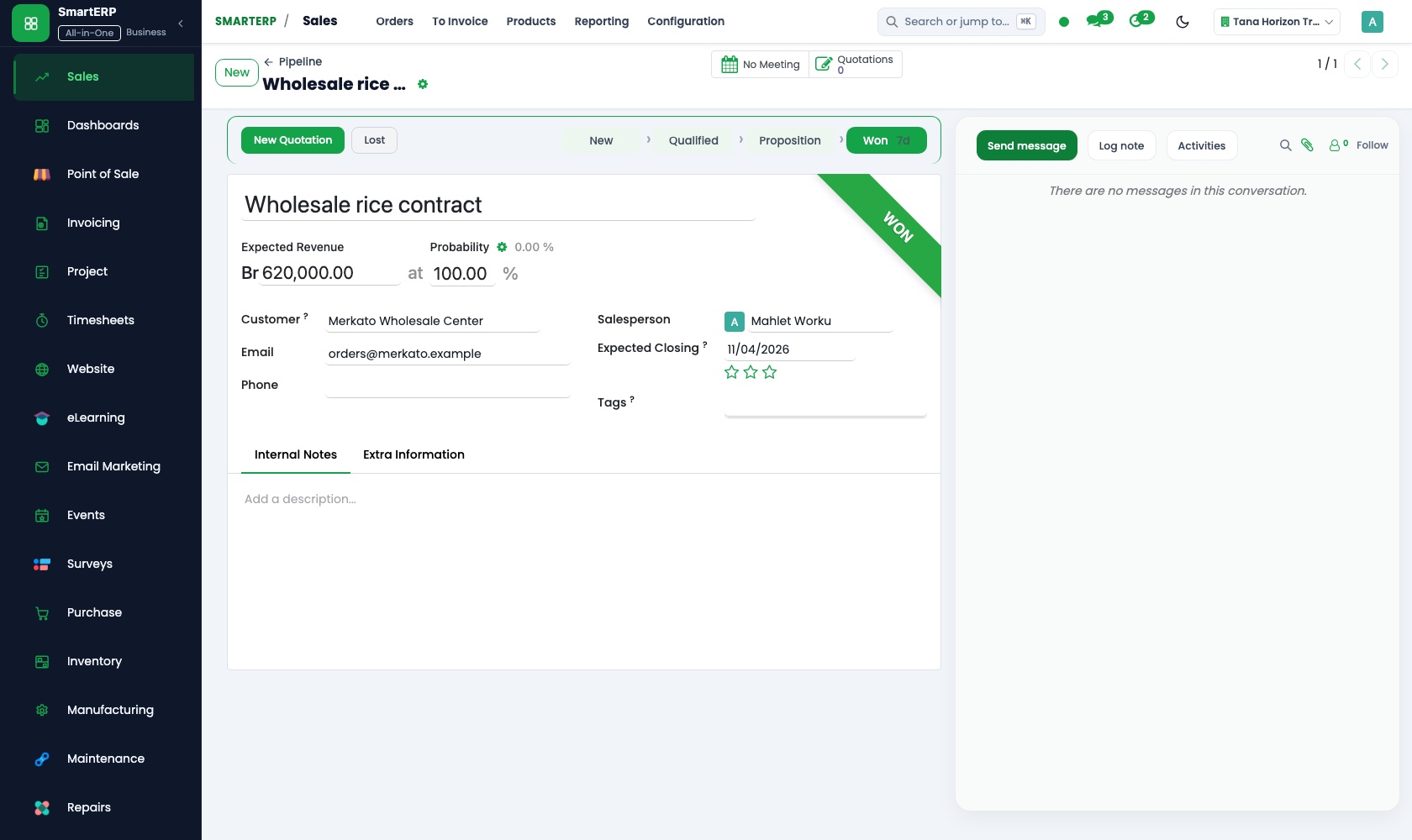
The applications on screen
Real SmartERP screens with sample data.
Who uses it
- Business owner or general managerSee the whole business and keep every department working on the same records.
- Finance and accountingInvoices, bills, bank and reports from one ledger.
- Sales and customer serviceLeads, quotations, orders and follow-up.
- Operations and productionPlan production, maintain equipment, deliver on time.
Company sizes
- Up to 10 people
- 11 to 50 people
What SmartERP does not cover for this industry
SmartERP does not track consignments by vessel or container, prepare customs declarations, print shipping paperwork or keep a checklist per consignment. Use your clearing tools for those; SmartERP records the fee, the cost and the stock.
Questions about SmartERP for import and export
Can SmartERP track a consignment or prepare customs papers?
No. It does not track consignments by vessel or container, prepare customs declarations, print shipping paperwork or keep a checklist per consignment. It records the fee, the cost and the stock.
How do we see whether a job earned money?
Order each outside service in Purchase, register its bill in Accounting and invoice the fee and passed-on charges. Purchase and Sales reporting then let you set what you paid against what you billed.
Does SmartERP count the goods stored in our warehouse?
Yes, for goods you hold. Inventory books them in and out by location and the stock report lists what is on hand. It does not follow goods still on the move.
Do the applications share one record of a shipper's job?
Yes. The CRM opportunity becomes the Sales quotation, the order is invoiced in Accounting, and services ordered in Purchase return as vendor bills.
Can a shipper accept our fee quotation online?
Yes. The customer portal in Sales lets the shipper open the quotation you send, review it and accept it.
See it before you decide
One consignment from fee quotation to carrier bill
The walkthrough quotes a fee for an invented shipper's consignment, orders and pays a carrier, and bills the carrier's charge onward, with sample records for a fictional agency.
There is no self-service sandbox. The demo is a guided walkthrough on sample data, or you can start a trial workspace.
Pricing
SmartERP has an industry edition for this sector (Import and Export). The applications listed above are its applications, and the editions, their staff bands and the current prices are on the pricing page. This page shows no price.
See plans and pricingA website for your business
SmartERP can also set up a starter website for this kind of business, offered as part of a website project: Home, Import Support, Export Support, Documents Needed, Routes and Modes, Shipment Quote, Contact. How the website tools work.
Start with what your business needs first
Tell us your industry and we carry it through the guided set-up, or talk to us first.
Start SmartERP Book a demo