Member records, enrolment fees and institution accounts for a microfinance body
The core ledger of savings and credit is a specialised system, and SmartERP does not replace it. What surrounds it can share one set of records: enquiries at branches and from field agents, membership and its fee, the staff directory and the institution's own books.
Begin with CRM, Employees and Accounting. Add Membership to keep member status and the enrolment fee, and Email Marketing for notices to members who agreed to receive them. Sales serves any fee-based service the institution prices and quotes.
Typical businesses: Microfinance institutions · Savings and credit associations · Women's savings groups · Youth savings associations · Branch and agent networks
Problems this industry runs into
Prospective members are noted in branch notebooks
Traders, farmers and group leaders ask about saving or credit at a counter or through an agent, and the enquiry is written on paper that head office never sees.
Each branch counts groups and members differently
A women's group or youth association is listed under one name at one branch and another elsewhere, so nobody can report how many members are active.
Fees are collected but not tied to member standing
Enrolment and annual fees arrive in cash and by bank transfer, and whether a member is in good standing is worked out from a receipt book.
Agents and branch staff share no single directory
Which agent serves which market, and who is the branch officer or supervisor, sits in separate lists, so contacts and responsibilities are unclear.
A recommended starting set of applications
There is no packaged edition for this industry yet. These applications are our recommendation for a business of this kind, not a fixed bundle.
Often added for this industry
What each application does for microfinance and savings
Accounting
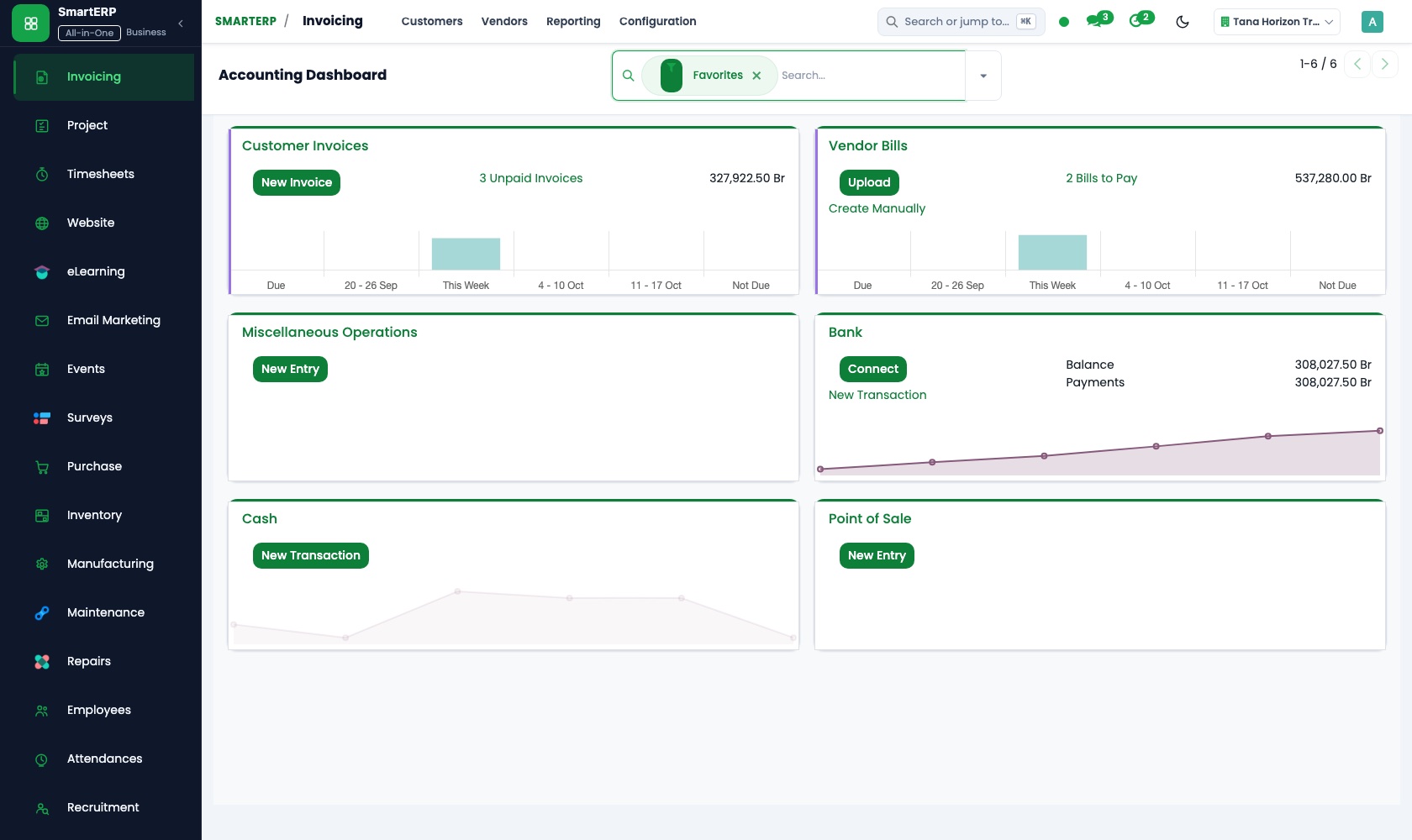
The institution's own income, branch rent, electricity and supplier bills go into one ledger. Member fee transfers and branch cash deposits are matched to the invoices they settle, and the board reads the month's financial reports.
CRM
Whoever asks about saving or credit at a counter or through a field agent is entered as a lead. Scheduled activities book the follow-up visit, and the pipeline by stage shows head office which enquiries still wait.
Sales
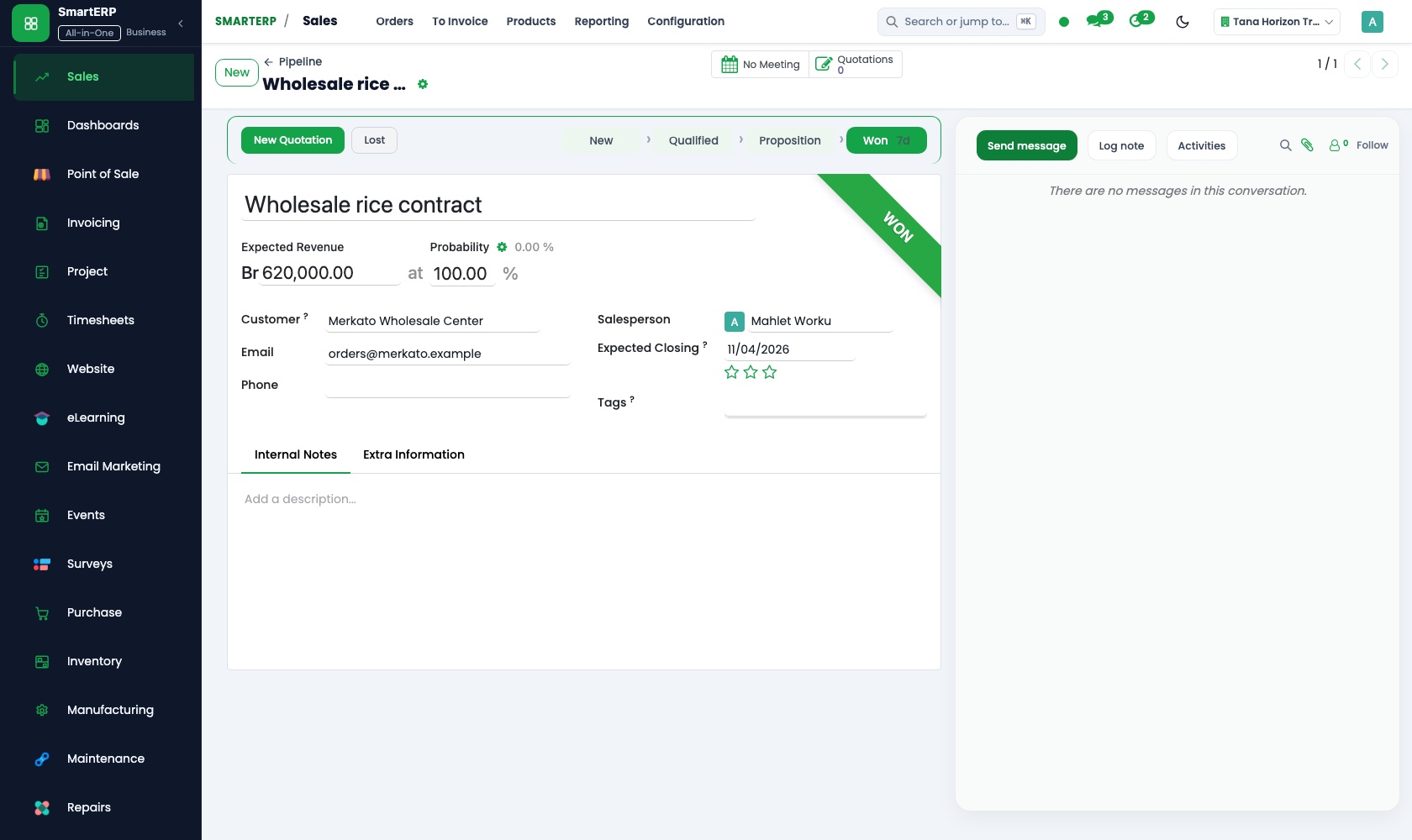
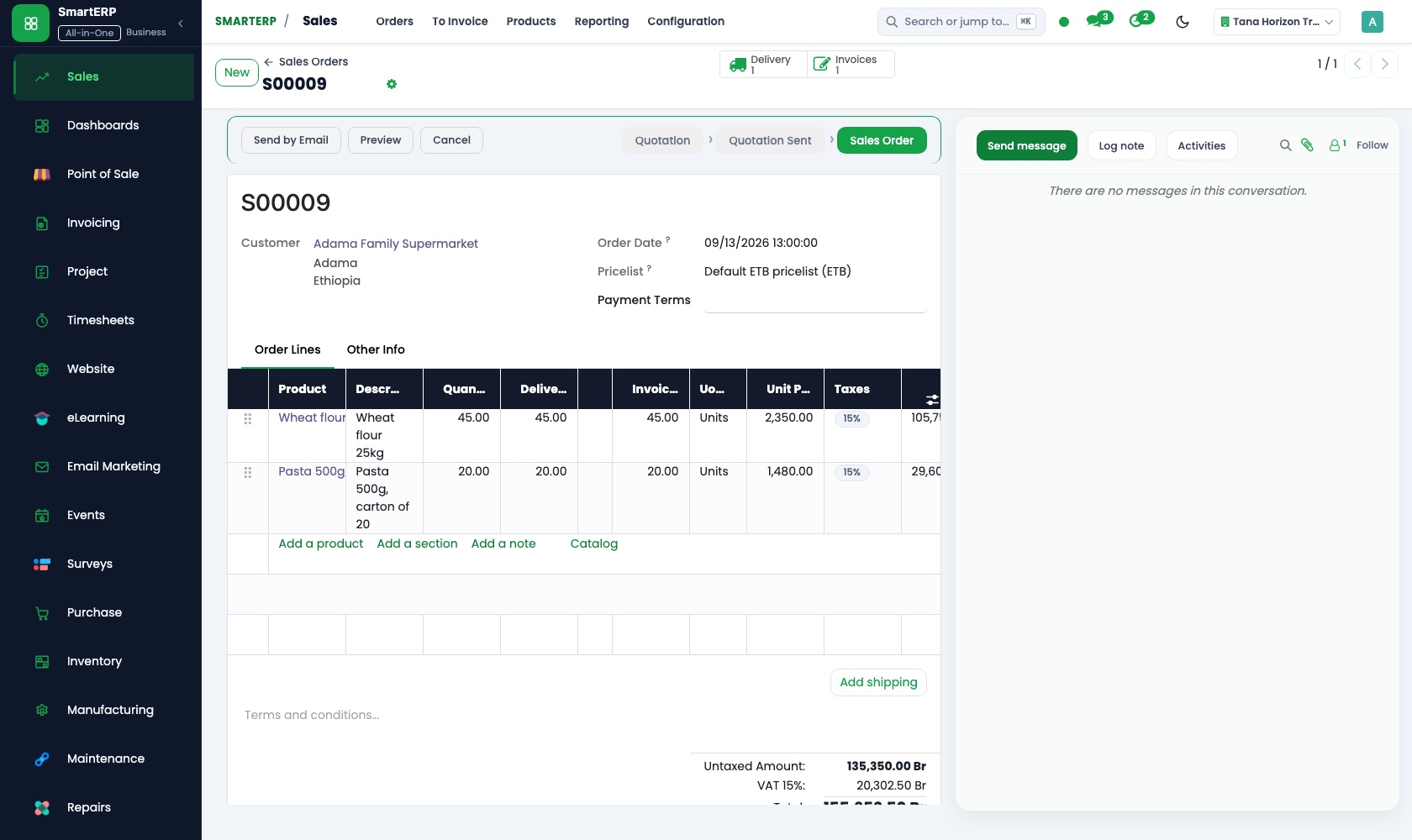
A fee-based service the institution prices is quoted from the product catalogue, emailed and confirmed as a sales order. Quotation templates keep the terms the same at every branch.
Employees
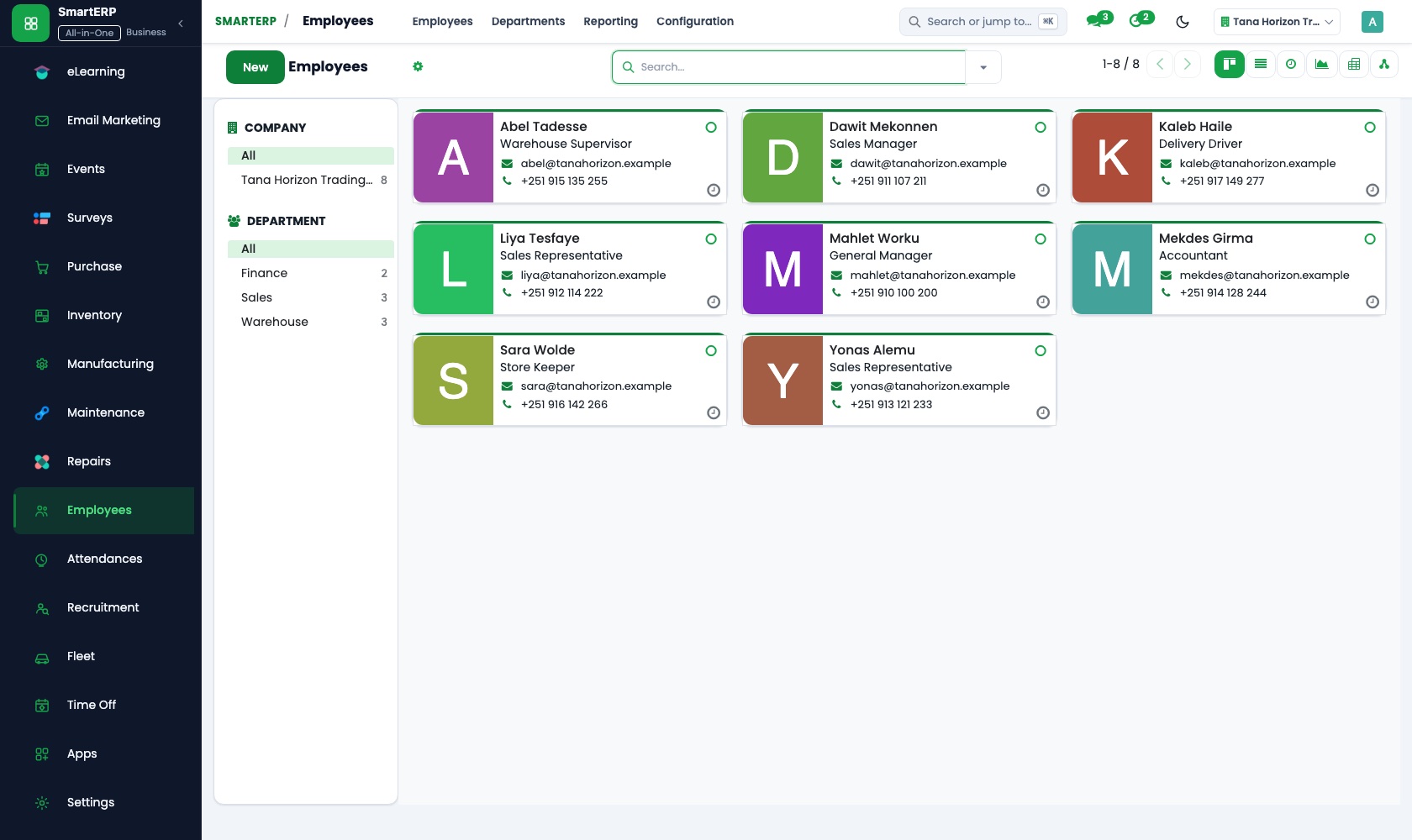
The employee directory and org chart show who is a branch officer, a supervisor or a field agent, and to whom each one reports. Private details stay with the HR officer.
How the work runs on SmartERP
From a first branch visit to an enrolled member
Someone asks about saving or credit, is followed up, joins as a member and pays the enrolment fee.
- CRM: Leads and opportunities Record the trader or group leader who asked about saving or credit at the counter or through an agent.
- CRM: Scheduled activities Book the follow-up visit to explain the process and the safeguards before anyone is asked to sign.
- Membership: Membership products Choose the type of membership the person joins, such as individual or group member.
- Membership: Invoicing the fee Invoice the enrolment fee and record the cash or transfer received at the branch.
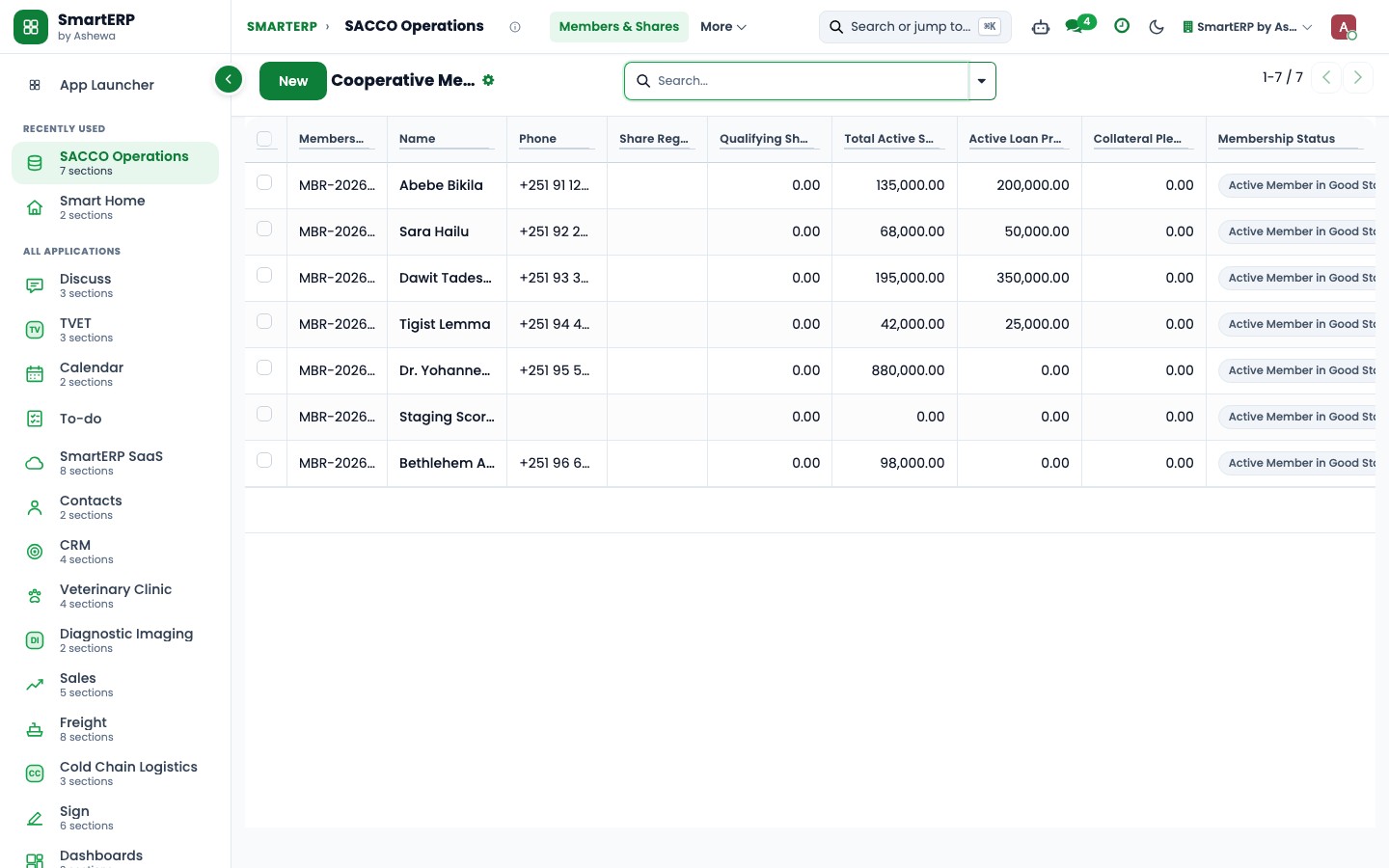
- Membership: Member status The member shows as active once the fee is paid, so the list reflects standing without a receipt book.
From fees received to the institution's monthly books
Fees and branch cash are matched, running costs are booked and paid, and the board sees the institution's own results.
- Accounting: Bank and cash Match member fee transfers and branch cash deposits to the invoices they settle.
- Accounting: Ledgers and journals Book the institution's own income and running costs in the ledger, so the board sees them without a spreadsheet.
- Accounting: Vendor bills and payments Pay each branch's rent, electricity and supplier bills from one list of what is due.
- Accounting: Financial reports Give the board and branch managers the institution's own income and costs for the month.
Your first month
- First week. We agree how members and groups are named across branches, then load your branches, field agents, staff directory and the prospective members already known.
- Second week. Accounts, bank accounts and branch cash are set up with your accountant, and opening balances are entered so the institution's own books begin from the real position.
- Third week. Branch staff practise recording an enquiry and booking the follow-up visit. Where Membership is used, they enrol a member and invoice the fee, and finance matches the payment.
- After go-live. With the manager we review which enquiries stalled, which fees stayed unmatched and how branch cash was handled. Then we adjust stages, fee items and reminders.
What to have ready
- Your branches and field agents, with the market or area each one serves
- Names of the groups and prospective members your branches already follow
- Your enrolment and annual fee amounts and how each is collected
- A staff list with positions, departments and who reports to whom
- The institution's opening balances as your accountant holds them, and its bank accounts
The applications on screen
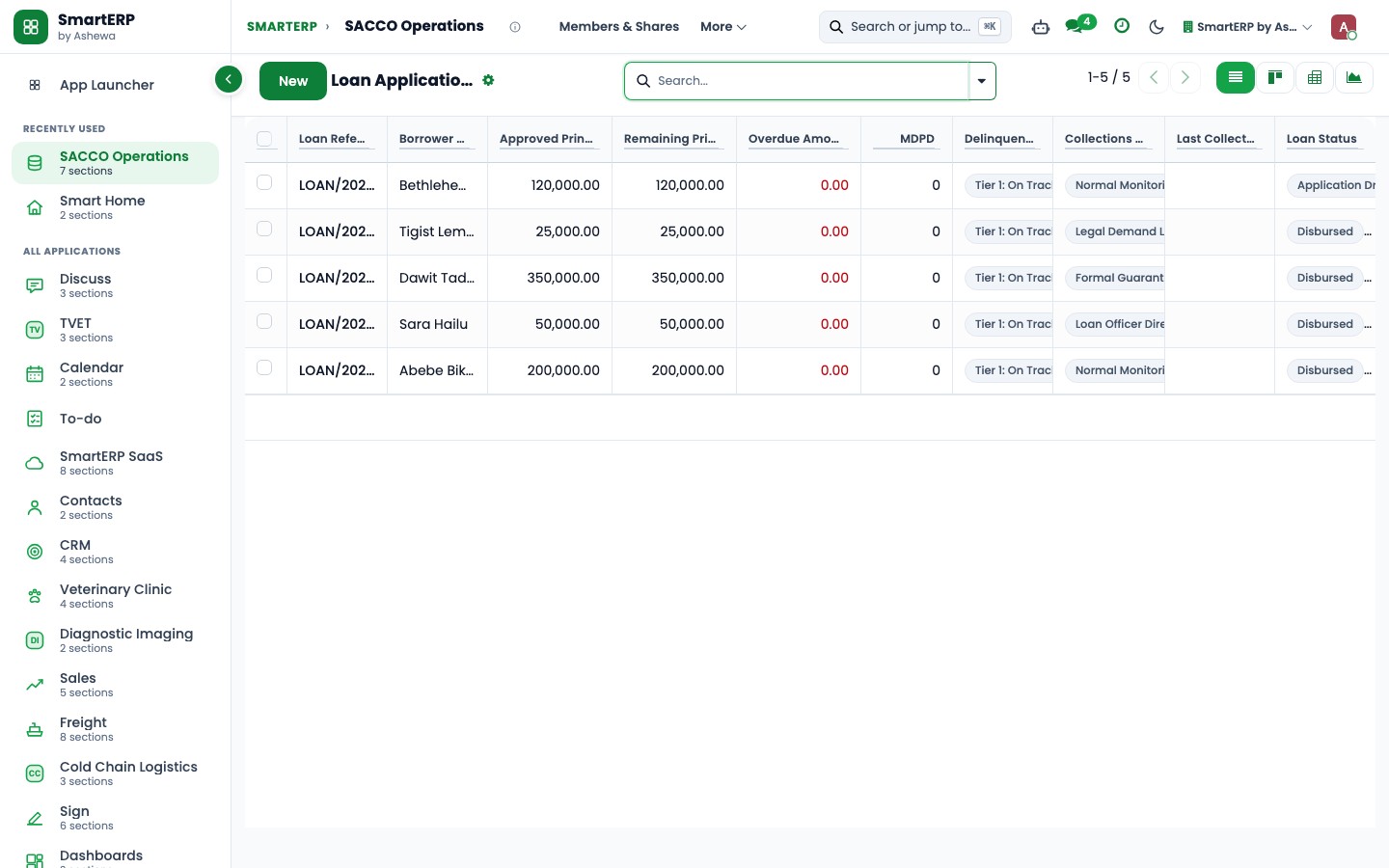
Real SmartERP screens with sample data.
Who uses it
- Business owner or general managerSee the whole business and keep every department working on the same records.
- Finance and accountingInvoices, bills, bank and reports from one ledger.
- Operations and productionPlan production, maintain equipment, deliver on time.
- Human resourcesStaff records, hiring, leave and attendance.
Company sizes
- 11 to 50 people
- 51 to 100 people
What SmartERP does not cover for this industry
SmartERP is not a core banking or lending system: it has no loan schedules or balances, no interest calculation, no savings ledger per member, no repayment collection, no credit scoring and no regulator returns.
Questions about SmartERP for microfinance and savings
Does SmartERP keep member savings and loan balances?
No. SmartERP is not a core banking or lending system. It has no savings ledger, loan schedule, interest calculation or repayment collection. It holds enquiries, members, fees and the institution's own accounts.
How do we follow someone who asked about saving at a branch?
Enter the person in CRM as a lead with the branch and the agent. A scheduled activity books the follow-up visit, and the pipeline shows which enquiries still wait.
Can we see which members have paid their enrolment fee?
Yes, with Membership. Each member shows a status of paid, invoiced or expired, and the fee is invoiced through Accounting. Renewals are invoiced by your team; automatic recurring billing is not part of the standard service.
How do the applications work together for a microfinance body?
An enquiry in CRM leads to a member, the fee is invoiced through Accounting and the transfer is matched under bank and cash. Employees holds the branch and agent directory behind it.
Does SmartERP run payroll for branch staff?
Payroll is not part of the standard cloud service and is available only through an implementation project. Employees keeps the staff records in the meantime.
See it before you decide
A first visit turned into an enrolled member for a fictional savings body
The walkthrough logs a trader's enquiry at a branch, schedules the follow-up, enrols them as a member and shows the fee invoice paid and the status turning active, on sample data.
There is no self-service sandbox. The demo is a guided walkthrough on sample data, or you can start a trial workspace.
Pricing
This industry has no packaged edition yet. You can start on a per-user plan with the recommended applications, or ask for a quote. Current plans and prices are on the pricing page.
See plans and pricingA website for your business
SmartERP can also set up a starter website for this kind of business, offered as part of a website project: Home, Savings, Loans, How to Apply, Money Skills, Branches & Agents, About Us, Contact. How the website tools work.
Start with what your business needs first
Tell us your industry and we carry it through the guided set-up, or talk to us first.
Start SmartERP Book a demo