Treatment quotations, recall calls and surgery supplies on one set of records
A dental practice sells treatment that is planned in stages and paid in stages, and it uses small, costly supplies in every visit. SmartERP does not hold the dental chart or X-ray images. It handles the price of the plan, what was invoiced, what remains in the cabinet and who is overdue for a return visit.
Start with Sales and Accounting for quotations and invoices, then CRM for recall calls. Add Inventory and Purchase for supplies, Calendar for the team's meetings and the Point of Sale for over-the-counter items.
Typical businesses: Dental clinics · Solo dental practices · Orthodontic practices · Multi-chair surgeries · Dental group practices
Problems this industry runs into
A treatment plan is agreed in the chair and lost at the desk
The dentist explains a crown or braces and a price, but the patient leaves without a written quotation, and the front desk cannot say later what was promised.
Payment for long treatment is tracked in a notebook
Braces and implants are paid in stages, so the desk works out from handwritten notes what has been paid, what is due and which stage has been invoiced.
Check-up reminders depend on who remembers
Patients due for a routine clean or a review after treatment are only called when someone happens to leaf through old cards, so many drift away unnoticed.
Anaesthetic, composite and impression material run short
Small consumables are used in every visit and ordered by whoever notices, so a chair stands idle waiting for an item and the laboratory's invoice is queried later.
Applications in the Healthcare edition
These applications are the ones the industry edition's blueprint includes. Each opens its own page.
Often added for this industry
What each application does for dental clinic
Accounting
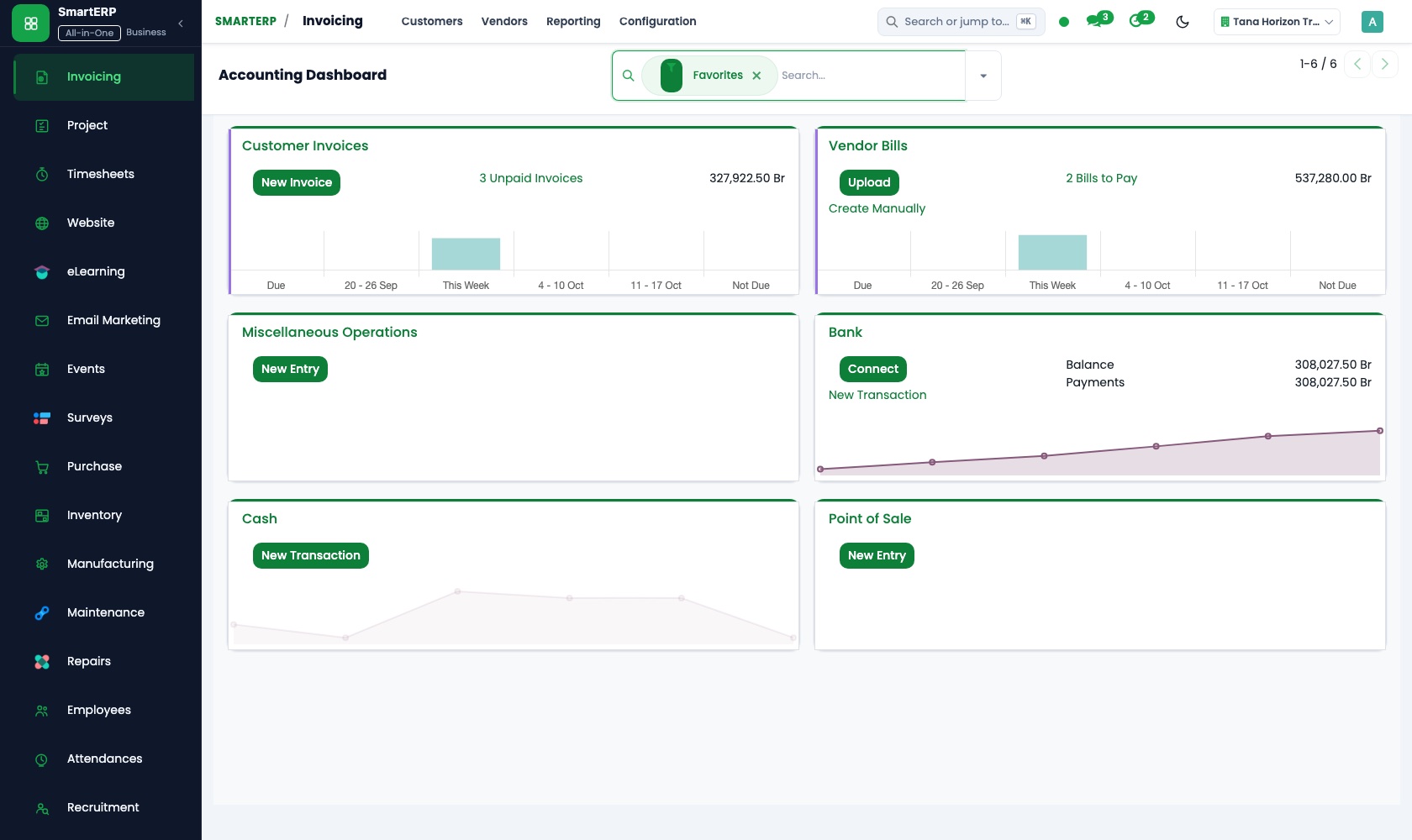
Each stage of a treatment plan is invoiced when completed, and a stage that changes is corrected with a credit note. The laboratory's vendor bills sit in the same ledger, so the owner reads the practice's financial reports directly.
Sales
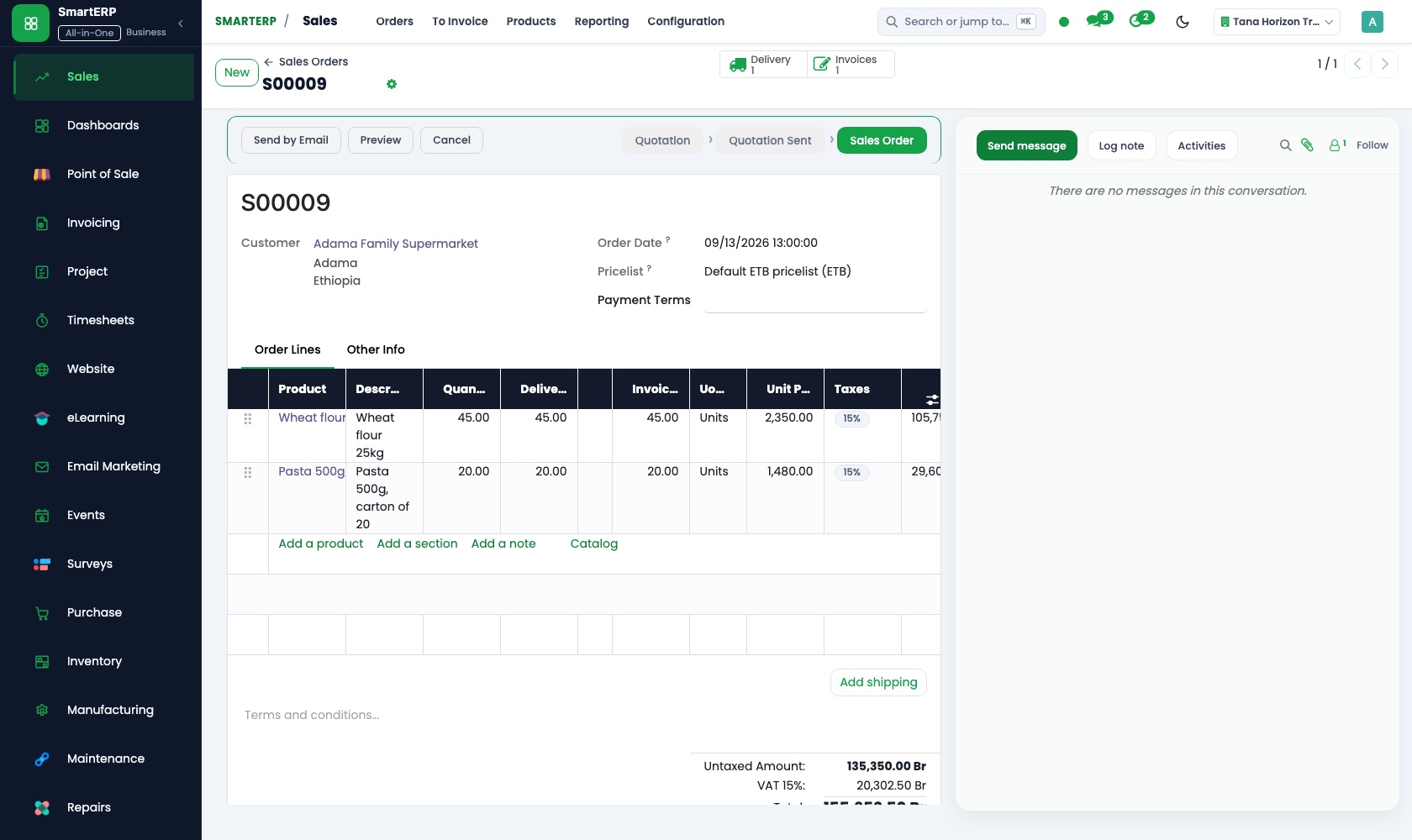
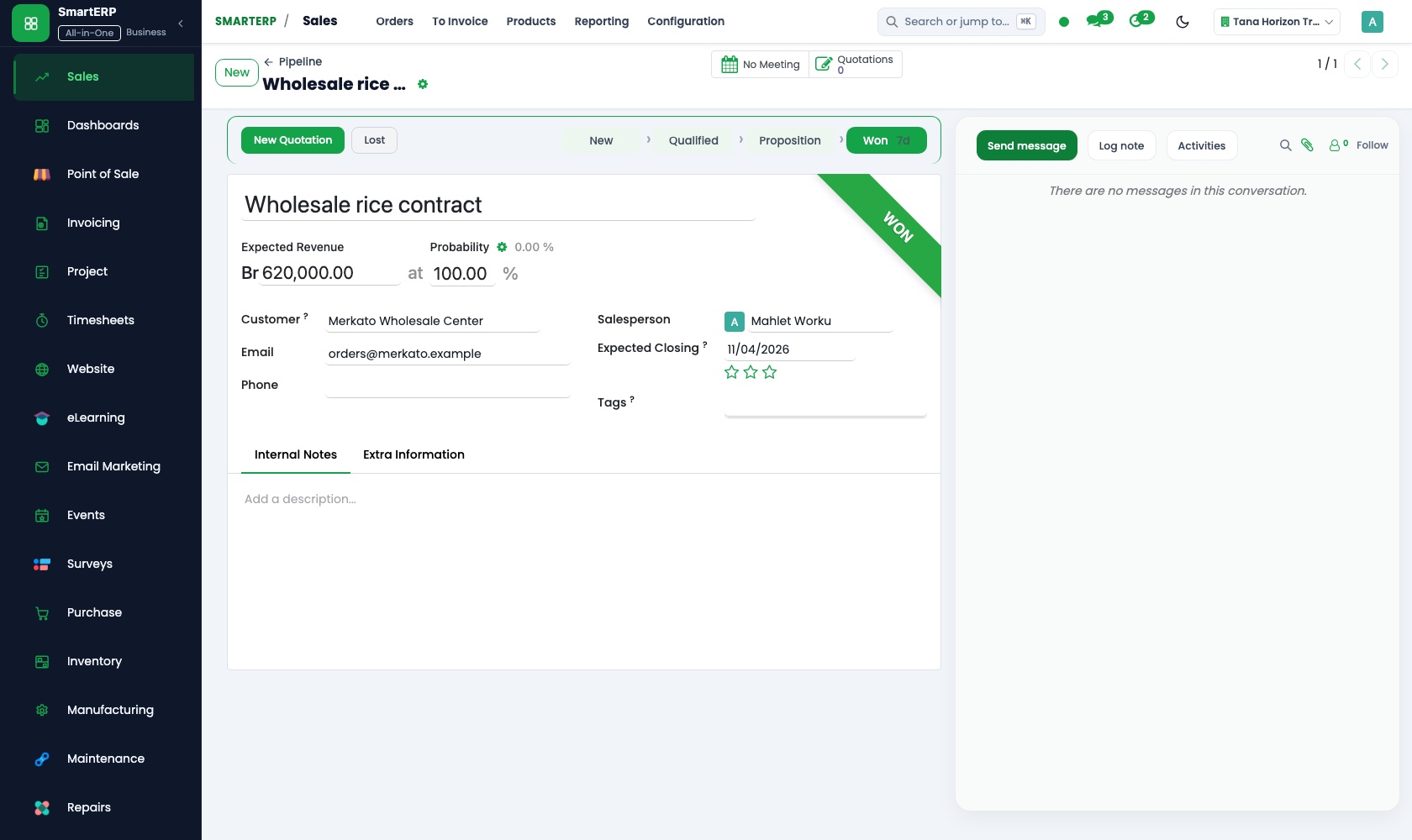
A stored quotation template for a crown, whitening or braces is adjusted for the patient and emailed. Once the patient accepts, the sales order holds the agreed price, and its invoicing status shows which stages are already billed.
Inventory
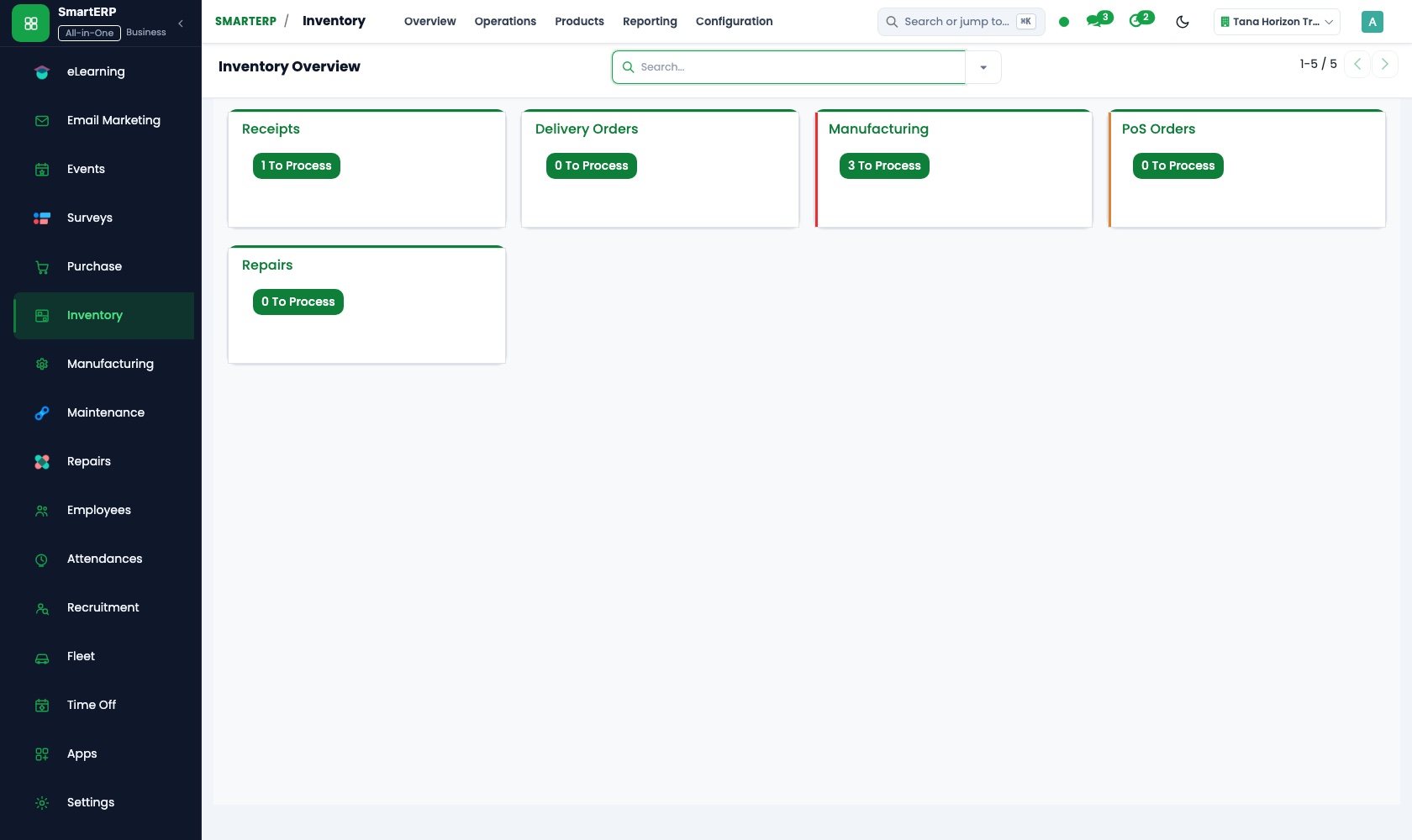
Anaesthetic, composite and impression material are counted cabinet by cabinet. Reorder rules flag an item before a chair stands idle, and stock adjustments after a physical count keep the figures close to the shelf.
Purchase
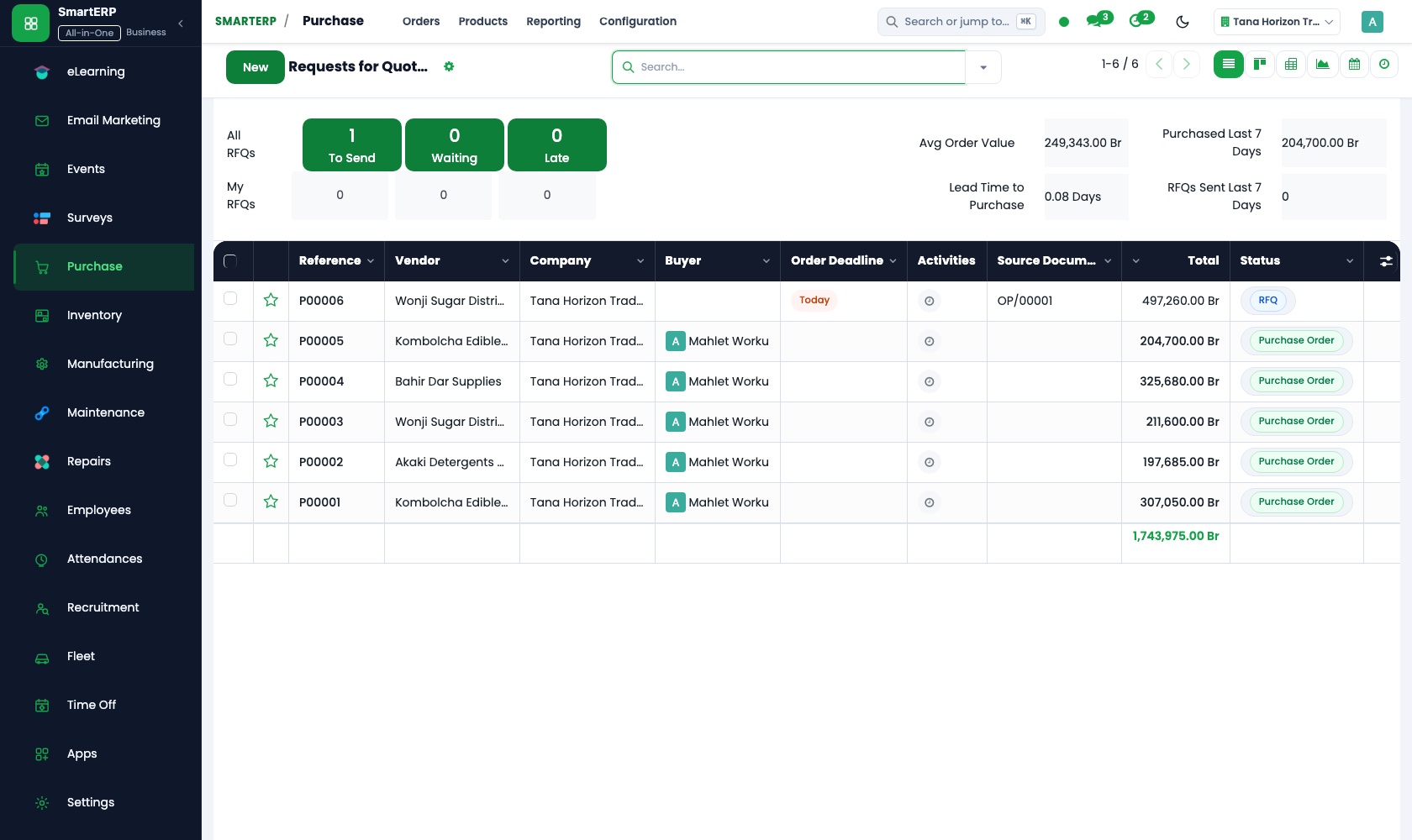
The buyer sends a request for quotation to suppliers, then confirms a purchase order. The supplier's or laboratory's bill is compared with what was ordered and received, so the practice pays for what came in.
CRM
People who ask about whitening or braces are entered as leads, so a first enquiry is not lost. A scheduled activity sets the call to each patient overdue for a check-up, and the morning's list shows who to phone.
How the work runs on SmartERP
From a treatment quotation to the final stage invoice
The plan the patient accepts is priced once, delivered in stages and invoiced stage by stage.
- Sales: Quotation templates Reuse a stored template for a crown, whitening or a set of braces and adjust it for this patient.
- Sales: Quotations and sales orders Confirm the plan the patient accepts as an order that holds the agreed price for every stage.
- Sales: Delivery and invoicing status See which stages are done and invoiced and which wait for the patient's next visit.
- Accounting: Customer invoices and credit notes Invoice a stage when it is completed and credit one that was changed or dropped.
From an overdue check-up to a booked return visit
Patients who have not returned, or who asked about extra treatment, are called and their next visit is placed in the dentist's calendar.
- CRM: Leads and opportunities Enter people who asked about whitening or braces so they are not lost after a first enquiry.
- CRM: Scheduled activities Set a call for each patient who is overdue for a check-up and see the morning's calls at a glance.
- Calendar: Shared calendars Place the visit the patient agrees to in the dentist's shared calendar, where the front desk can see it.
Your first month
- First week. We list the treatments you price, the supplies each visit uses and the suppliers and laboratory you deal with, then load patient contacts and stock items.
- Second week. Your accountant helps us set up the chart of accounts and bank accounts, and opening balances go in. Templates are built for the procedures you quote most often.
- Third week. The front desk practises a quotation, an accepted plan and a stage invoice. Whoever orders supplies practises a purchase order, a receipt and a stock count.
- After go-live. With the dentist we review which plans stalled, which supplies ran short and which recall calls led to a visit, then adjust templates, reorder rules and call routines.
What to have ready
- The price list for the treatments you quote, with the stages of longer plans
- Your patient contact list with the date of each last visit
- Supplier and dental laboratory names, with what you buy from each
- The consumables you stock, with the quantity counted in each cabinet
- Opening figures from your accountant and the practice's bank account details
The applications on screen
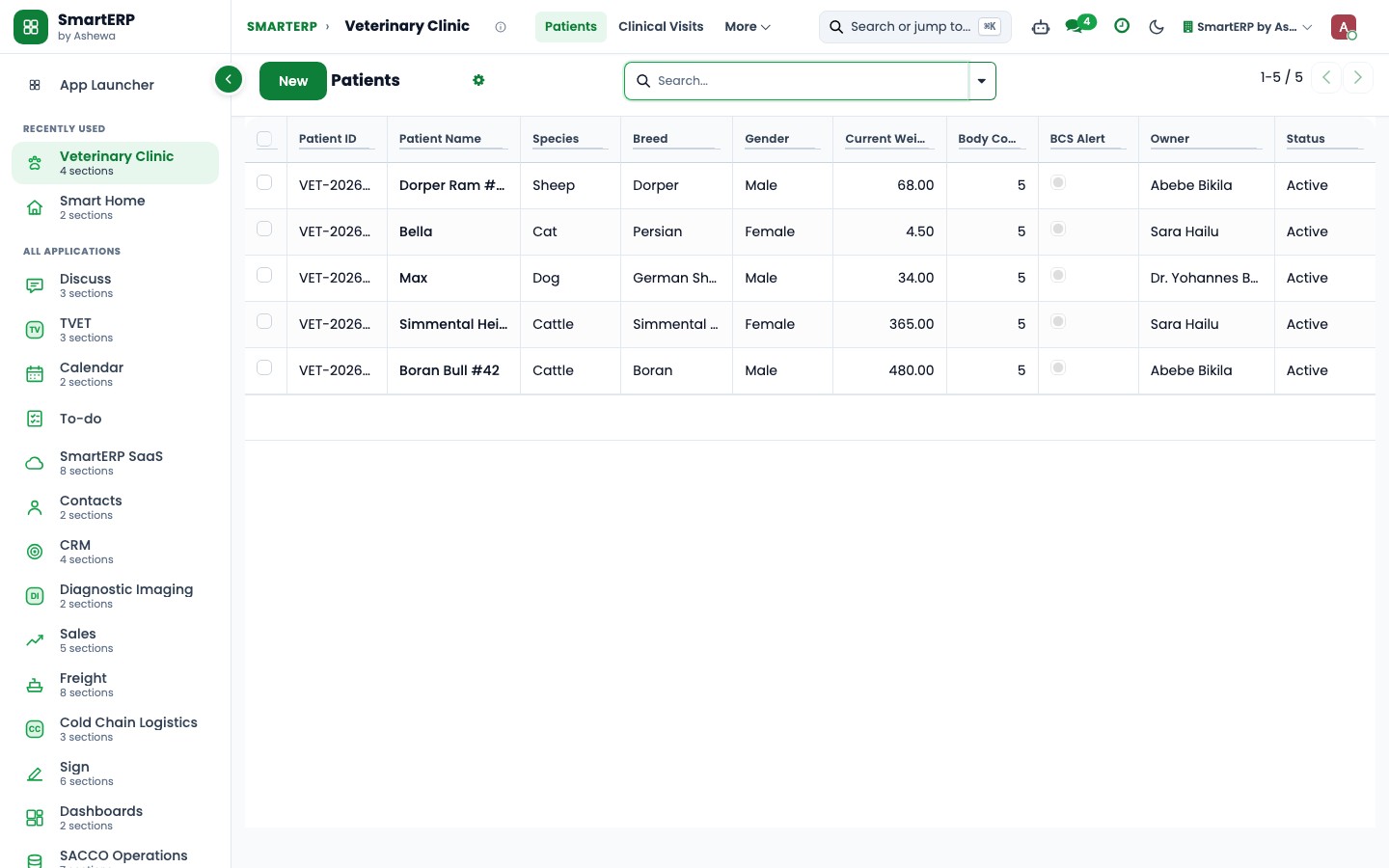
Real SmartERP screens with sample data.
Who uses it
- Business owner or general managerSee the whole business and keep every department working on the same records.
- Finance and accountingInvoices, bills, bank and reports from one ledger.
- Sales and customer serviceLeads, quotations, orders and follow-up.
- Purchasing and storesBuy, receive and control stock.
Company sizes
- Up to 10 people
- 11 to 50 people
What SmartERP does not cover for this industry
SmartERP has no dental chart, tooth diagram, X-ray or imaging storage, sterilisation log or laboratory case tracking, and no online booking of chair time. Keep your clinical software for those; SmartERP covers quotations, invoices, stock and recall calls.
Questions about SmartERP for dental clinic
Can SmartERP keep our dental charts and X-ray images?
No. SmartERP has no dental chart, tooth diagram, imaging storage, sterilisation log or laboratory case tracking, and no online booking of chair time. Keep your clinical software for those; SmartERP covers quotations, invoices, stock and recall calls.
Can a patient pay for braces in stages?
Yes. Confirm the accepted plan as a sales order, then invoice each stage in Accounting when it is done. The order shows what has been invoiced, and each payment is matched to its invoice.
How do stock, buying and supplier bills work together?
A reorder rule in Inventory flags a low item, Purchase turns it into a purchase need, the delivery is booked as a receipt, and Accounting checks the bill against it before payment.
Can the front desk see who is overdue for a check-up?
SmartERP does not decide who is overdue by itself. Your team sets a scheduled activity in CRM when a check-up falls due, and the call appears on the day's list; Calendar can hold the return visit.
Can the desk sell over-the-counter items and keep stock right?
Yes, with Point of Sale, a browser-based till: each sale reduces stock and receipts can be printed or emailed. Fiscal-machine integration is not offered today.
See it before you decide
One treatment plan from quotation to final stage invoice, on a fictional practice
The walkthrough builds a braces quotation from a template, confirms it, shows the stages waiting to be invoiced and then invoices the first one, on sample data for a fictional dental practice.
There is no self-service sandbox. The demo is a guided walkthrough on sample data, or you can start a trial workspace.
Pricing
SmartERP has an industry edition for this sector (Healthcare). The applications listed above are its applications, and the editions, their staff bands and the current prices are on the pricing page. This page shows no price.
See plans and pricingA website for your business
SmartERP can also set up a starter website for this kind of business, offered as part of a website project: Home, Treatments, Braces & Whitening, Children, First Visit, Book a Visit, Contact. How the website tools work.
Start with what your business needs first
Tell us your industry and we carry it through the guided set-up, or talk to us first.
Start SmartERP Book a demo