Manage budget envelopes
Define department budget envelopes, analytic budget lines, and enforce commitment encumbrance rules on purchase requests.
1. Overview & Business Value#
This comprehensive operational guide details the architecture, business workflows, configuration parameters, and execution steps for Manage budget envelopes within SmartERP.
This guide is for Budget Officers, Finance Managers, and Department Directors managing operational and capital expenditure budgets.
2. Prerequisites & Security Access Groups#
- Required Modules:
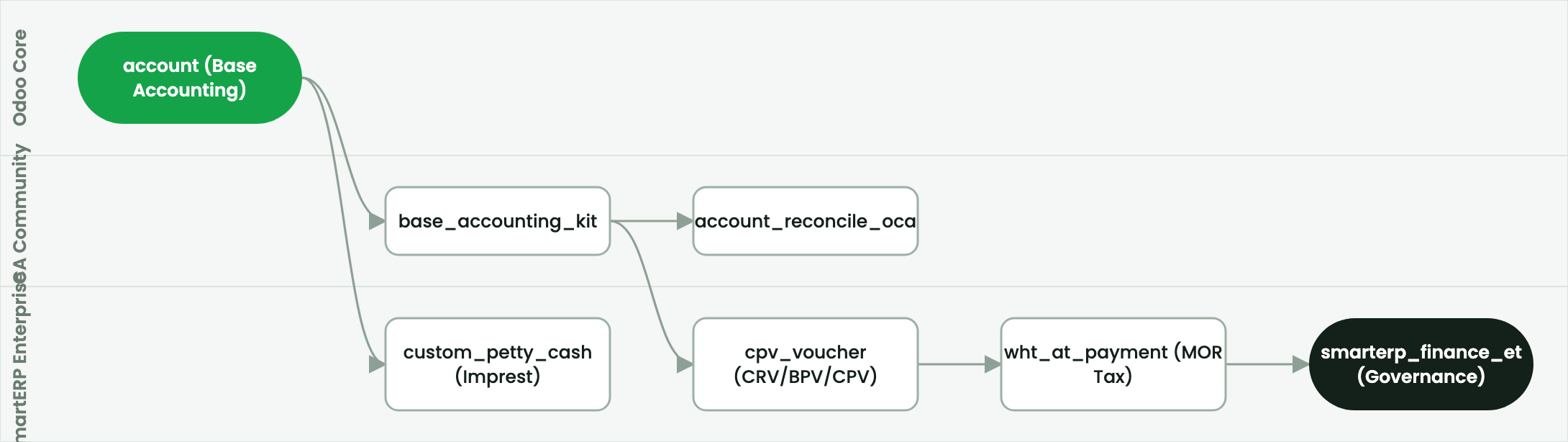
account, smarterp_finance, smarterp_ethiopian_payroll - Security Groups:
Show Full Accounting Features(Technical ID:account.group_account_user)Billing Administrator / Financial Controller(Technical ID:account.group_account_manager)Chief Financial Officer / Auditor(Technical ID:account.group_account_readonly)
- Master Data Dependencies: Chart of accounts, statutory tax definitions (VAT 15%, WHT 2%/30%), payment terms, and open fiscal periods for Company 1 (Ashewa Technology Solutions S.C.).
3. Step-by-Step Configuration & Execution#
Step 1: Navigating to the Financial Interface#
- Log into your SmartERP instance at
https://smarterp.et/odoo. - Open the main App Switcher (grid icon in the top-left corner).
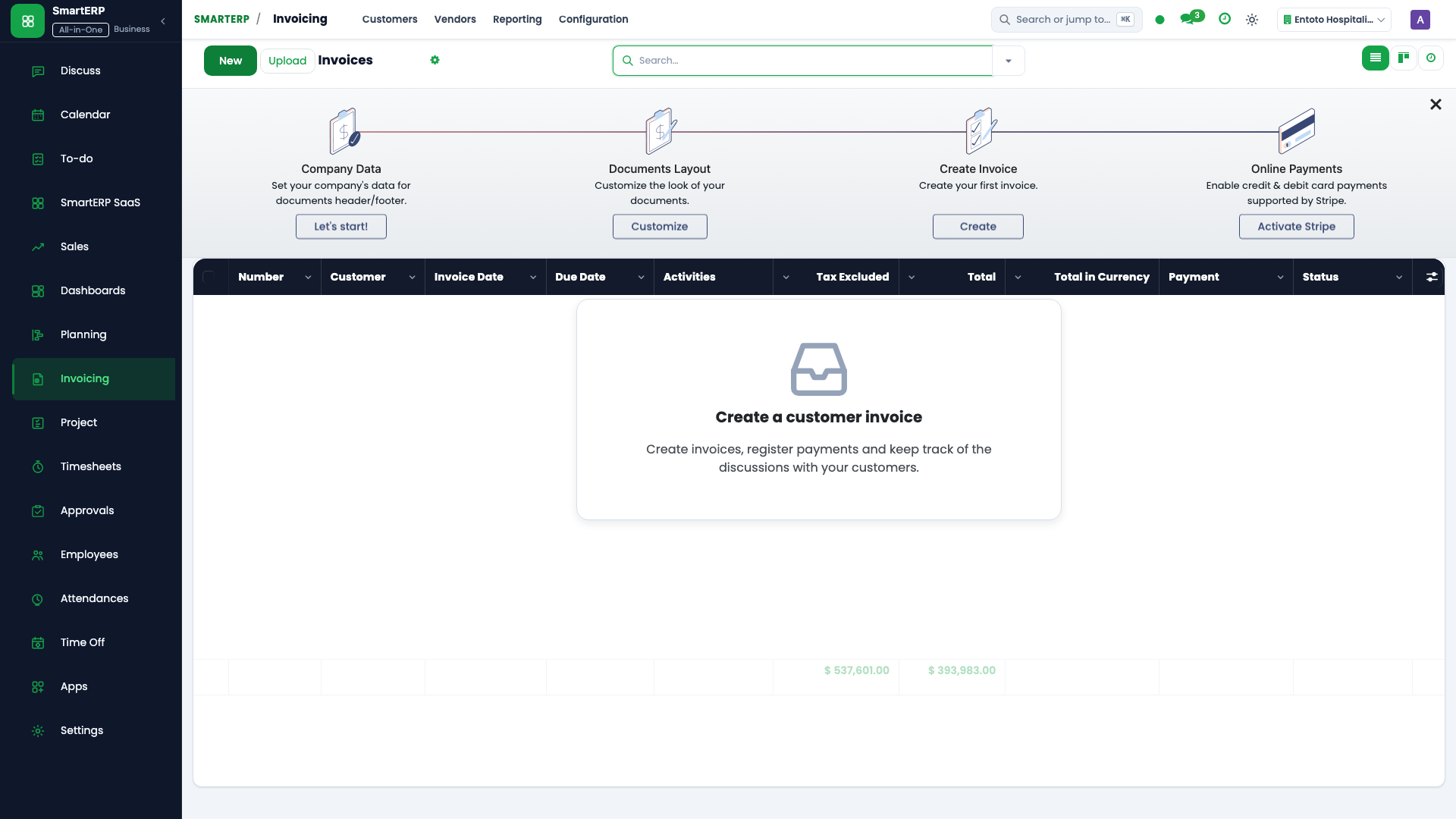
- Navigate to Accounting → Management → Budgets.
Step 2: Financial Parameters & Statutory Controls#
Ensure all mandatory accounting parameters conform to statutory fiscal regulations:
- Designated Authority / Role: Action authorized by verified financial role (Budget Director, Corporate Planning Manager).
- Fiscal Period & Journal Integrity: Bound to an open, unlocked fiscal period adhering to the Ethiopian financial calendar.
- Statutory Tax & Regulatory Validation: Compliant with Ethiopian Proclamation No. 979/2016 (Withholding Tax 2%/30%) and Proclamation No. 1157/2019 (VAT 15%).
Step 3: Transaction Posting & General Ledger Impact#
- State Progression Gate: Advance record from Draft through Audited to Posted / Reconciled.
- Double-Entry General Ledger Impact: System automatically generates immutable journal items (
account.move.line) updating real-time trial balances and customer/vendor sub-ledgers. - Audit Verification: System registers tamper-evident audit records logging user ID, timestamp, and cryptographic transaction digests.
Create a department budget envelope#
- Open Accounting → Accounting → Budgets and press New.
- In Budget Name, enter the fiscal plan title: e.g.
FY2026 Operational Budget - Marketing & Sales. - In Period, choose the fiscal start and end dates.
- Under Budget Lines, press Add a line:
- Budgetary Position: choose expense group (e.g.
Advertising & Promotions). - Analytic Account: select Department Cost Center (e.g.
Marketing Dept). - Planned Amount (ETB): enter allocated ceiling: e.g.
ETB 1,500,000.00.
- Budgetary Position: choose expense group (e.g.
- Press Confirm & Approve.
Real-time commitment and encumbrance tracking#
When staff create Purchase Orders or petty cash requests linked to the analytic cost center:
- Practical Amount: Realized General Ledger expenditures from posted vendor bills.
- Committed Amount: Encumbered funds locked in approved Purchase Orders pending billing.
- Available Balance: $\text{Planned Amount} - (\text{Practical Amount} + \text{Committed Amount})$.
- Budget Guardrail: If an expenditure request exceeds available balance, the system raises a budget ceiling warning requiring executive override approval.
4. Advanced Configuration Points#
- Automated Actions & Scheduled Tasks (Crons):
Account: Automatic reconciliation(account.ir_cron_auto_reconcile): Runs nightly to match open ledger transactionsAsset: Compute depreciation lines(account_asset.ir_cron_compute_depreciation): Runs monthly on the 30th to compute fixed asset depreciation schedulesTax: Generate VAT and WHT schedules(smarterp_finance.ir_cron_tax_schedules): Runs monthly to prepare MOR tax return summaries
- Custom Print Templates & Reports:
- Official Cash Receipt Voucher (CRV)
- Bank Payment Voucher (BPV) & Cheque Payment Voucher (CPV)
- Withholding Tax Certificate (Form 3.4)
- General Ledger & Trial Balance Audit Schedules
- Multi-Company Rules: Record-level security isolation under Company 1 (
Ashewa Technology Solutions S.C.), preventing cross-company ledger leakage across parent and subsidiary legal entities.
5. Comprehensive Troubleshooting Matrix#
| Error Symptom / Exception | Probable Root Cause | Corrective Action / Resolution |
|---|---|---|
Access Rights Error: Operation not allowed on account.move | User account lacks accounting operator privileges. | Assign the user to account.group_account_user or account.group_account_manager under Settings → Users. |
Validation Error: Missing analytic distribution | Selected general ledger account mandates cost center allocation for IFRS compliance. | Populate the analytic distribution column on all debit and credit lines before posting. |
Posting Blocked: Fiscal period closed | Transaction date falls within an immutable locked accounting period. | Select a transaction date within the open fiscal year or request an authorized period reopening under Accounting Settings. |
Tax Imbalance: WHT withholding variance | Withholding deduction does not match statutory 2% goods or 30% service rate. | Verify vendor TIN registration status in partner master and recalculate statutory tax lines. |
Next#
- Budget transfers: Process budget transfers and revisions.
- Fixed assets: Register and depreciate fixed assets.
Last updated: 2026-11-15