Supply chain configuration reference
System parameters, reordering rules, valuation accounts, and warehouse settings reference.
1. Overview & Business Value#
This comprehensive operational guide details the architecture, business workflows, configuration parameters, and execution steps for Supply chain configuration reference within SmartERP.
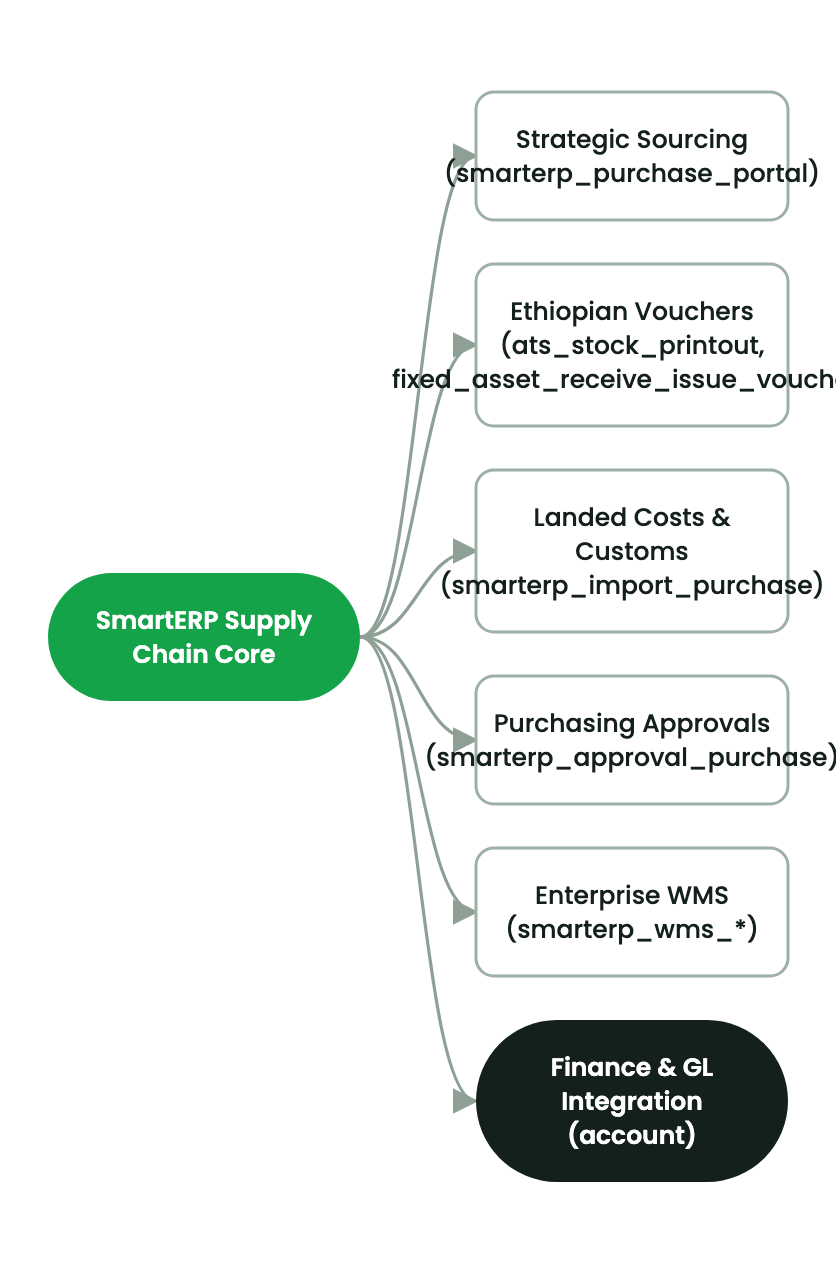
This reference document details configuration parameters for SmartERP Procurement and Inventory.
2. Prerequisites & Security Access Groups#
- Required Modules:
purchase, stock, smarterp_store_voucher, purchase_requisition - Security Groups:
Purchase User(Technical ID:purchase.group_purchase_user)Purchase Administrator(Technical ID:purchase.group_purchase_manager)Inventory User / Storekeeper(Technical ID:stock.group_stock_user)
- Master Data Dependencies: Product masters, units of measure, approved supplier catalog, warehouse storage locations, and procurement budget lines.
3. Step-by-Step Configuration & Execution#
Step 1: Navigating to the Interface#
- Log into your SmartERP instance at
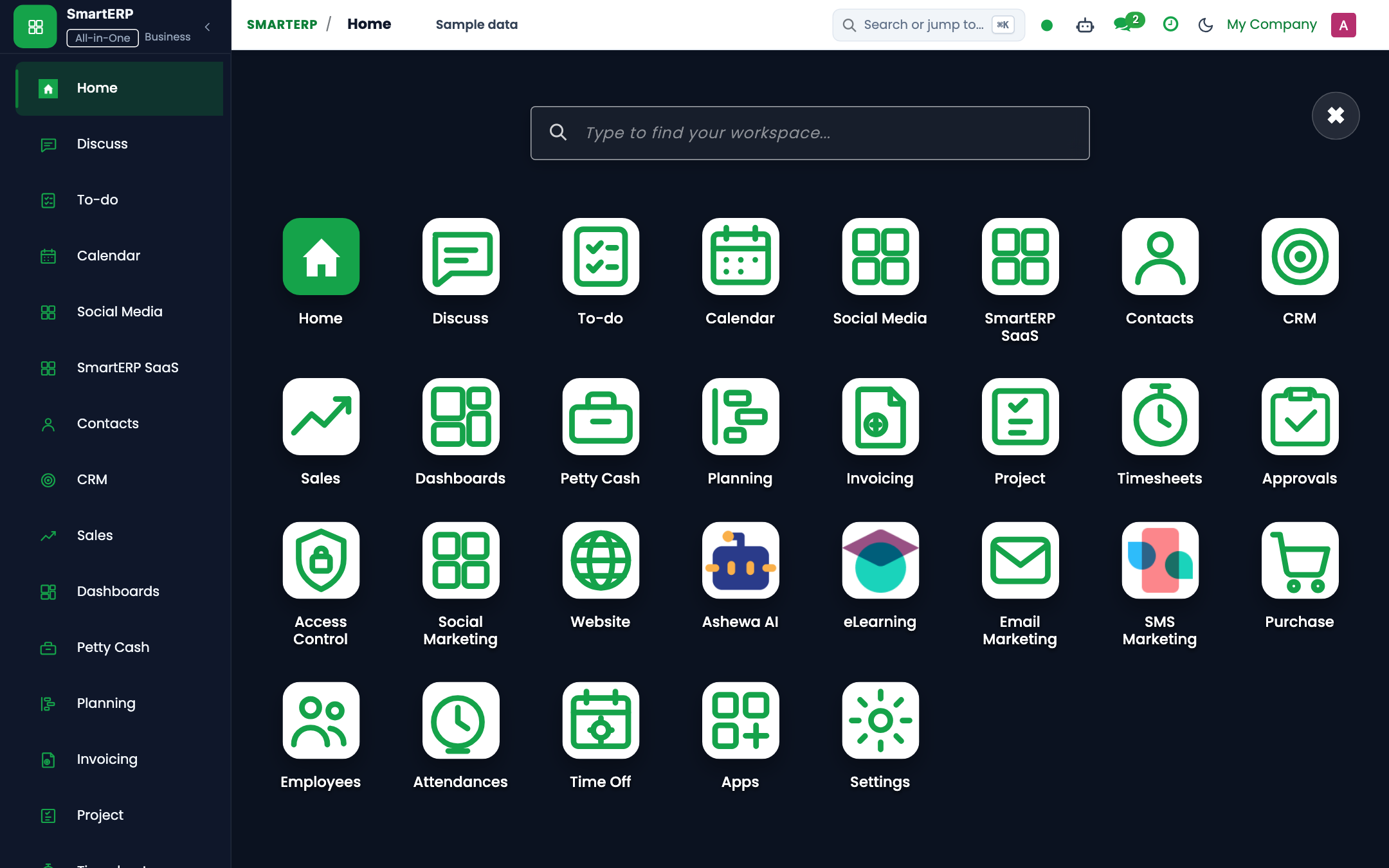
https://smarterp.et/odoo. - Open the main App Switcher (grid icon in the top-left corner).
- Navigate to Purchase → Configuration → Settings; Inventory → Configuration → Settings.
Step 2: Operational Data Parameters & Controls#
Verify that mandatory and statutory fields are populated in accordance with enterprise policies:
- Designated Authority / Actor: Operating under verified RBAC role (System Administrator, Supply Chain Lead).
- Associated Transactional Documents: Bound to upstream requisition, tender package, or purchase order contracts.
- Statutory Regulatory Validation: Strict adherence to Ethiopian Public Procurement Guidelines, Customs declarations, or Ministry of Revenue tax rules (VAT Proclamation 1157/2019, Withholding Proclamation 979/2016).
Step 3: Transactional Execution & State Progression#
- State Transition Gate: Progress the operational state from Draft through Audited to Confirmed / Posted.
- Double-Entry Financial Impact: Validated transactions automatically generate immutable accounting journal entries (
account.move) or stock move quant records (stock.move.line). - Audit Verification: System registers tamper-evident audit records logging user ID, timestamp, and cryptographic transaction digests.
Key Settings#
- Inventory Valuation:
- Automated (Perpetual): Journal entries post automatically upon stock move validation.
- Costing Method: Average Cost (AVCO) or First-In-First-Out (FIFO).
- Storage Locations: Multi-step routes (2-step receive: Input → Stock; 3-step deliver: Pick → Pack → Ship).
- Units of Measure (UoM): Conversion tables between Purchase UoM (e.g. Box of 24) and Inventory UoM (e.g. Single Unit).
- Tender Parameters: Default CPO bond percentage, minimum technical qualification threshold (default: 70%), and standstill duration (default: 7 days).
4. Advanced Configuration Points#
- Automated Actions & Scheduled Tasks (Crons):
Procurement: Run scheduler (reordering rules)(stock.ir_cron_run_procurement): Runs daily to generate RFQs for inventory items below safety stockStock: Expired lot quarantine trigger(stock.ir_cron_quarantine_expired): Runs daily to isolate batches past shelf lifePurchase: Check supplier delivery deadlines(purchase.ir_cron_check_deadlines): Runs daily to send automated expediting notices to suppliers
- Custom Print Templates & Reports:
- Purchase Order Confirmation (Commercial Contract)
- Ethiopian Goods Receiving Note (GRN / Model 19)
- Store Issue Voucher (SIV / Model 20)
- Vendor Bid Evaluation & Comparison Matrix
- Multi-Company Rules: Record-level security isolation under Company 1 (
Ashewa Technology Solutions S.C.), preventing cross-company ledger leakage across parent and subsidiary legal entities.
5. Comprehensive Troubleshooting Matrix#
| Error Symptom / Exception | Probable Root Cause | Corrective Action / Resolution |
|---|---|---|
Access Rights Error: Cannot confirm Purchase Order | User lacks purchase manager approval privileges. | Escalate order to user with purchase.group_purchase_manager clearance. |
Validation Error: Stock move destination missing | Operation type lacks default internal destination location. | Configure target warehouse location in Inventory → Configuration → Operation Types. |
Quantity Mismatch: GRN vs PO 3-way match failed | Delivered quantity exceeds purchase order limit beyond allowable tolerance. | Verify physical delivery against supplier delivery slip and issue an amended PO or return voucher. |
Budget Reservation Error: Insufficient funds | Departmental budget allocation exhausted for target analytic account. | Submit a budget transfer or supplementary allocation request to the Finance Director. |
Next#
- Integrations: Cross-module integrations.
Last updated: 2026-11-15