Room reservations, guest folios, housekeeping and hospitality billing in one unified system
A hotel runs several small businesses at once: rooms, a kitchen, a bar, laundry and maintenance. SmartERP does not replace the front-desk system. It gives the property one ledger for what is invoiced and paid, one purchasing flow for what the kitchen and housekeeping consume, and one staff directory for who works where.
Start with Accounting, Sales, Purchase and Employees. Add a till for the restaurant and bar, stock control for the store and a website for direct enquiries when the property is ready for them.
Typical businesses: Hotels · Lodges · Guest houses · Resorts · Conference venues
Problems this industry runs into
Guest bills, bar tabs and corporate accounts live in different places
Room charges, restaurant checks and company invoices are written up separately, so the finance clerk retypes them and the owner cannot see one figure per guest or per client.
Supplies are bought by whoever is on shift
Kitchen, housekeeping and maintenance buy from different suppliers with no single record of what was ordered, received or paid for, so prices drift and bills are queried.
Staff, shifts and departments are tracked on paper
Reception, housekeeping, kitchen and security keep their own lists. Nobody has one directory of who works in which department and in which role.
The owner sees results late and in pieces
Revenue from rooms, food and drink arrives from several sources and is only combined at month end, so decisions about rates, menus and staffing are made on old information.
Applications in the Hospitality edition
These applications are the ones the industry edition's blueprint includes. Each opens its own page.
Often added for this industry
What each application does for hotel and lodge
Accounting
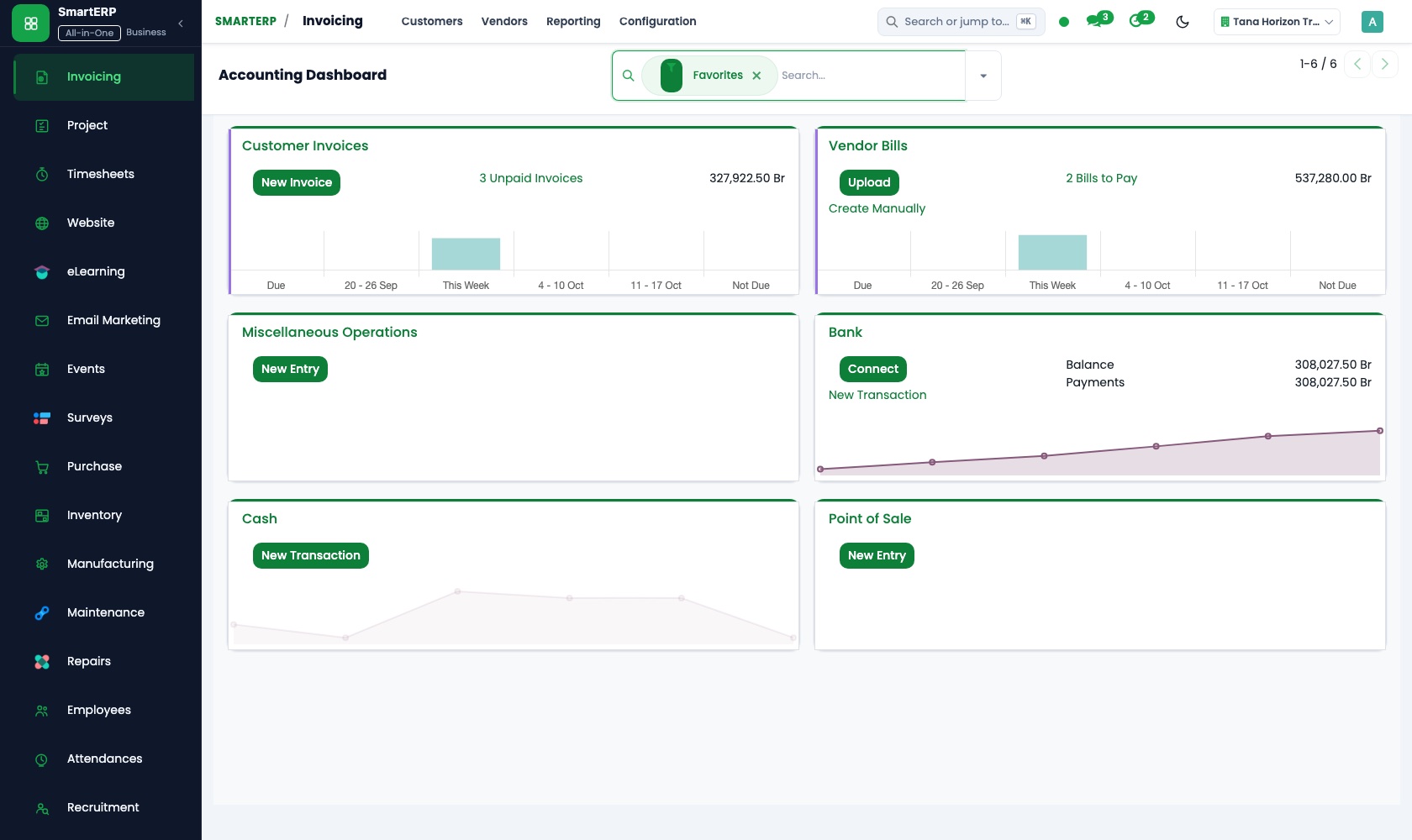
The finance clerk keeps guest invoices, supplier bills and payments in one ledger. Bank statements are matched to what was billed, and the owner reads the property's financial reports without rebuilding them from spreadsheets.
Sales
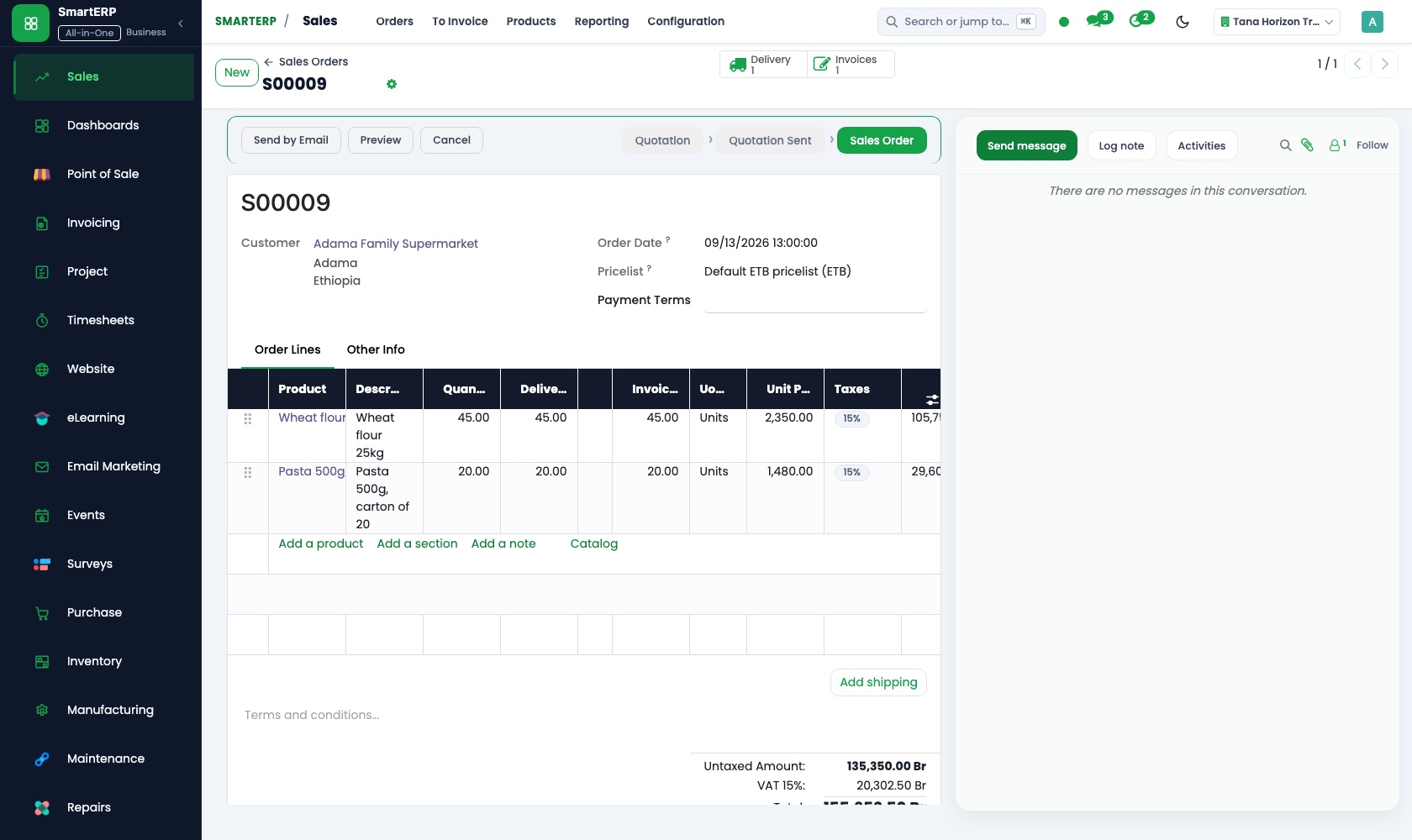
Corporate accounts and event organisers are quoted for a block of rooms or a conference package. The accepted quotation becomes a sales order and then an invoice, so nothing is retyped between the sales desk and finance.
Purchase
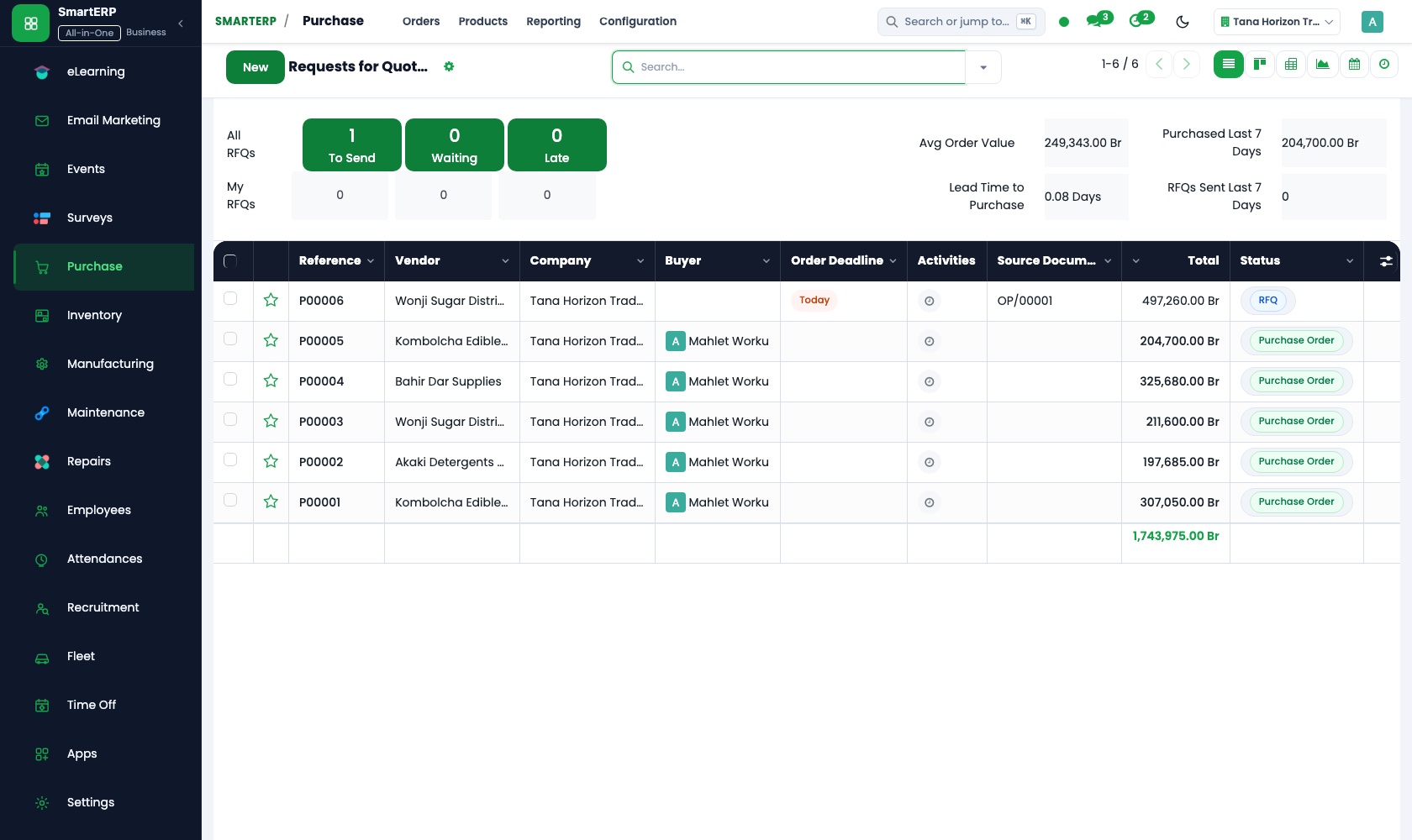
Kitchen, housekeeping and maintenance supplies are ordered from named suppliers on purchase orders. When the vendor bill arrives it is compared with the order, so the property pays for what it actually asked for.
Employees
Each member of staff has one record with department, position and contract details. The manager sees who works where, and HR keeps one file per person instead of scattered folders and messages.
How the work runs on SmartERP
From corporate booking to invoice and payment
A company account is quoted, confirmed and invoiced, and the payment is matched in the ledger.
- Sales: Quotations and sales orders Quote a company for a block of rooms or a conference package and confirm it as a sales order.
- Sales: Delivery and invoicing status See at a glance which confirmed bookings are invoiced and which are still waiting.
- Accounting: Customer invoices and credit notes Issue the invoice to the company and a credit note when part of the stay is cancelled.
- Accounting: Bank and cash Match the transfer or cash received to the invoice so the account shows as paid.
From kitchen and housekeeping needs to supplier payment
Departments request what they need, the property orders it once and pays the supplier against what arrived.
- Purchase: Requests for quotation Ask two or three suppliers to quote for the weekly kitchen and housekeeping supplies.
- Purchase: Purchase orders Confirm the order with the chosen supplier so the department and finance see the same record.
- Purchase: Receipts and three-way matching Check what was delivered against the order and the supplier's bill before it is paid.
- Accounting: Vendor bills and payments Schedule the payment and keep the supplier's account up to date.
Your first month
- First week. We agree how the property bills corporate accounts and which suppliers it buys from, then load your customer, supplier and staff lists into SmartERP.
- Second week. The chart of accounts, tax lines and bank accounts are set up with your accountant, and opening balances are entered so the ledger starts from the real position.
- Third week. The sales office practises quotations and invoices on real corporate accounts, while the kitchen and stores practise purchase orders with their usual suppliers.
- After go-live. The owner reviews the first month's reports with us, and we adjust suppliers, order routines and the layout of invoices where the property found friction.
What to have ready
- Your list of corporate clients and regular event organisers with their billing details
- Supplier names with what you usually buy from each of them
- A staff list with departments, positions and contract dates
- Opening balances from your accountant and your bank account details
- The invoice wording and layout you use today
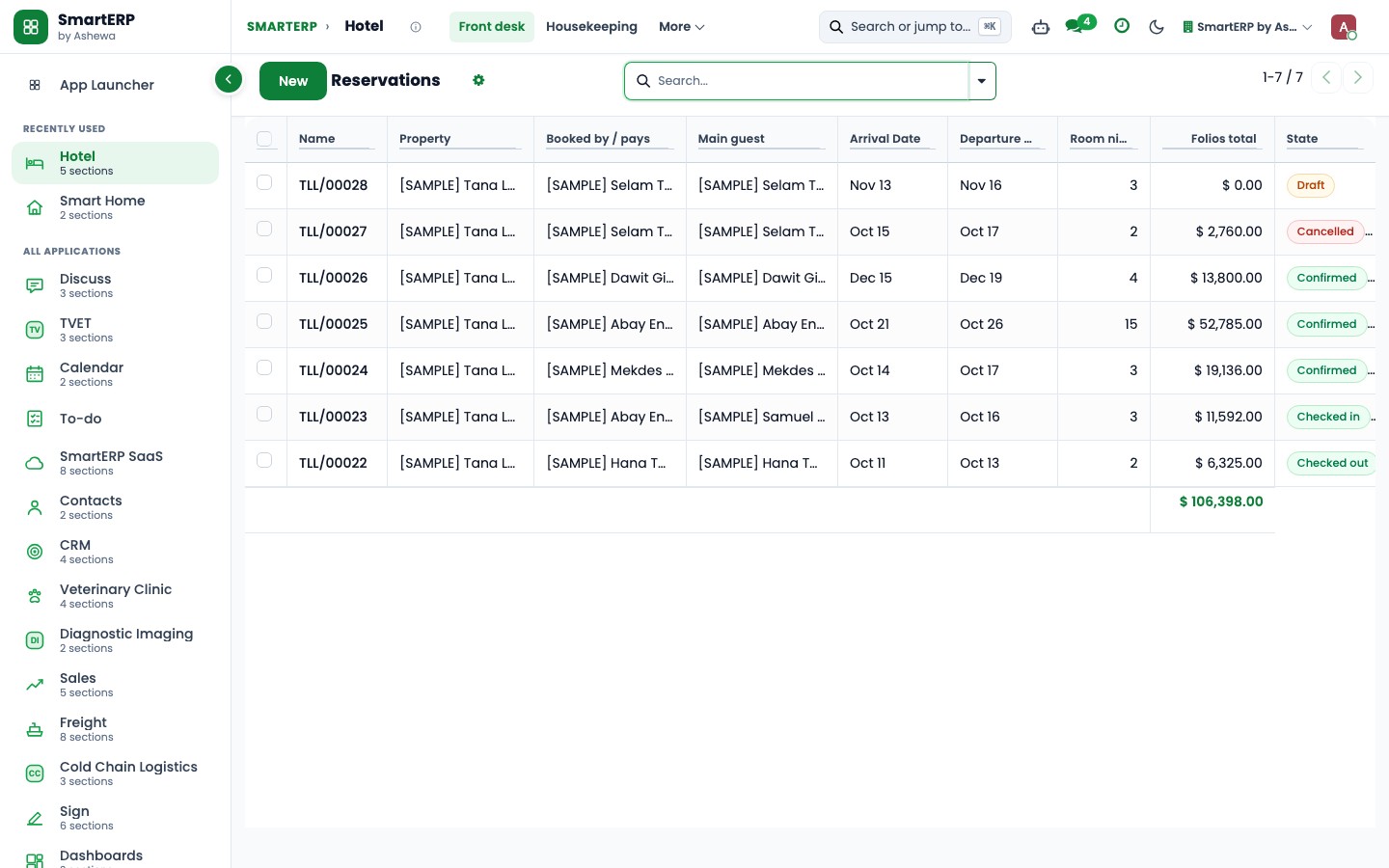
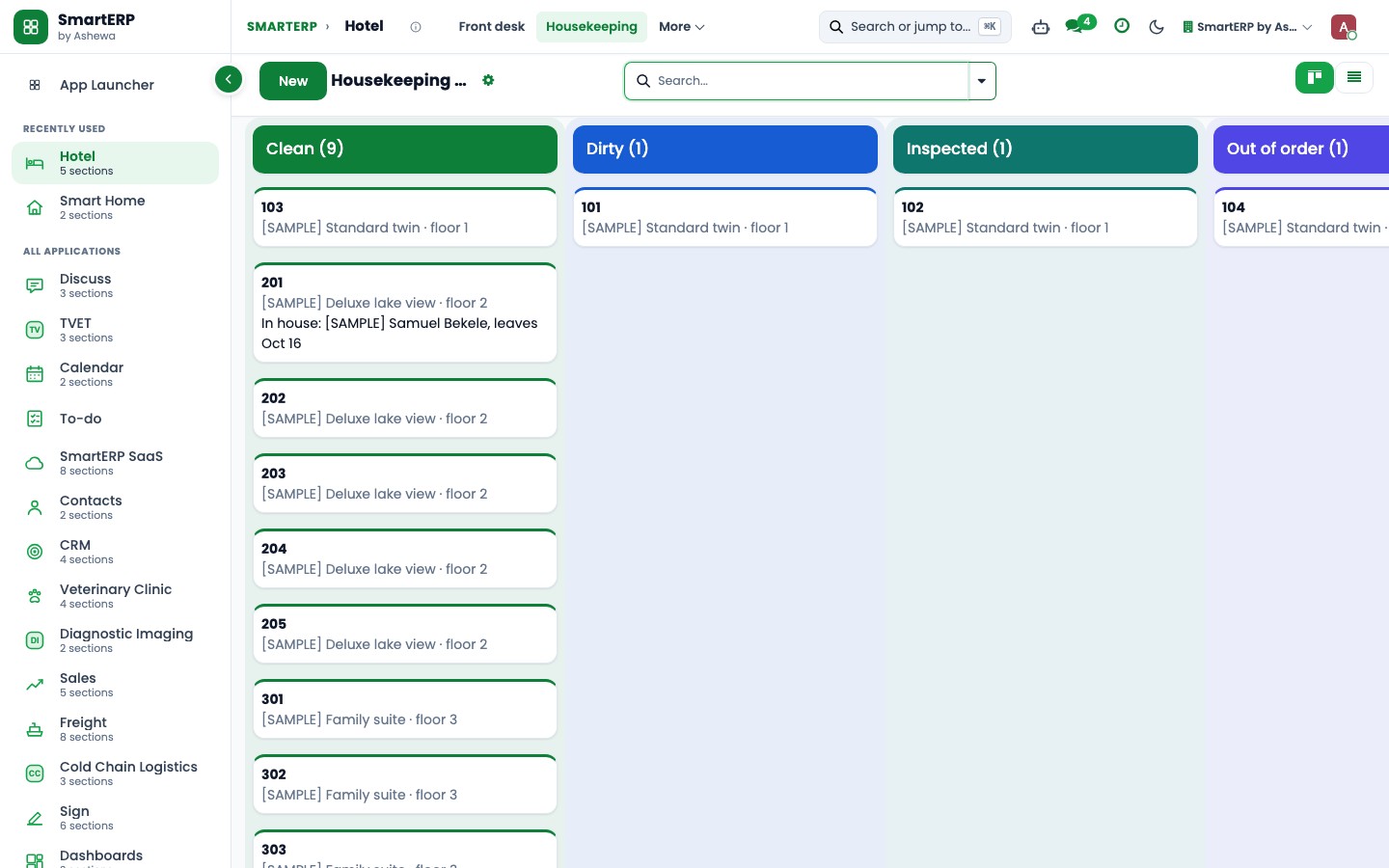
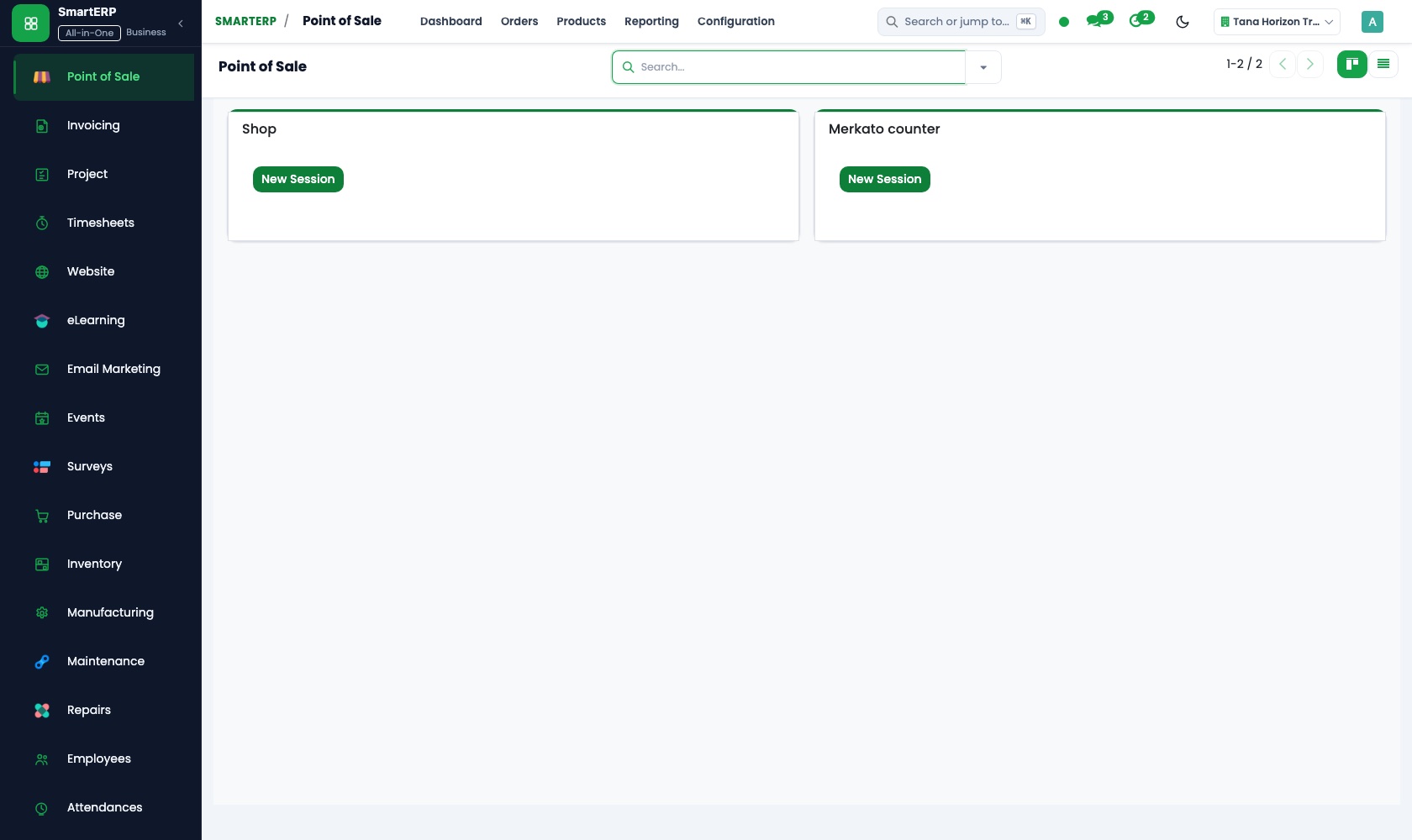
The applications on screen
Real SmartERP screens with sample data.
Who uses it
- Business owner or general managerSee the whole business and keep every department working on the same records.
- Finance and accountingInvoices, bills, bank and reports from one ledger.
- Purchasing and storesBuy, receive and control stock.
- Human resourcesStaff records, hiring, leave and attendance.
Company sizes
- Up to 10 people
- 11 to 50 people
- 51 to 100 people
What SmartERP does not cover for this industry
SmartERP does not include a room reservation or channel-manager system, a housekeeping board or a key-card integration. Keep your booking system for the front desk; SmartERP takes over billing, purchasing and staff records behind it.
Questions about SmartERP for hotel and lodge
Does SmartERP manage room reservations?
No. SmartERP does not include a room reservation system or a channel manager. Keep the booking system your front desk uses; SmartERP takes over billing, purchasing and staff records behind it.
Can we bill a company for a block of rooms or a conference?
Yes. Quote the company in Sales, confirm the order and invoice it in Accounting. The invoice is in Ethiopian birr and shows VAT, and the payment is matched to it in the ledger.
How do the kitchen and housekeeping order supplies?
They raise purchase orders to named suppliers in Purchase. Finance later compares the vendor bill with that order, so both sides work from the same document.
Can staff use SmartERP on a mobile app?
There is no mobile app today. SmartERP works in a mobile browser, so a manager can open a record from a phone.
Does SmartERP run payroll for hotel staff?
Payroll is not part of the standard cloud service; it is available only through an implementation project, and the staff records stay in SmartERP.
See it before you decide
A week of corporate bookings and supplier invoices for one property
The walkthrough follows a company booking from quotation to paid invoice, then a kitchen order from request to supplier payment, on sample data for a fictional lodge.
There is no self-service sandbox. The demo is a guided walkthrough on sample data, or you can start a trial workspace.
Pricing
SmartERP has an industry edition for this sector (Hospitality). The applications listed above are its applications, and the editions, their staff bands and the current prices are on the pricing page. This page shows no price.
See plans and pricingA website for your business
SmartERP can also set up a starter website for this kind of business, offered as part of a website project: Home, Rooms, Amenities, Dining, Reservations, Gallery, About, Contact. How the website tools work.
Start with what your business needs first
Tell us your industry and we carry it through the guided set-up, or talk to us first.
Start SmartERP Book a demo