Purchasing, stores, billing and staff records for a hospital or diagnostic centre
A hospital has many cost centres and many suppliers: wards, theatre, laboratory, imaging, the pharmacy store and the kitchen. SmartERP does not replace the patient administration or clinical system. It keeps the business side straight: what each department ordered, what the store holds, what was invoiced and who is employed where.
Start with Purchase, Inventory and Accounting. Add Sales and CRM for insurer, employer and referral accounts, and Employees, Attendance and Time Off for the staff directory, daily presence and leave.
Typical businesses: Private hospitals · General hospitals · Specialty hospitals · Diagnostic centres · Laboratory and imaging centres
Problems this industry runs into
Every ward and department orders on its own
Theatre, laboratory and wards send separate requests to separate suppliers, so the hospital cannot see its total spend with one supplier or compare what it pays for the same item.
The central store and the ward cupboards disagree
Consumables move from the store to wards on slips of paper. Counts differ, shortages appear in theatre and nobody can say where the stock went.
Insurer, employer and referral invoices pile up
Bills for insured patients and for organisations that send staff or referrals are prepared by hand, so it is unclear which are sent, disputed or paid.
Who is on duty and who is on leave hangs on a wall chart
Departments keep their own staff lists, presence is written on sheets and leave is agreed by word of mouth, so HR cannot say who was at work on a given day.
Applications in the Healthcare edition
These applications are the ones the industry edition's blueprint includes. Each opens its own page.
Often added for this industry
What each application does for hospital and diagnostics
Accounting
One list of vendor bills shows what the hospital owes its suppliers and when. Invoices to insurers and organisations stay open until each transfer is matched, and financial reports cover the whole institution, not ward by ward.
Sales
Organisations that send staff or referrals are quoted from price lists: one for organisation accounts, another for patients who pay at the desk. A confirmed quotation becomes a sales order that finance can invoice.
Inventory
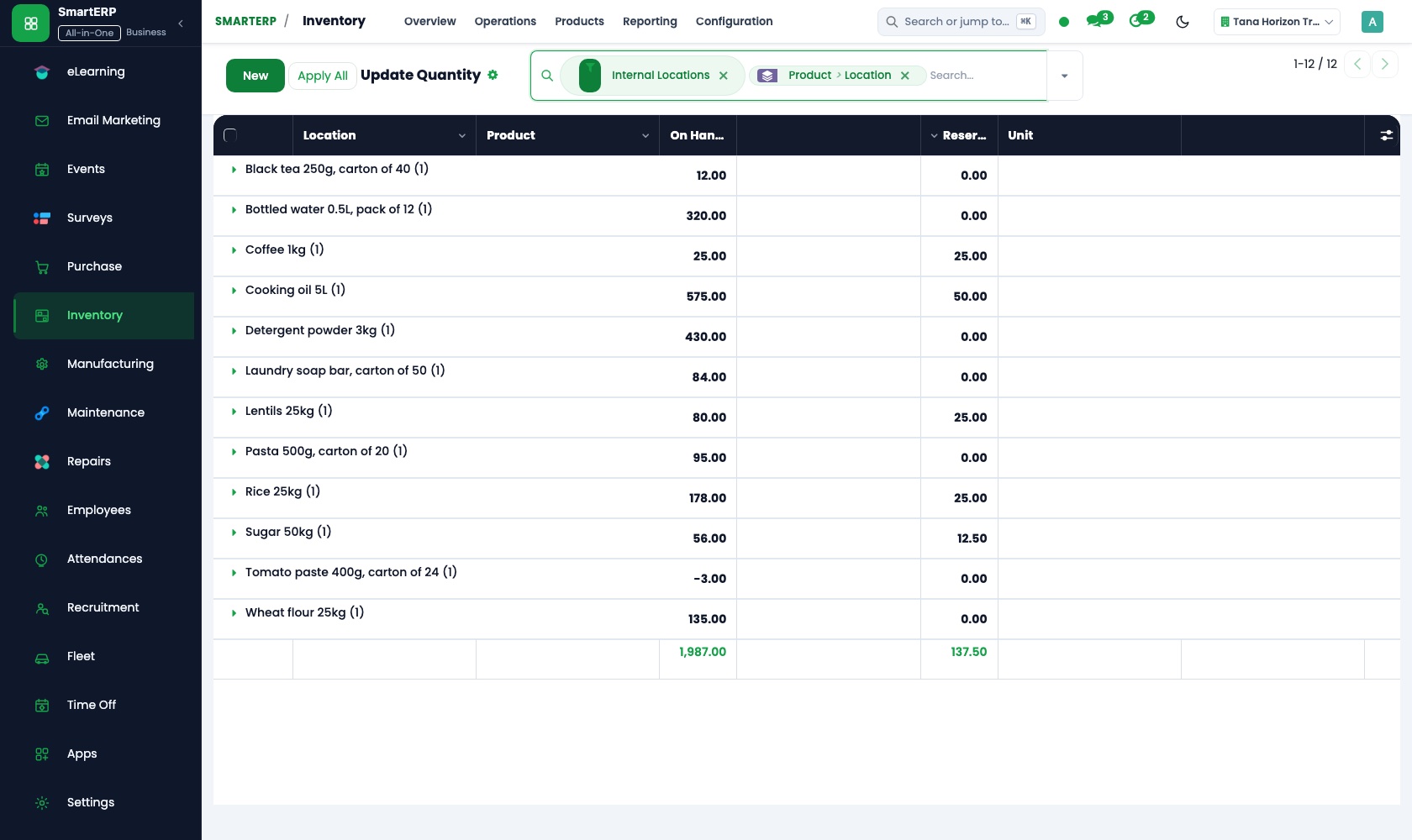
The central store and each ward or theatre cupboard are separate locations, so a move from store to ward is a recorded transfer. Physical counts and stock adjustments show where consumables went, and reorder rules flag shortages.
Purchase
One purchase order to a chosen supplier can cover what several departments asked for. On arrival, goods received are compared with the order and the supplier's bill, and purchase reporting shows spend by vendor.
CRM
Each referring clinic, employer or insurer is followed as a lead and then through a pipeline by stage until an arrangement is agreed. Scheduled activities keep the next call on the salesperson's list.
How the work runs on SmartERP
From ward requests to goods in the central store
Departments' needs are gathered into one supplier order, checked on arrival, held in the central store and paid for.
- Inventory: Warehouses and locations Set up the central store and each ward or theatre cupboard as separate locations, so movements between them are recorded.
- Purchase: Purchase orders Raise one order to a chosen supplier covering the consumables that several departments asked for.
- Purchase: Receipts and three-way matching Compare goods received with the order and the supplier's bill, and note any shortfall before payment.
- Accounting: Vendor bills and payments Pay the supplier once the bill is matched and keep the balance still outstanding visible.
From a referring clinic's arrangement to cash received
A clinic or organisation that sends patients is followed as a relationship, priced, invoiced and paid.
- CRM: Pipeline by stage Follow each referring clinic or organisation from first contact to an agreed arrangement with the diagnostic centre.
- Sales: Price lists and discounts Keep one price list for organisation accounts and another for patients who pay at the desk.
- Accounting: Customer invoices and credit notes Invoice the organisation for the tests done and credit any test that was cancelled.
- Accounting: Bank and cash Record the insurer's or organisation's transfer and see which invoices it settled.
Your first month
- First week. We map wards, theatre, laboratory, imaging, the pharmacy store and the kitchen as departments and stock locations, then load suppliers and the organisations you invoice.
- Second week. Your accountant helps us set up the chart of accounts, bank accounts and tax lines, and opening balances go in. Each ward cupboard is counted so stock starts from what is there.
- Third week. Ward managers practise a request that becomes a purchase order. The central store books the delivery and moves items to a ward, and finance invoices one organisation.
- After go-live. Finance and ward managers review the first month together: spend by supplier, differences in store counts and unpaid organisation invoices. We adjust reorder rules and price lists to match.
What to have ready
- Departments and cost centres, with the manager responsible for each
- Supplier names, what each one supplies and the prices you know today
- A count of consumables in the central store and in each ward cupboard
- Insurers, employers and referring clinics you invoice, with billing contacts and agreed rates
- The balances your accountant carries forward, with the hospital's bank accounts
- A staff list with department and position for each person
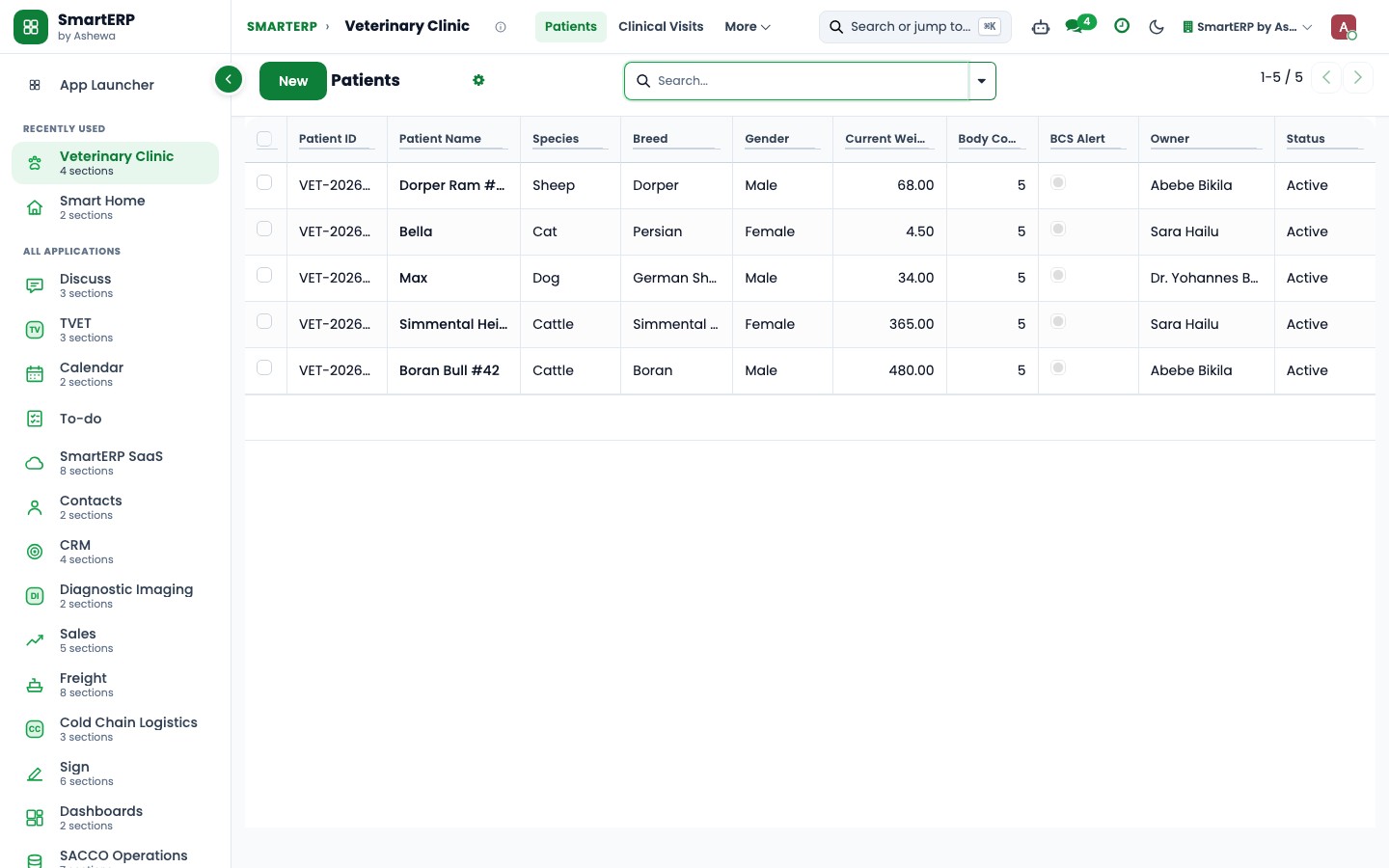
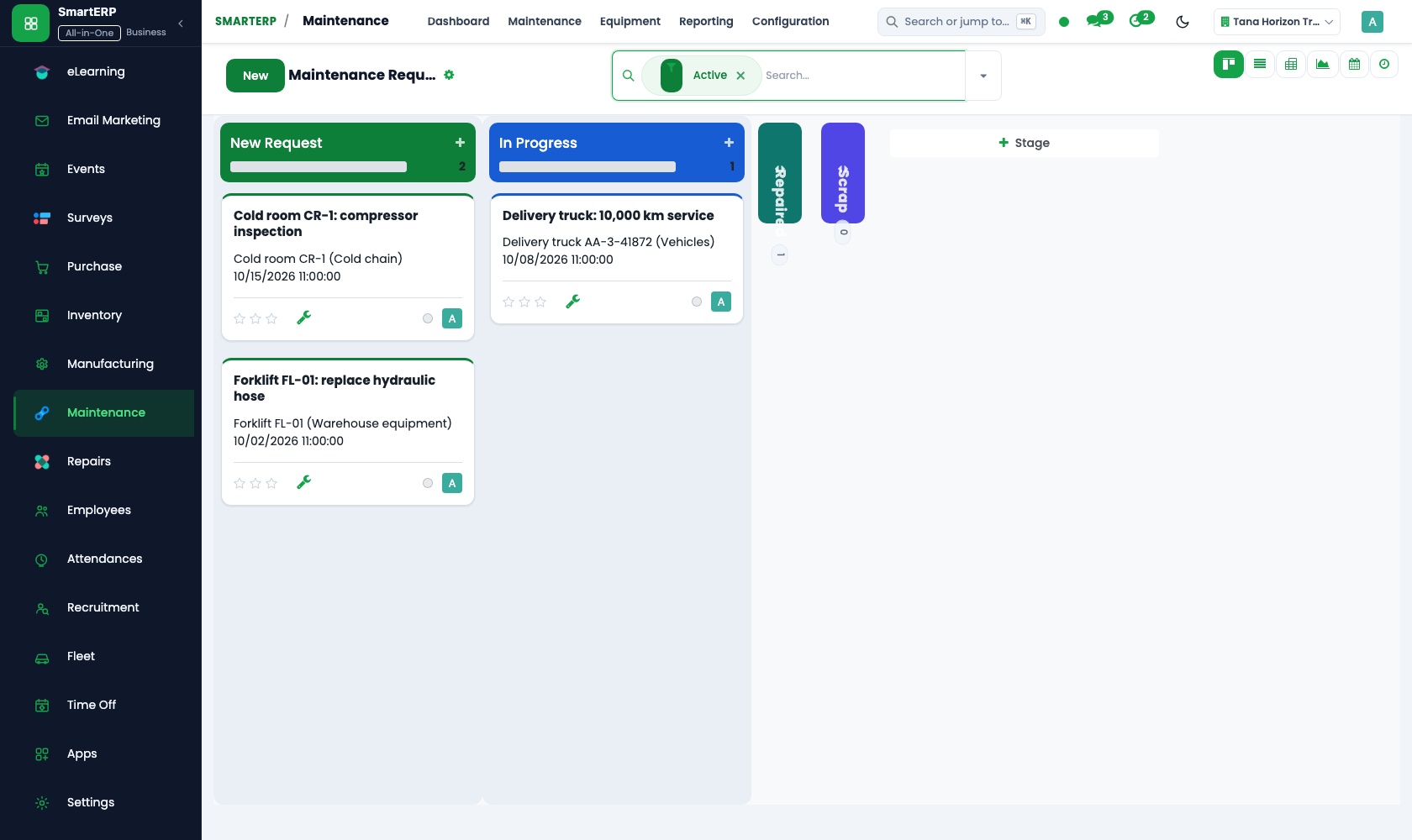
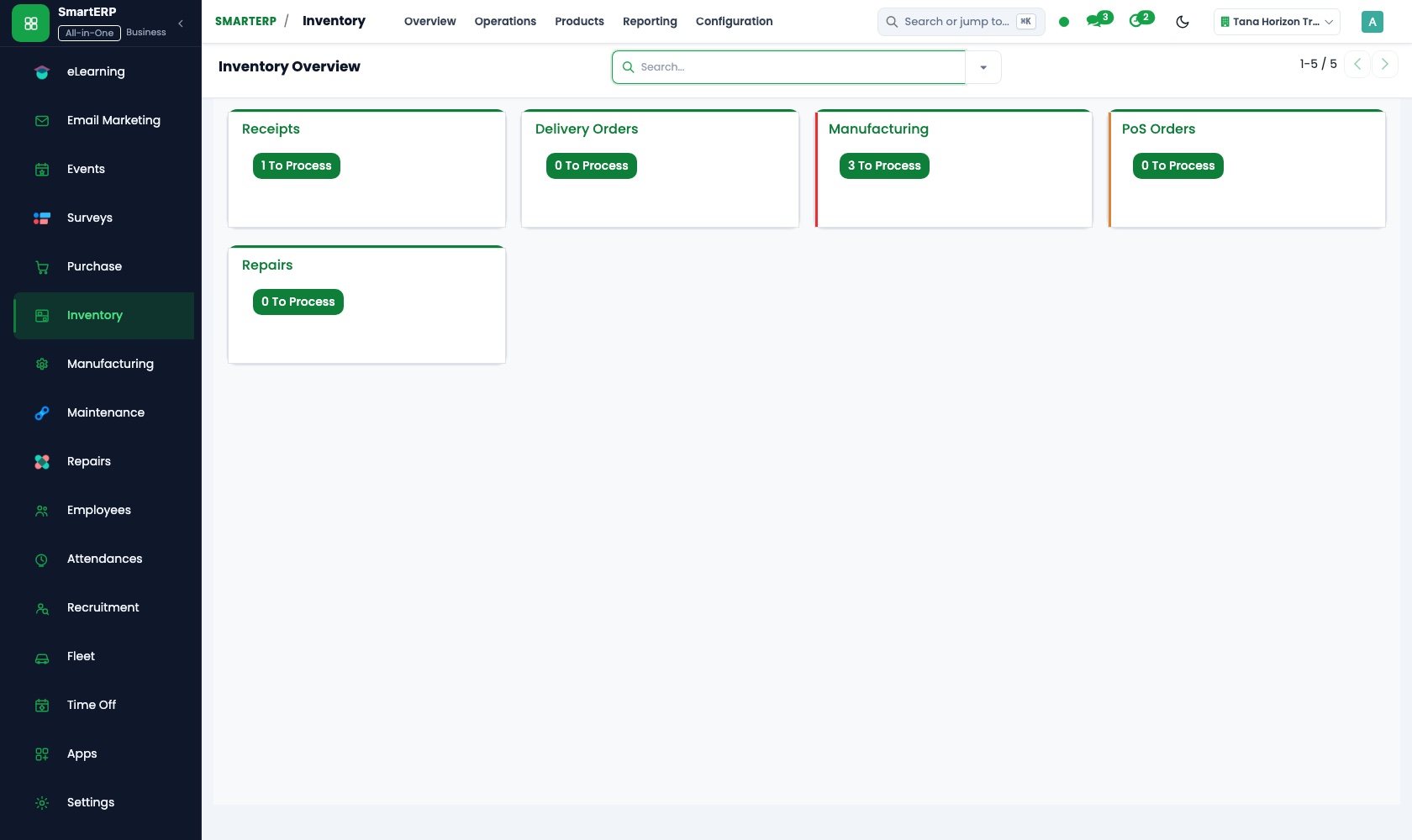
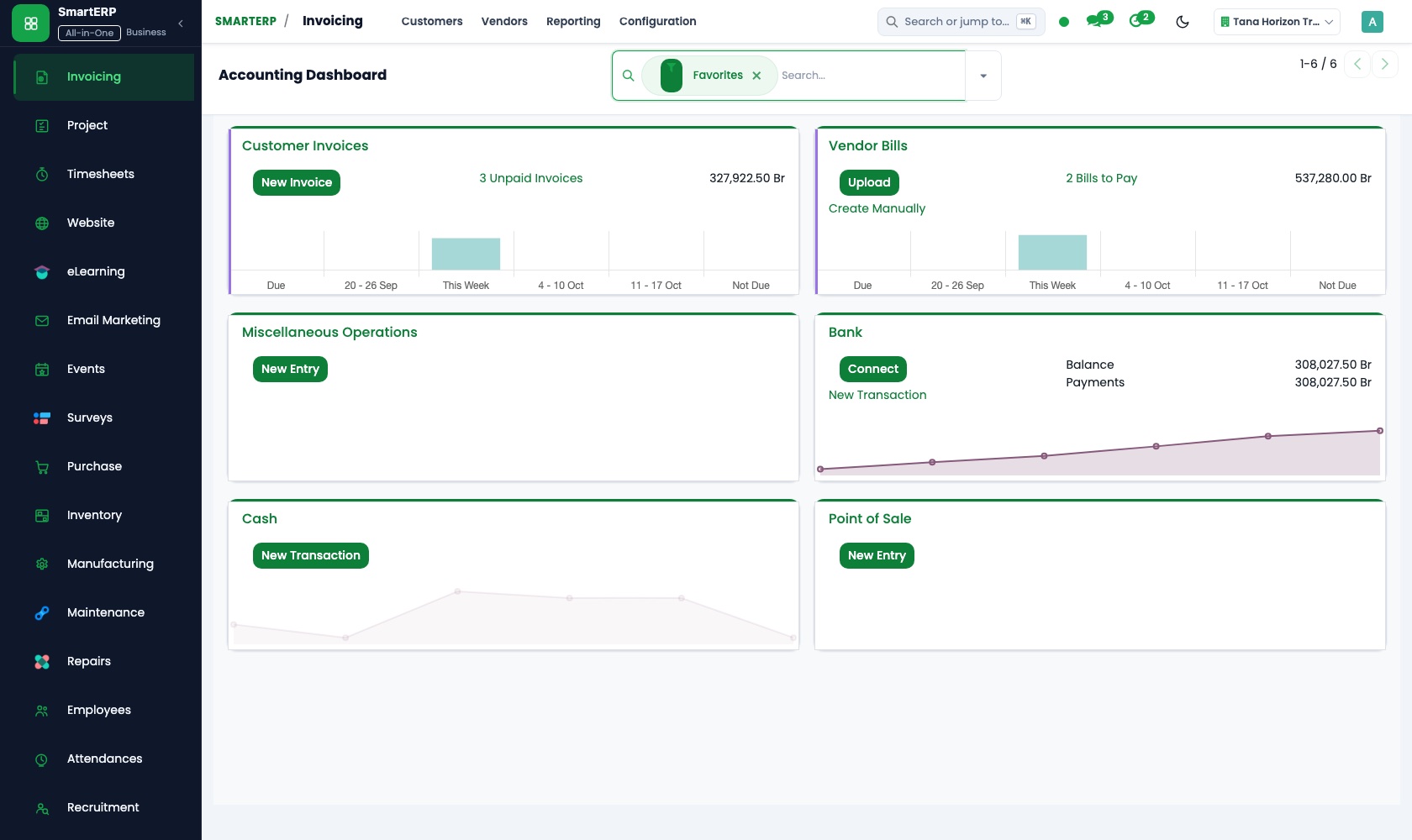
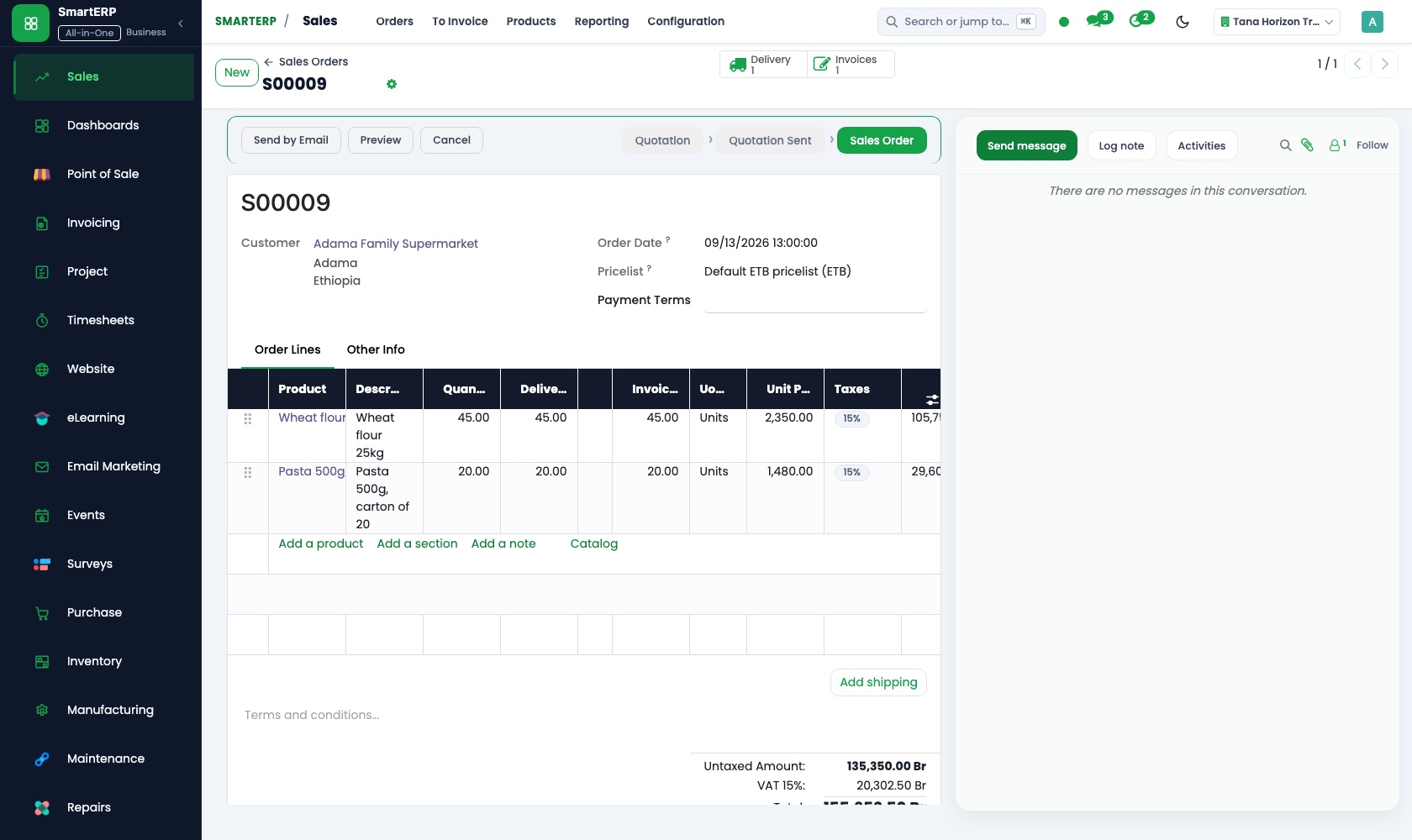
The applications on screen
Real SmartERP screens with sample data.
Who uses it
- Business owner or general managerSee the whole business and keep every department working on the same records.
- Finance and accountingInvoices, bills, bank and reports from one ledger.
- Purchasing and storesBuy, receive and control stock.
- Human resourcesStaff records, hiring, leave and attendance.
Company sizes
- 51 to 100 people
- 101 to 200 people
What SmartERP does not cover for this industry
SmartERP has no patient administration, ward bed board, electronic medical record, laboratory or imaging system, dispensing record or insurer claim filing. Use a clinical system for care; SmartERP covers purchasing, stores, billing and staff records.
Questions about SmartERP for hospital and diagnostics
Can SmartERP replace our patient and clinical system?
No. SmartERP has no patient administration, ward bed board, electronic medical record, laboratory or imaging system, dispensing record or insurer claim filing. Keep a clinical system for care; SmartERP covers purchasing, stores, billing and staff records.
Can one supplier order cover what several wards need?
Yes. Purchase raises one order to the chosen supplier for what several departments asked for. Inventory books the receipt on arrival, and Accounting pays the bill once it matches.
Can each ward keep its stock apart from the central store?
Yes. Inventory models the central store and each ward or theatre cupboard as locations, and a transfer records every movement between them, so counts can be compared location by location.
Can we see who is on duty and who is on leave?
With Employees, Attendance and Time Off, yes: staff check in and out, hours per day are recorded, leave balances are kept and a team calendar shows who is away. Biometric devices are not included.
Does SmartERP file insurer claims or produce tax e-invoices?
No. Insurer claim filing is not offered, and SmartERP does not integrate with tax-authority e-invoicing or fiscal machines today. Invoices show VAT and can be printed or emailed.
See it before you decide
A month of ward supply orders and insurer invoices for a fictional hospital
The walkthrough follows consumables ordered for three departments into the central store, then an insurer's invoice through to the bank transfer that settles it, on sample data for a fictional hospital.
There is no self-service sandbox. The demo is a guided walkthrough on sample data, or you can start a trial workspace.
Pricing
SmartERP has an industry edition for this sector (Healthcare). The applications listed above are its applications, and the editions, their staff bands and the current prices are on the pricing page. This page shows no price.
See plans and pricingA website for your business
SmartERP can also set up a starter website for this kind of business, offered as part of a website project: Home, Departments, Diagnostics, Patients & Visitors, Emergency, For Doctors, Book a Consultation, Contact. How the website tools work.
Start with what your business needs first
Tell us your industry and we carry it through the guided set-up, or talk to us first.
Start SmartERP Book a demo