Member deliveries, joint purchasing and buyer sales for a cooperative on one set of records
A cooperative buys inputs jointly, gathers produce from members and sells it in larger lots. SmartERP does not run savings or voting. It holds the store, the orders to suppliers and buyers, and the invoices and bills that show what is owed to and by the cooperative.
Begin with Inventory, Purchase, Sales and Accounting. Add Membership to record fees and member status, and Email Marketing to send notices to members when the committee is ready.
Typical businesses: Farmers' cooperatives · Cooperative unions · Multipurpose cooperatives · Marketing cooperatives · Input-supply societies
Problems this industry runs into
Member deliveries are weighed and written in a book
The storekeeper notes each delivery by hand, so when a buyer complains about a lot nobody can say which harvest or which member it came from.
Seed and fertiliser are ordered late and in scattered lots
Requests from members reach the committee one by one, so the cooperative places several small orders instead of one, and supplier prices are never compared.
Who is owed for produce and who owes for it is unclear
Payments to members for delivered produce and money due from buyers sit in different notebooks, so the committee cannot settle accounts on one date from one list.
Fees and member standing are known to the secretary alone
Which members have paid their fee and who is in good standing is held by one person, so it is disputed at the general meeting and when members ask to buy inputs.
Applications in the Agriculture edition
These applications are the ones the industry edition's blueprint includes. Each opens its own page.
Often added for this industry
What each application does for cooperative and union
Accounting
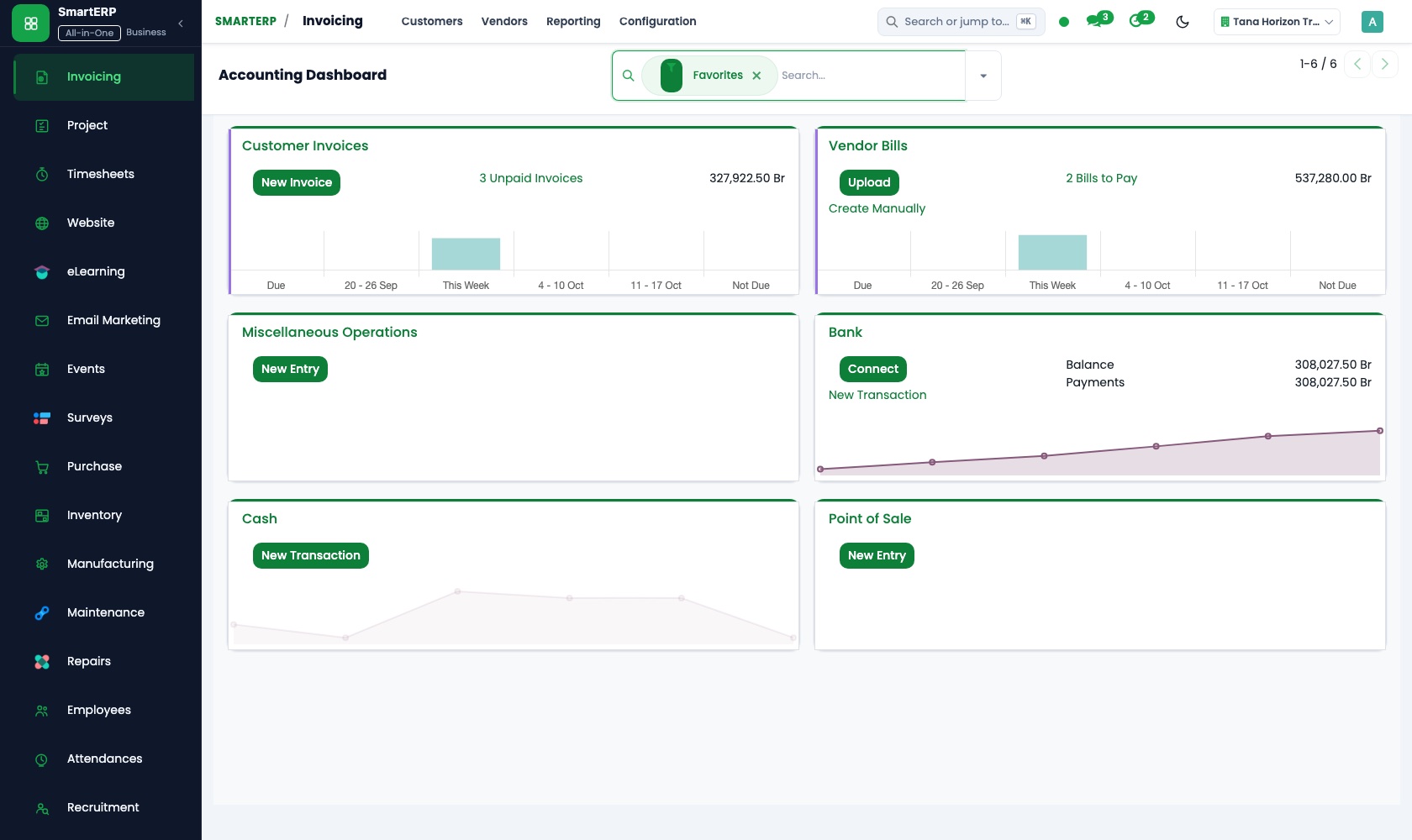
Members are paid for delivered produce from vendor bills, in cash or by transfer, on the day the committee decides. Buyers are invoiced, and aged receivables and payables give the committee one list.
Sales
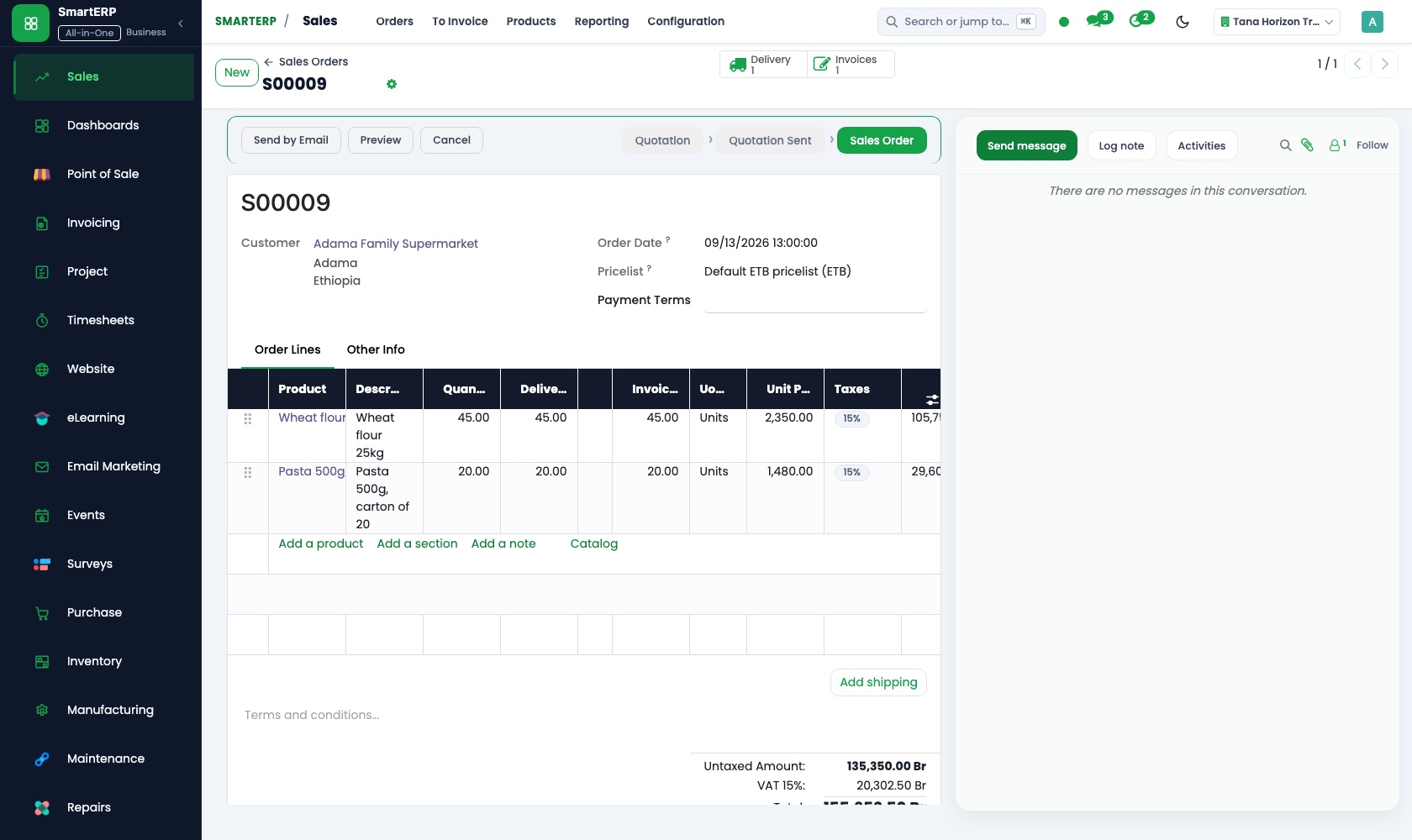
Traders and institutional buyers are quoted for larger lots, and an accepted quotation becomes a sales order. Price lists set one price for members and another for non-members.
Inventory
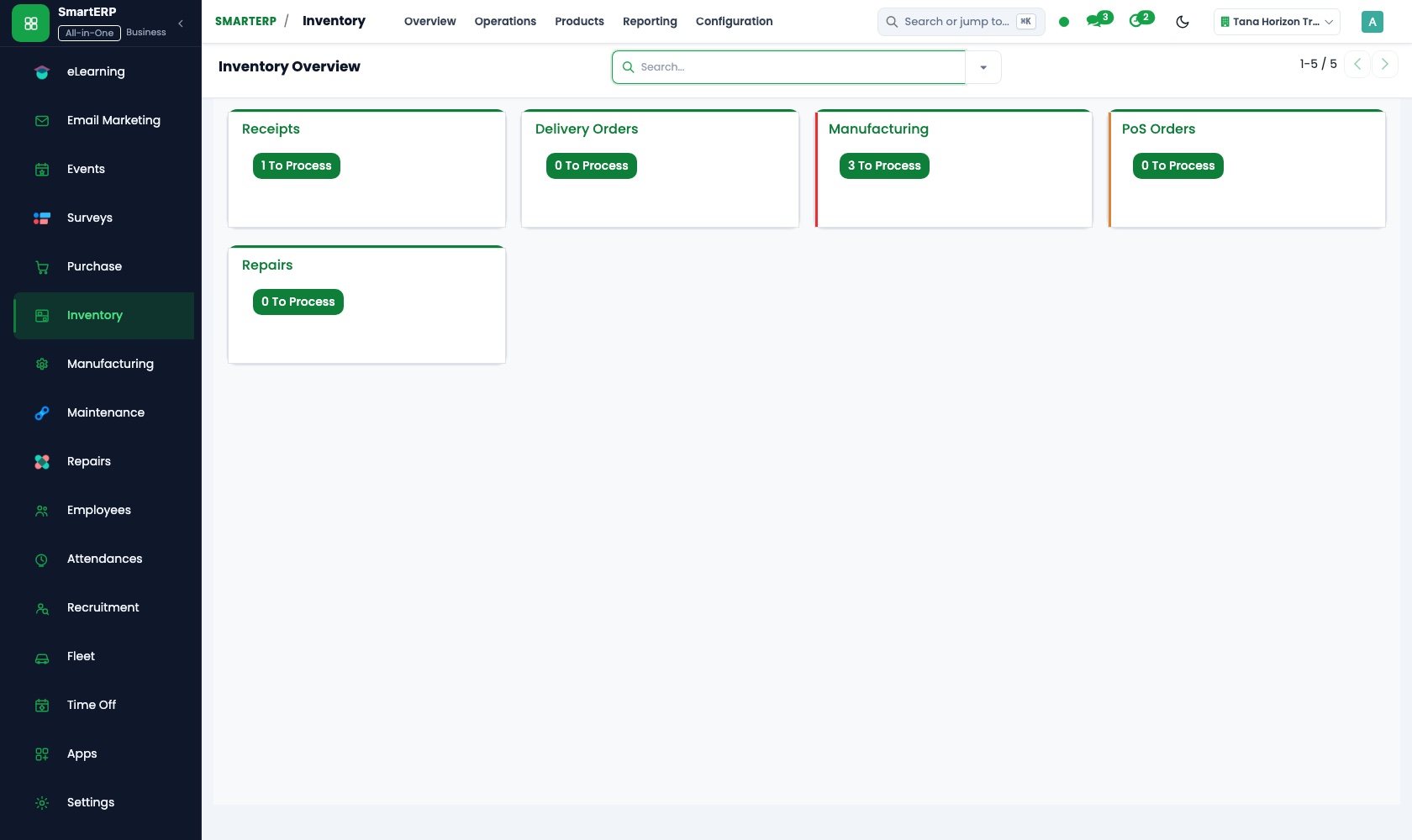
The storekeeper receives each member's delivery as its own lot and records the quantity accepted. Jointly bought goods are received, then issued to members, and stock reports show what is left.
Purchase
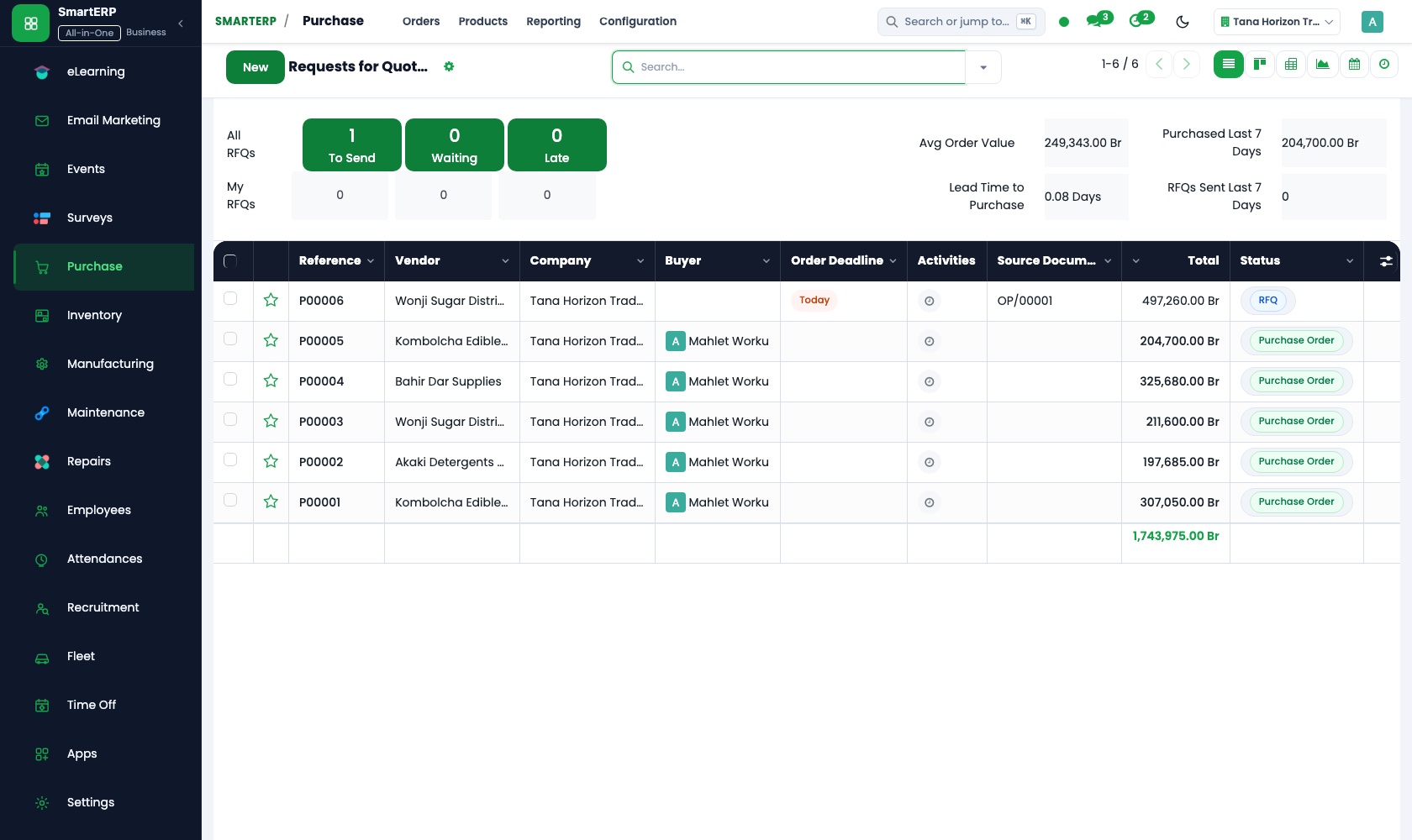
Members' requests for seed and fertiliser are gathered into one order instead of several small ones. Requests for quotation compare supplier prices, and vendor records keep the terms agreed.
How the work runs on SmartERP
From member delivery to buyer invoice and member payment
Produce is received from a member into a lot, sold to a buyer and invoiced, and the member is paid for what was delivered.
- Inventory: Receipts and deliveries Receive the member's delivery into the cooperative store and record the quantity accepted.
- Inventory: Lots and serial numbers Keep each delivery as its own lot so a buyer's complaint can be traced to the harvest it came from.
- Sales: Quotations and sales orders Quote a trader or an institutional buyer for a larger lot and confirm the order.
- Accounting: Customer invoices and credit notes Invoice the buyer for the quantity shipped, with a credit note if part of the lot is rejected.
- Accounting: Vendor bills and payments Pay each member for the produce delivered, in cash or by transfer, on the day the committee decides.
From membership fee to jointly bought inputs
Members pay their fee, the cooperative places one consolidated order for seed or fertiliser and issues the goods to members at a set price.
- Membership: Membership products Define the joining fee and the yearly fee as products the cooperative can invoice.
- Membership: Member status See who is in good standing before serving them at the input counter.
- Purchase: Purchase orders Place one consolidated order with the supplier for everything the members have asked for.
- Inventory: Receipts and deliveries Receive the goods into the store and issue them to members against their requests.
- Sales: Price lists and discounts Set the price members pay for inputs, and a different one for non-members.
Your first month
- First week. We agree how a member is recorded, as customer, supplier and fee payer, and load members, buyers, input suppliers and the store's locations.
- Second week. The accountant confirms the chart of accounts and bank. Produce and inputs are entered as products, with separate price lists for members and non-members.
- Third week. The storekeeper receives a real member delivery as a lot. The committee places one joint order for inputs, and finance pays the member and invoices the buyer.
- After go-live. Before the next committee meeting we review the store count, what buyers owe and what members are owed, and adjust how deliveries are recorded.
What to have ready
- The member list with contacts and the fee each member pays
- Buyers and traders who take your produce, with the terms agreed
- Suppliers of seed, fertiliser and packing, with usual prices
- Produce and inputs now in store, counted by item
- Bank account details and opening balances, agreed with your accountant
The applications on screen
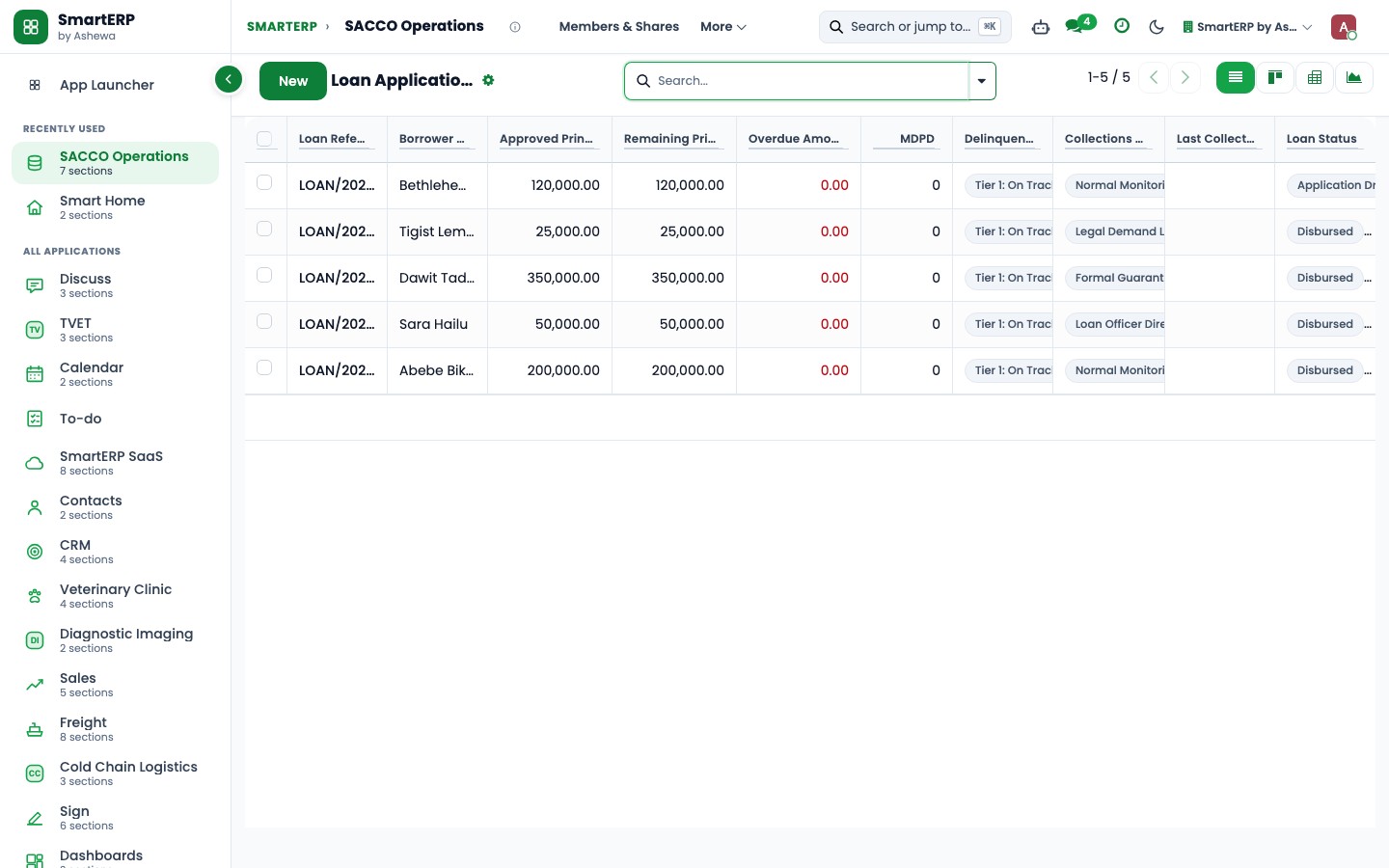
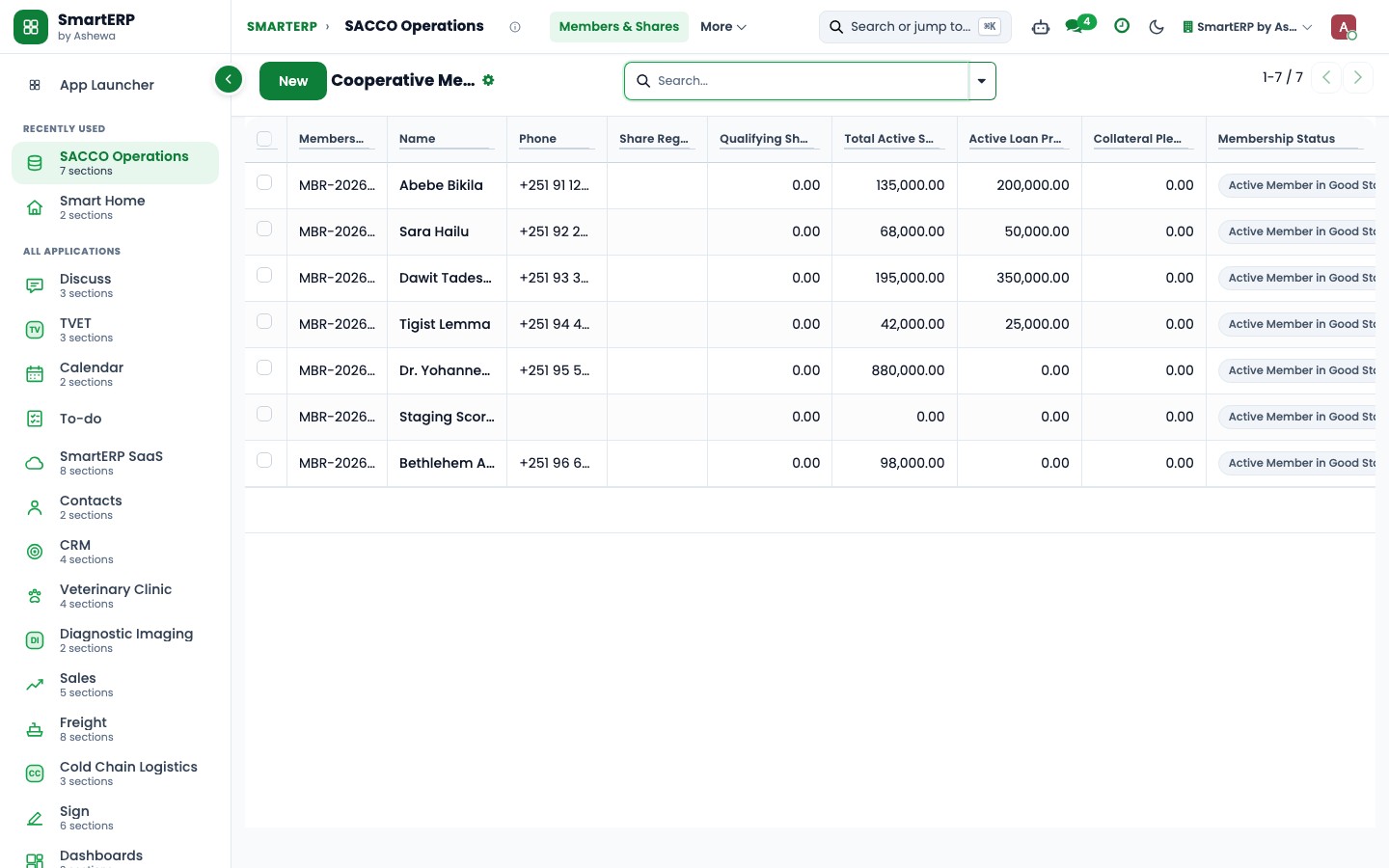
Real SmartERP screens with sample data.
Who uses it
- Business owner or general managerSee the whole business and keep every department working on the same records.
- Finance and accountingInvoices, bills, bank and reports from one ledger.
- Purchasing and storesBuy, receive and control stock.
- Operations and productionPlan production, maintain equipment, deliver on time.
Company sizes
- 11 to 50 people
- 51 to 100 people
What SmartERP does not cover for this industry
SmartERP has no savings passbook or lending ledger, no dividend or patronage share calculation, no assembly voting or minutes, and no grading or moisture testing of produce. Members appear as customers, suppliers and fee payers.
Questions about SmartERP for cooperative and union
Can SmartERP keep savings passbooks and calculate dividends?
No. SmartERP has no savings passbook or lending ledger, does not calculate dividends or patronage shares, and does not record assembly votes or minutes. Members appear as customers, suppliers and fee payers.
Can SmartERP grade or moisture-test what members bring?
No, SmartERP does not grade produce or test moisture. It keeps each delivery as its own lot, so a buyer's complaint can be traced to its harvest.
How are membership fees and member standing recorded?
With Membership added, fees are products invoiced through Accounting, and each member shows a status such as paid, invoiced or expired. Renewals are invoiced by your team; recurring billing is only through implementation.
Can the committee see what members are owed and buyers owe together?
Yes. Buyer invoices, vendor bills for member produce and purchase orders for inputs post to the same ledger in Accounting, so reports show receivables and payables from one set of postings.
Can we send a notice to every member?
With Email Marketing added, a mailing goes to a list or filtered group, and recipients can opt out. Sending depends on your email domain and mail server, which we configure with you.
See it before you decide
One member delivery from store receipt to buyer invoice
The walkthrough receives a fictional member's delivery into a lot, sells it to a buyer, invoices the sale and pays the member, on sample data for a fictional cooperative.
There is no self-service sandbox. The demo is a guided walkthrough on sample data, or you can start a trial workspace.
Pricing
SmartERP has an industry edition for this sector (Agriculture). The applications listed above are its applications, and the editions, their staff bands and the current prices are on the pricing page. This page shows no price.
See plans and pricingA website for your business
SmartERP can also set up a starter website for this kind of business, offered as part of a website project: Home, Membership, Member Services, How We Are Run, Notices & News, Request to Join, Contact. How the website tools work.
Start with what your business needs first
Tell us your industry and we carry it through the guided set-up, or talk to us first.
Start SmartERP Book a demo