Service menus, bridal bookings and product sales for a salon or spa
A salon's week is uneven: a quiet Tuesday, then a wedding party, then a holiday eve with every chair taken. SmartERP does not take online bookings or schedule chairs. It prices services, quotes group bookings, sells at the till and records stylists' hours, so the owner sees what a busy week really earned.
Start with the Point of Sale, Sales and Accounting. Add CRM to follow enquiries from brides and groups, Employees and Attendance for the team, and Membership or Email Marketing for regular guests.
Typical businesses: Hair salons · Beauty parlours · Barber shops · Day spas · Nail and makeup studios
Problems this industry runs into
Prices for the same service change with who is at the desk
Braiding, haircut and manicure prices are remembered by each stylist, so guests are quoted different amounts and the till total does not match what was promised.
A wedding party is agreed by phone and forgotten by the day
The bride's group, the services and the deposit are noted on a scrap of paper. On the day nobody has the full list or knows what has already been paid.
Shampoo, polish and styling products leave the shelf unrecorded
Products used in a service and products sold to a guest come off the same shelf and neither is written down, so the salon cannot tell what retail earns.
Stylists' arrival times are kept in three notebooks
Each stylist notes arrival in a personal book, so the owner reconstructs who worked which day when deciding what each person is owed for the month.
A recommended starting set of applications
There is no packaged edition for this industry yet. These applications are our recommendation for a business of this kind, not a fixed bundle.
Often added for this industry
What each application does for beauty salon and spa
Accounting
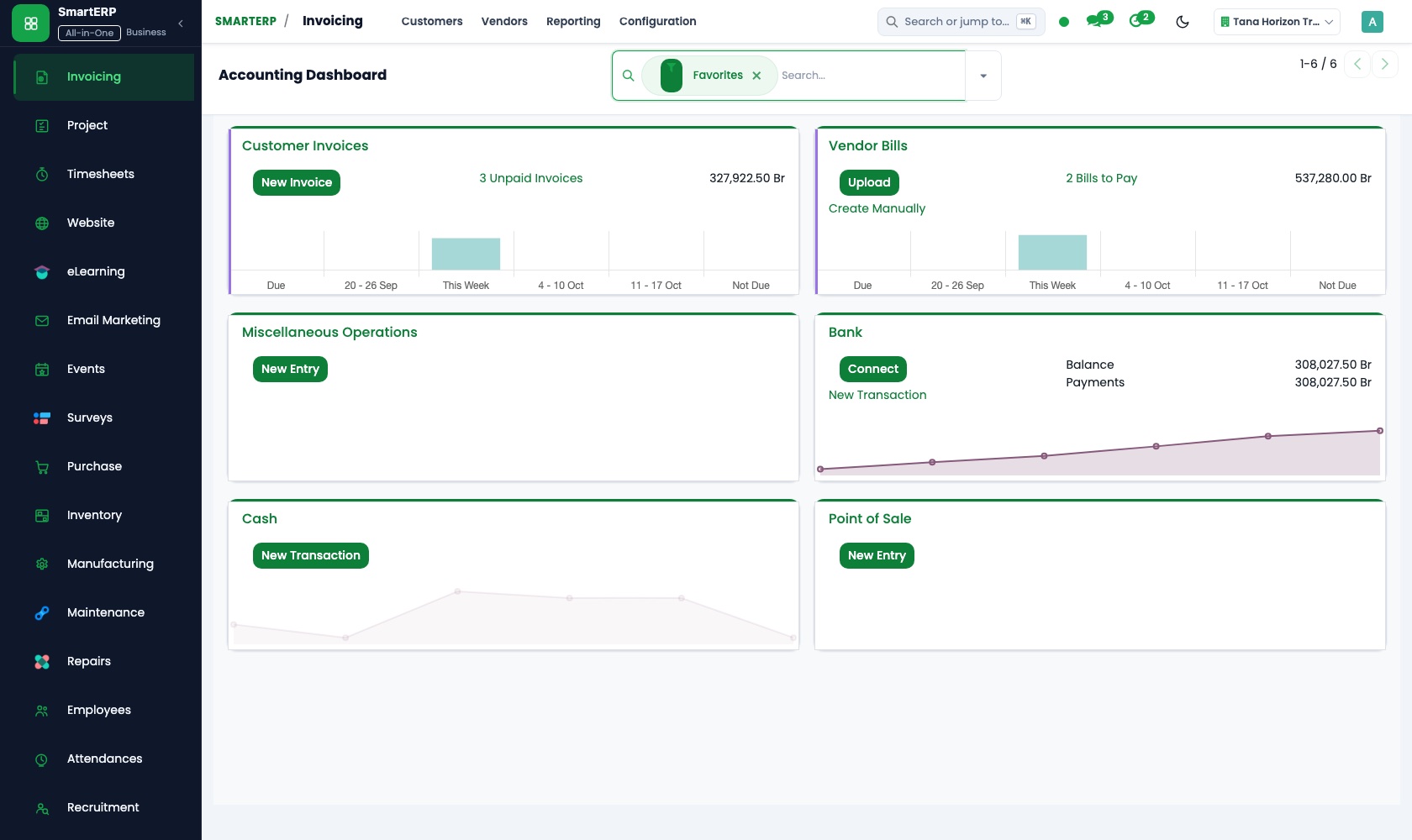
Bridal deposits and balances are invoiced apart, and transfers are matched on the bank and cash screen. The owner reads profit and loss without adding up notebooks.
CRM
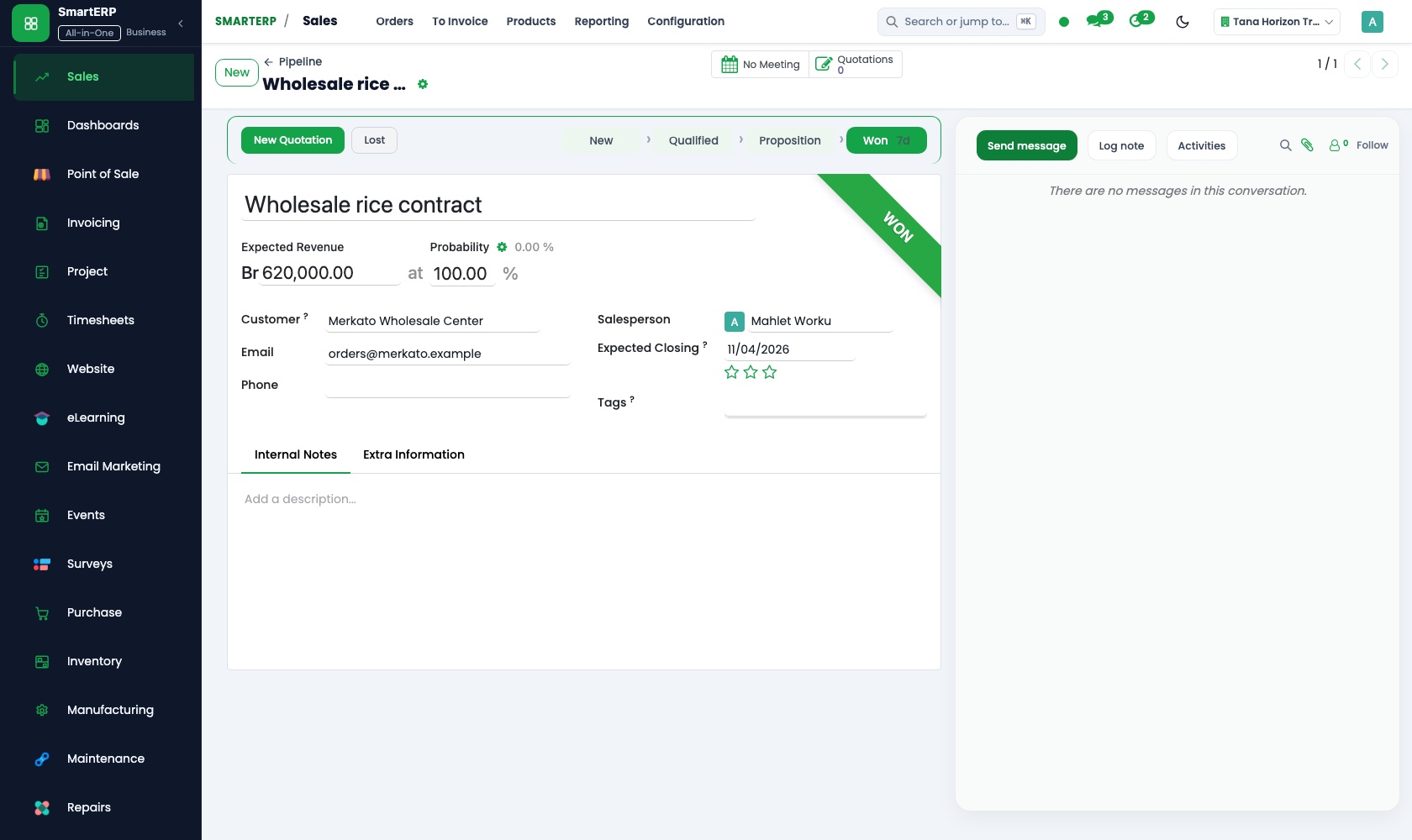
Each bride is a lead who moves through the pipeline from first message to trial styling to a confirmed date. Scheduled activities set the trial-day call.
Sales
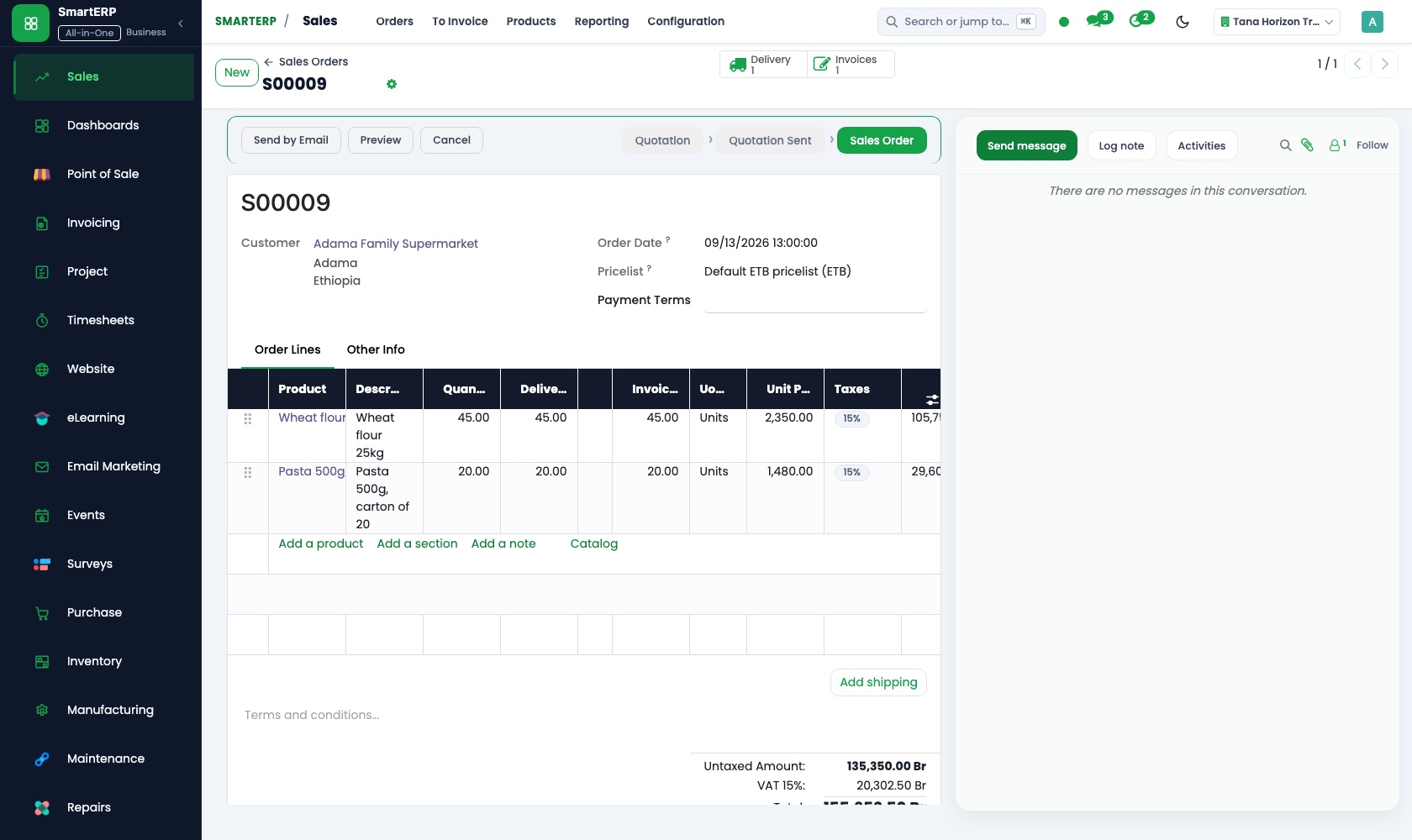
A bridal package is a quotation template listing hair, makeup and nails for the bride and each guest. Price lists keep one price per service.
Point of Sale
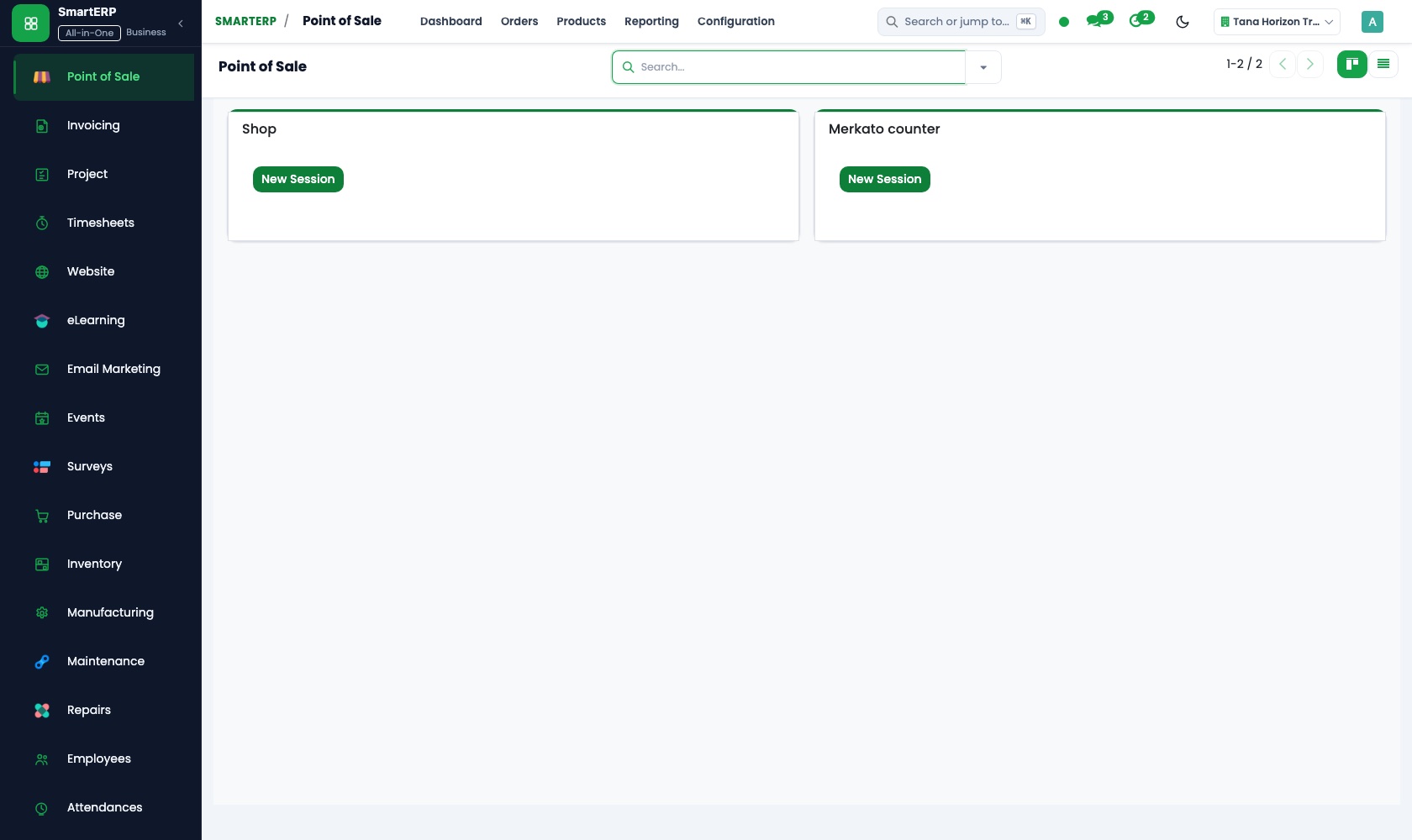
The service menu and shelf products carry prices under hair, nails, skin and retail. The till takes cash or bank payments, and closing the session compares the drawer with the day's total.
Employees
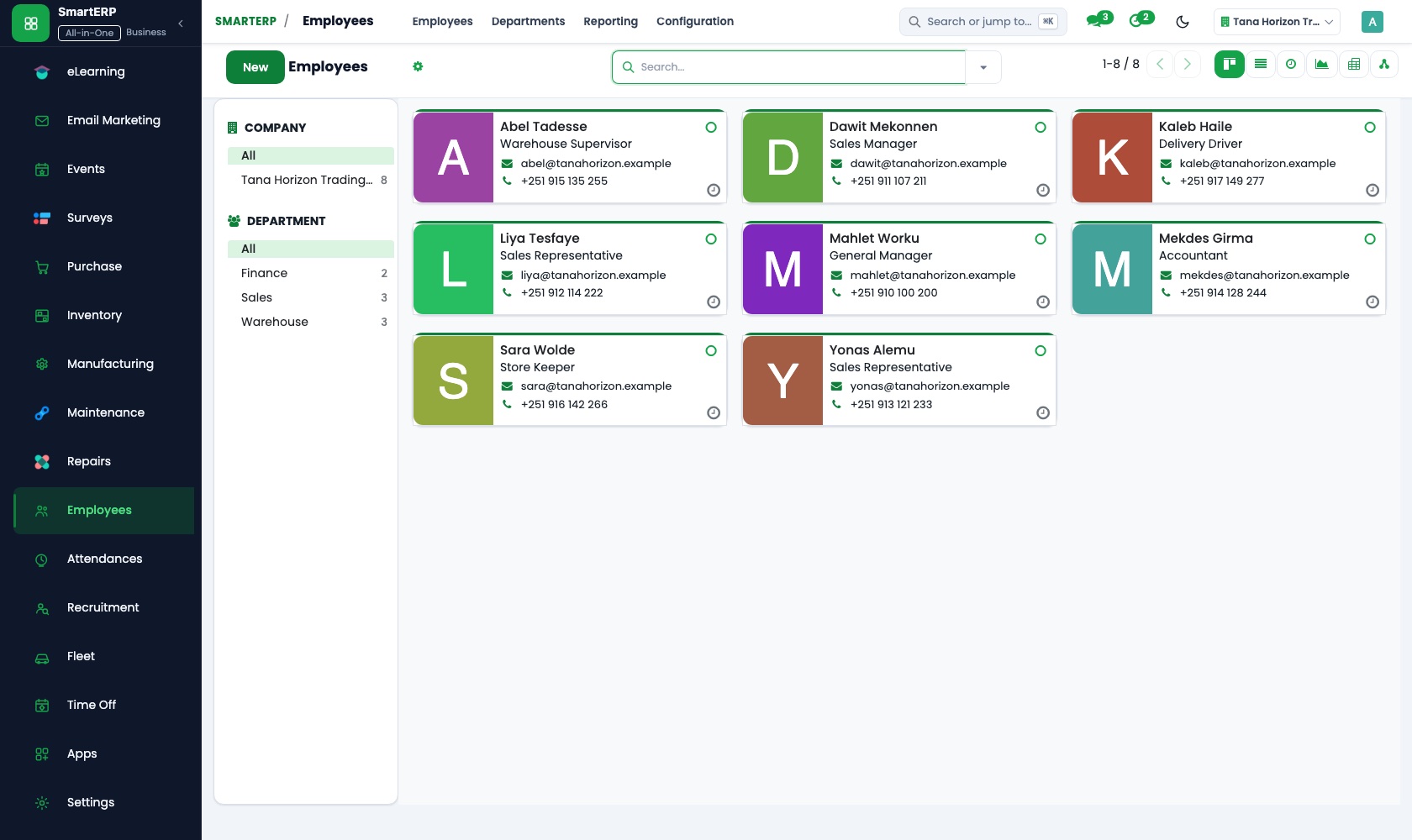
Each stylist has one record with position, department and manager. Stylists can update their own permitted details, and the owner sees the team in one directory.
Attendance
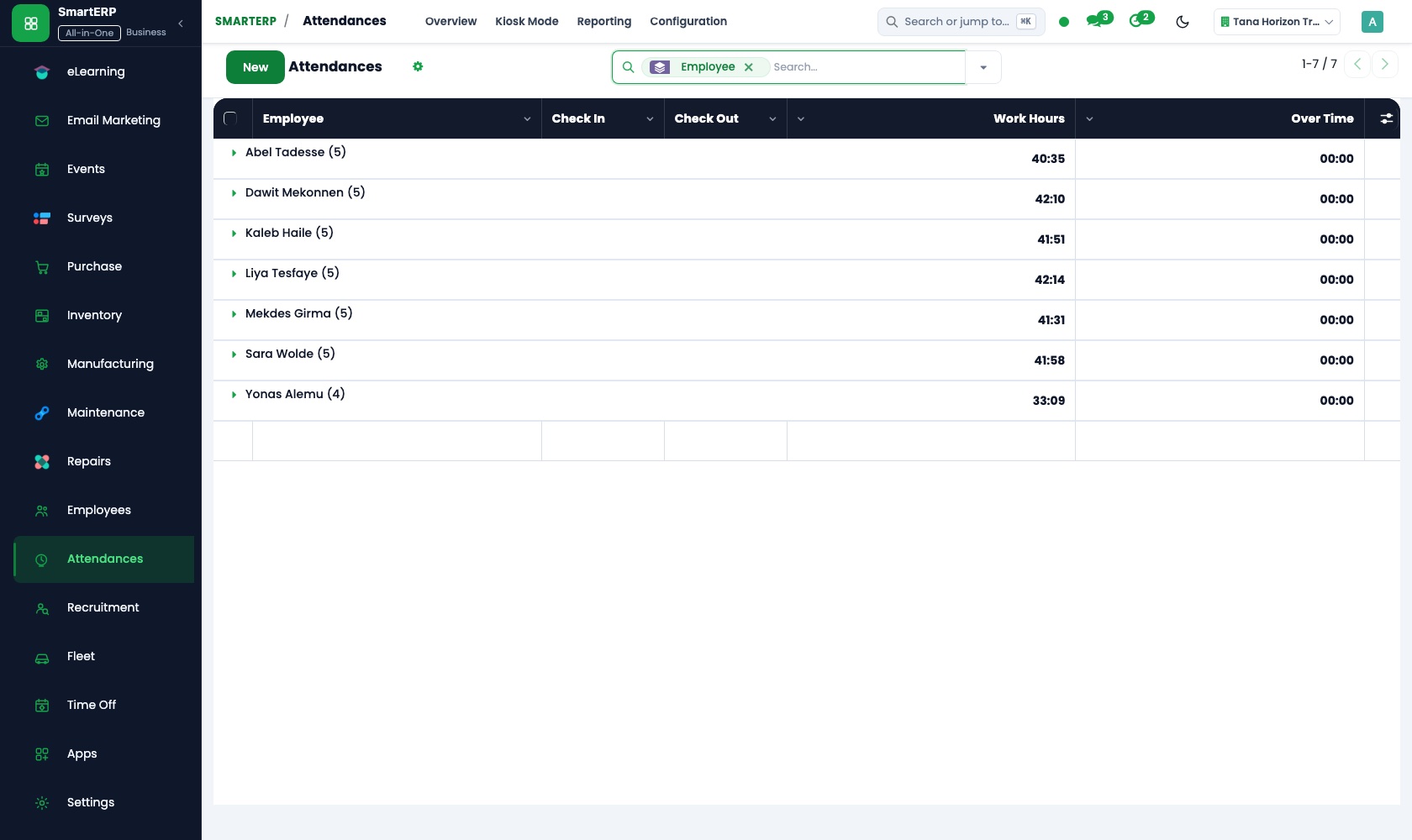
Stylists sign in and out at a shared screen with a badge or PIN. Worked hours per day and per stylist are ready when the owner decides what each is owed.
How the work runs on SmartERP
From a bridal party enquiry to a settled bill
A bride's enquiry is followed through a trial to a confirmed package, then invoiced as a deposit and a balance.
- CRM: Pipeline by stage Follow each bride from first message through the trial styling to a confirmed wedding date.
- Sales: Quotation templates Send a bridal package listing hair, makeup and nails for the bride and each member of her party.
- Sales: Quotations and sales orders Confirm the package when the family accepts, with the deposit terms they agreed to.
- Accounting: Customer invoices and credit notes Invoice the deposit first and the balance after the day, crediting any service the party dropped.
From the service menu to the till count at closing
Services and shelf products are priced in one till, and the evening count is compared with what the system says was taken.
- Point of Sale: Products, categories and prices Set up the service menu and shelf products with prices under hair, nails, skin and retail.
- Point of Sale: Browser-based till Ring up the finished service and any product the guest picks up before she leaves.
- Point of Sale: Payment methods Take cash or bank transfer at the same till and keep them apart for the evening count.
- Point of Sale: Sessions and cash control At closing, compare the drawer with the day's session total and note what does not match.
Your first month
- First week. We write your service menu with prices, group the shelf products, and load your stylists and the regular bridal and corporate clients.
- Second week. The till gets its service categories and payment methods, your accountant confirms the accounts, and the check-in screen is placed where stylists arrive.
- Third week. The front desk rings up real guests, a bridal package is quoted from start to finish, and stylists check in daily so a full week of hours exists.
- After go-live. At the first month's close we compare the drawer with session totals, review hours by stylist, and adjust the menu and prices with the owner.
What to have ready
- Your current service menu with prices, including bridal and group packages
- Shelf products you sell, with the price and supplier of each
- Stylists' names, positions and the days each normally works
- Recent bridal bookings and the deposit terms you agreed
- Your bank details and opening balances from your accountant
The applications on screen
Real SmartERP screens with sample data.
Who uses it
- Business owner or general managerSee the whole business and keep every department working on the same records.
- Finance and accountingInvoices, bills, bank and reports from one ledger.
- Sales and customer serviceLeads, quotations, orders and follow-up.
- Human resourcesStaff records, hiring, leave and attendance.
Company sizes
- Up to 10 people
- 11 to 50 people
What SmartERP does not cover for this industry
SmartERP has no online booking page, chair or stylist scheduling, reminder messages to guests, time-per-service tracking or calculation of percentage pay for stylists. Keep your diary for the day; SmartERP handles pricing, sales, hours and accounts.
Questions about SmartERP for beauty salon and spa
Can guests book chairs or stylists through SmartERP?
No. SmartERP has no online booking page, no chair or stylist scheduling and no reminder messages to guests. Keep your diary for the day.
Does SmartERP work out percentage pay for stylists?
No. SmartERP does not calculate percentage pay or track time per service. Attendance gives worked hours and the till records what was sold.
How do we handle a bridal party with a deposit?
Quote the package from a template in Sales, confirm it when the family accepts, then invoice the deposit first and the balance after the day in Accounting.
Can one till sell services and shelf products?
Yes. Point of Sale uses the same product catalogue and price lists as Sales, so a haircut and a bottle of shampoo are rung up together.
How do the applications in the starting set work together?
Enquiries in CRM become quotations in Sales and invoices in Accounting, and till sales from Point of Sale post to the same ledger. Employees holds the team and Attendance records their hours.
See it before you decide
A bridal party from first enquiry to final bill, for a fictional salon
The walkthrough follows one bride's enquiry through a trial, a bridal package quotation and a deposit invoice, then the balance after the day, on sample data for a fictional salon.
There is no self-service sandbox. The demo is a guided walkthrough on sample data, or you can start a trial workspace.
Pricing
This industry has no packaged edition yet. You can start on a per-user plan with the recommended applications, or ask for a quote. Current plans and prices are on the pricing page.
See plans and pricingA website for your business
SmartERP can also set up a starter website for this kind of business, offered as part of a website project: Home, Service Menu, Spa & Skin, Bridal & Events, Stylists, Care Guide, Book Now, Contact. How the website tools work.
Start with what your business needs first
Tell us your industry and we carry it through the guided set-up, or talk to us first.
Start SmartERP Book a demo