Attendance tracking and continuous assessments
Daily and period attendance, biometric campus gates, continuous assessments, weighted grading scales, GPA calculation, and official report cards.
1. Overview & Business Value#
This comprehensive operational guide details the architecture, business workflows, configuration parameters, and execution steps for Attendance tracking and continuous assessments within SmartERP.
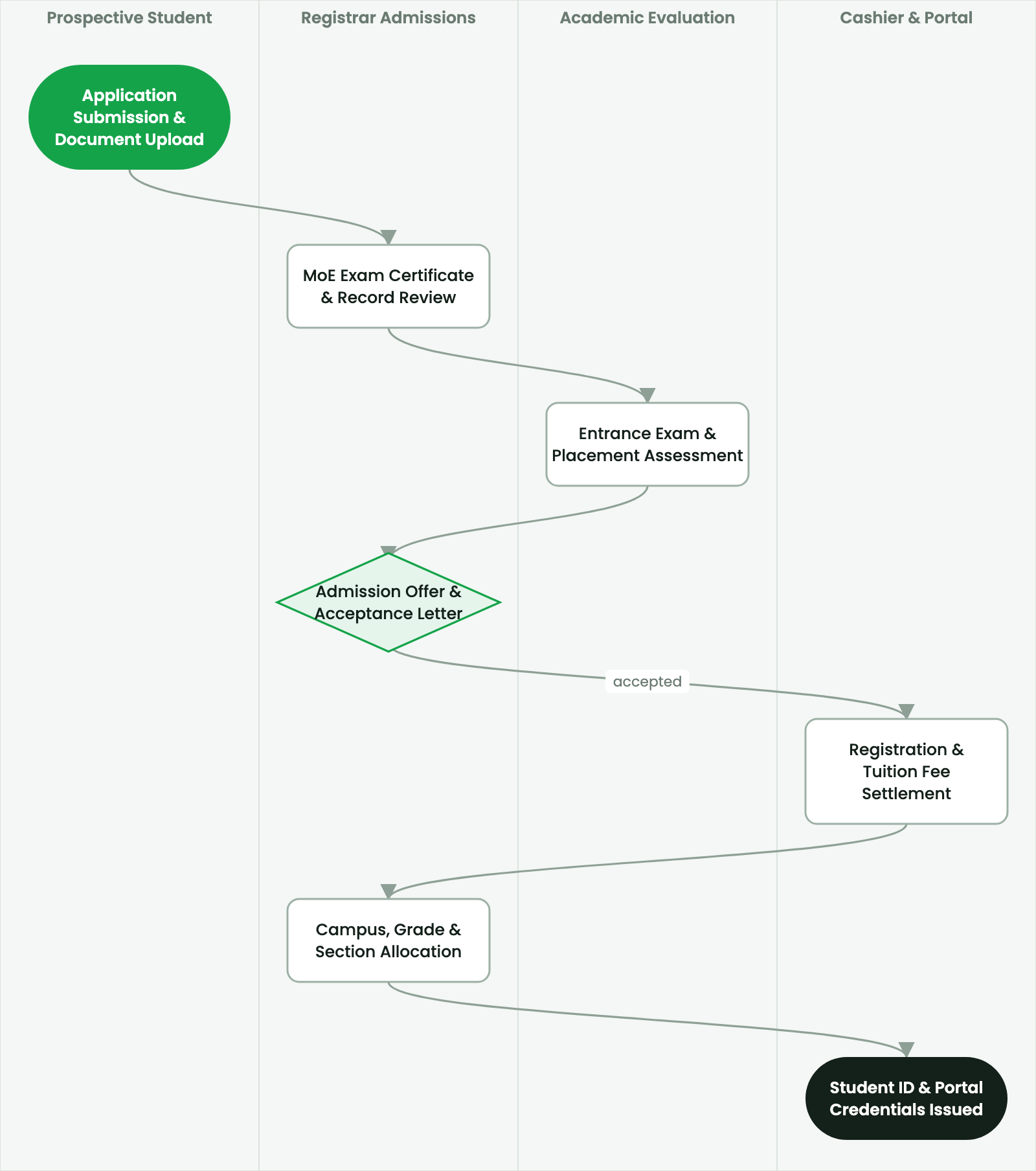
SmartERP School Attendance and Assessment modules govern daily classroom operations, student accountability, and academic evaluation.
2. Prerequisites & Security Access Groups#
- Required Modules:
smarterp_school, smarterp_academic - Security Groups:
Teacher / Instructor(Technical ID:smarterp_school.group_school_teacher)Academic Registrar(Technical ID:smarterp_school.group_school_registrar)Principal / Headmaster(Technical ID:smarterp_school.group_school_manager)
- Master Data Dependencies: Academic grade levels (Primary, Middle, Secondary), curriculum syllabus, examination schedules, fee structures, and guardian records.
3. Step-by-Step Configuration & Execution#
Step 1: Navigating to the Interface#
- Log into your SmartERP instance at
https://smarterp.et/odoo. - Open the main App Switcher (grid icon in the top-left corner).
- Navigate to School → Admissions.
Step 2: Operational Data Parameters & Controls#
Ensure all mandatory parameters comply with enterprise operational standards:
- Authorized Operator: Action executed under assigned RBAC permissions (School Principal, Academic Secretary, Registrar).
- Relational Integrity: Linked to upstream master records, approval requests, or transactional ledgers.
- Statutory & Quality Controls: Verified against Ethiopian statutory regulations and corporate governance standards.
Step 3: Operational Execution & State Progression#
- State Progression Gate: Advance record from Draft through Audited to Confirmed / Certified.
- Integrated System Impact: Automatically updates real-time operational states and posts financial/inventory journal moves.
- Audit Verification: System registers tamper-evident audit records logging user ID, timestamp, and cryptographic transaction digests.
Daily and subject-period attendance#
Teachers record attendance via mobile-responsive web interfaces or tablet apps:
- Attendance States: Present, Absent (Excused), Absent (Unexcused), Tardy / Late.
- Period-Level Tracking: Tracks subject-by-subject attendance in secondary and tertiary programs to identify targeted truancy.
- Biometric Turnstile Integration: In schools equipped with RFID or facial recognition turnstiles, arrival and departure timestamps are automatically synced to the student record.
- Automated SMS Alerts: Unexcused morning absences automatically trigger an immediate SMS alert to the designated guardian's mobile phone via the integrated SMS gateway.
Continuous assessment and examination grading#
The grading engine supports customizable weighted grading policies:
| Assessment Component | Weight % | Evaluated Activities |
|---|---|---|
| Classwork & Homework | 10% | Daily assignments and notebook checks |
| Quizzes & Tests | 20% | Bi-weekly comprehension checks |
| Mid-Term Examination | 30% | Structured formal midterm exam |
| Final Term Examination | 40% | Comprehensive end-of-term evaluation |
Automated GPA and rank calculation#
- The system computes raw scores, applies subject credit hours, and calculates cumulative Grade Point Averages (GPA on a 4.0 scale or 100% percentage scale).
- Class standings and section rankings are automatically determined without manual calculation.
- Official bilingual report cards and transcripts are generated with a single click, featuring teacher remarks, conduct ratings, and school stamp authorization.
4. Advanced Configuration Points#
- Automated Actions & Scheduled Tasks (Crons):
School: Generate term grade report cards(smarterp_school.ir_cron_gradecards): Runs at the end of each term to compile student transcriptsSchool: Daily parent attendance notification via SMS(smarterp_school.ir_cron_attendance_sms): Runs daily at 09:30 to notify guardians of student absences
- Custom Print Templates & Reports:
- Official Student Report Card & Academic Transcript
- Classroom Daily Attendance Register
- Term Tuition Billing & Fee Collection Ledger
- Multi-Company Rules: Record-level security isolation under Company 1 (
Ashewa Technology Solutions S.C.), preventing cross-company ledger leakage across parent and subsidiary legal entities.
5. Comprehensive Troubleshooting Matrix#
| Error Symptom / Exception | Probable Root Cause | Corrective Action / Resolution |
|---|---|---|
Grading Error: Assessment marks exceed maximum possible score | Entered score is higher than configured assessment component maximum. | Correct score to fall within valid range (e.g. 0 to 20 for mid-term test). |
Section Assignment Error: Class capacity exceeded | Target section has reached maximum allowable classroom pupil ratio. | Allocate student to an alternative section or obtain Principal waiver. |
Financial Hold: Outstanding fee balance | Student examination entry card or portal view blocked by unpaid tuition. | Settle balance via Telebirr or cash cashier receipt. |
Last updated: 2026-11-15