Vendor Contractor Management and Facility Procurement
Managing ongoing facility service contracts for security guarding, janitorial cleaning, elevator maintenance, and HVAC servicing.
1. Overview & Business Value#
This comprehensive operational guide details the architecture, business workflows, configuration parameters, and execution steps for Vendor Contractor Management and Facility Procurement within SmartERP.
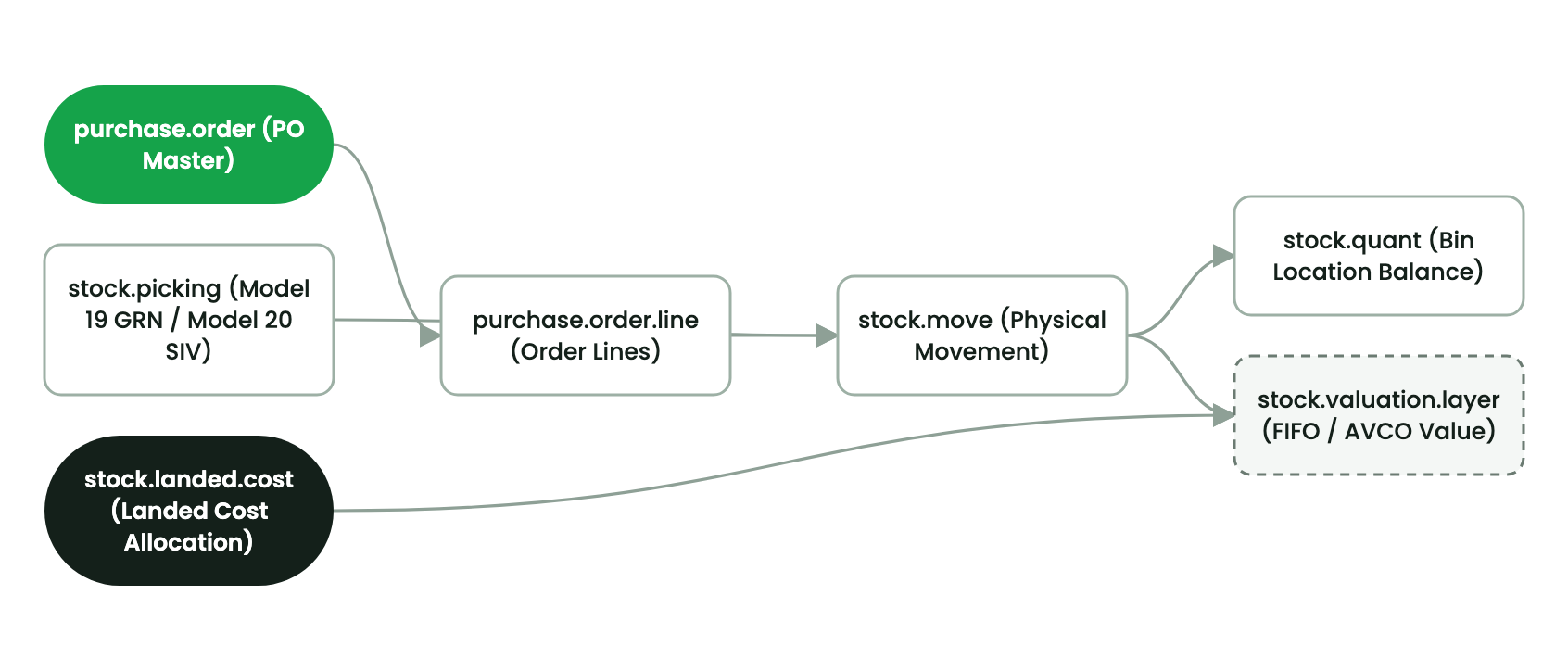
Outsourced facility operations require structured vendor contract management, performance scorecards, and automated monthly service bill validation.
Service Contract SLA Tracking#
- Elevator & Escalator Maintenance: Mandatory monthly preventative inspection logs and emergency entrapment rescue guarantees.
- Security & Janitorial Services: Daily shift headcount verification against contract billing logs.
- Generator Fuel & Servicing: Scheduled oil sampling and 250-hour operational servicing cycles.
- Vendor Bill 3-Way Match: Contractor monthly invoice matched against signed facility service execution reports before payment release.
2. Prerequisites & Security Access Groups#
- Required Modules:
smarterp_property, account, stock, maintenance - Security Groups:
Property Officer(Technical ID:property.group_property_user)Property Manager / Leasing Director(Technical ID:property.group_property_manager)Real Estate Financial Controller(Technical ID:account.group_account_user)
- Master Data Dependencies: Established legal entity profile for Company 1 (
Ashewa Technology Solutions S.C.), registered properties, rental units, and verified partner tenant profiles (res.partner).
3. Step-by-Step Configuration & Execution#
Step 1: Navigating to the Interface#
- Log into your SmartERP instance at
https://smarterp.et/odoo. - Open the main App Switcher (grid icon in the top-left corner).
- Navigate to Property Management → Units / Leases.
Step 2: Operational Data Parameters & Controls#
Ensure all mandatory parameters comply with enterprise operational standards:
- Authorized Operator: Action executed under assigned RBAC permissions (Property Manager, Leasing Agent, Facilities Supervisor).
- Relational Integrity: Linked to upstream master records, approval requests, or transactional ledgers.
- Statutory & Quality Controls: Verified against Ethiopian statutory regulations and corporate governance standards.
Step 3: Operational Execution & State Progression#
- State Progression Gate: Advance record from Draft through Audited to Confirmed / Certified.
- Integrated System Impact: Automatically updates real-time operational states and posts financial/inventory journal moves.
- Audit Verification: System registers tamper-evident audit records logging user ID, timestamp, and cryptographic transaction digests.
4. Advanced Configuration Points#
- Automated Actions & Scheduled Tasks (Crons):
Property: Generate recurring rent invoices(property.ir_cron_generate_rent_invoices): Runs nightly to generate upcoming month rent invoices.Property: Check expiring leases and send renewal notices(property.ir_cron_lease_expiry_alert): Runs weekly to notify leasing officers 60 days prior to contract expiration.Property: Compute submeter utility charges(property.ir_cron_utility_compute): Runs monthly following meter reading closeout.
- Custom Print Templates & Reports:
- Official Tenancy Agreement & Commercial Lease Contract
- Monthly Rent & Utility Invoice with Telebirr QR Code
- Move-In / Move-Out Inspection Handover Dossier
- Property Building Net Operating Income (NOI) Financial Statement
- Multi-Company Rules: Record-level security isolation under Company 1 (
Ashewa Technology Solutions S.C.), preventing cross-company tenant ledger leakage across real estate subsidiaries.
5. Comprehensive Troubleshooting Matrix#
| Error Symptom / Exception | Probable Root Cause | Corrective Action / Resolution |
|---|---|---|
Access Rights Error: Cannot confirm Lease Contract | User lacks assigned Property Manager security privileges. | Assign user to property.group_property_manager under Settings → Users. |
Validation Error: Unit already occupied for selected period | Selected unit has an active overlapping lease contract. | Select an available vacant unit or adjust effective commencement date. |
Utility Apportionment Error: Sum of tenant percentages exceeds 100% | Square meter leasable area calculation mismatch. | Re-calculate Gross Leasable Area ratios in Building Unit configuration. |
Payment Gateway Timeout: Telebirr rent settlement failed | Gateway callback timeout or invalid API bridge credentials. | Verify merchant configuration in Invoicing → Payment Providers and retry transaction query. |
Last updated: 2026-11-15