Quick Start: 15-Minute Leasing Walkthrough
Rapid tutorial to configure a property building, define a rentable office unit, onboard a tenant, issue a lease contract, and post the first rent invoice.
1. Overview & Business Value#
This comprehensive operational guide details the architecture, business workflows, configuration parameters, and execution steps for Quick Start: 15-Minute Leasing Walkthrough within SmartERP.
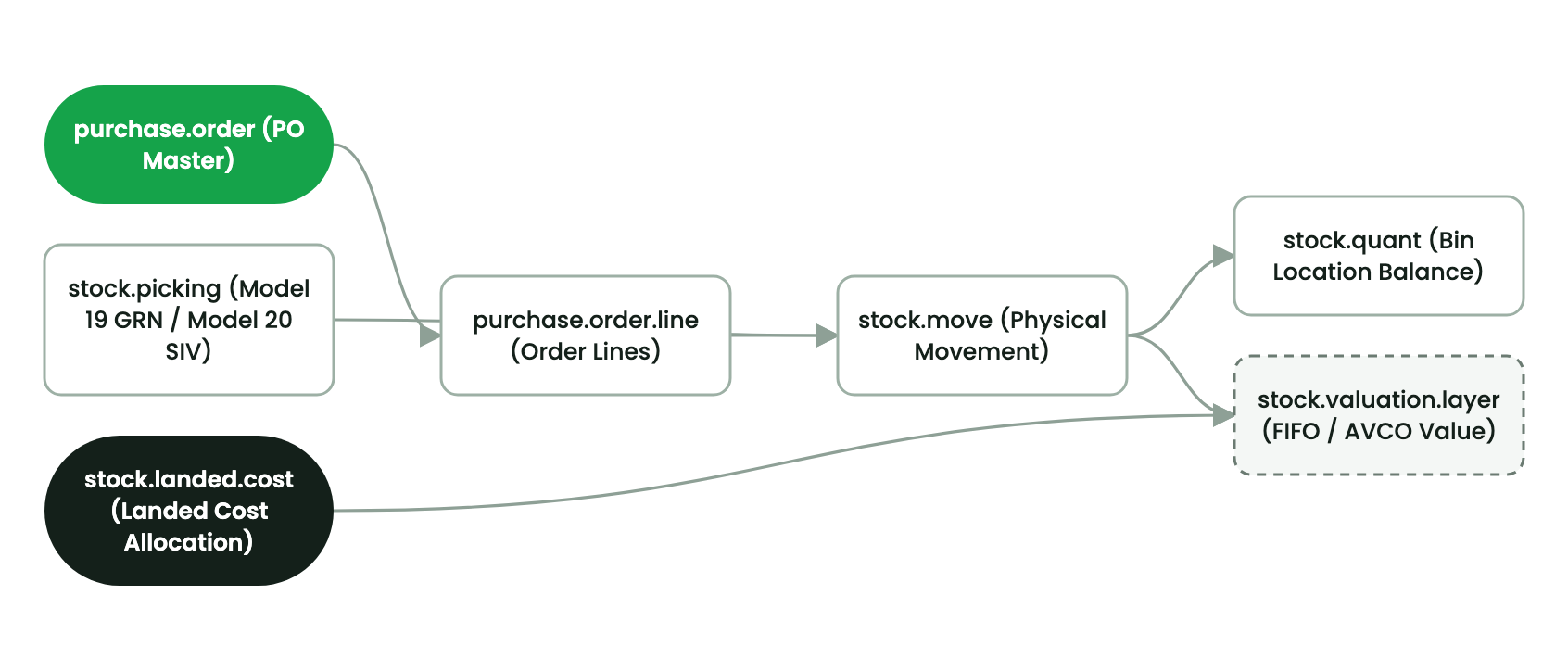
This quick start tutorial walks you through setting up a rental property and onboarding your first tenant in under 15 minutes.
15-Minute Onboarding Workflow#
- Create the Building Master:
- Open Property Management → Properties → New.
- Enter building name:
Bole Heights Commercial Tower. - Set location, total floors (
8), and link to Company 1 (Ashewa Technology Solutions S.C.). - Click Save.
- Register a Rental Unit:
- On the building form, click the Units smart button and press New.
- Enter Unit Number:
Unit 301. - Specify Gross Leasable Area:
120.00 m². - Set Base Monthly Rent:
ETB 45,000.00. - Set Unit Type to
Commercial Office.
- Onboard Tenant and Execute Lease:
- Navigate to Property Management → Leases → New.
- Select Tenant: Choose or create
Ethio-FinTech Technologies PLC. - Select Unit:
Unit 301 (Bole Heights). - Define Term: 12 months with a 2-month security deposit (
ETB 90,000.00). - Click Confirm Contract.
- Generate Rent Invoice:
- Click Generate Rent Invoice in the lease header.
- Review invoice line: Unit 301 Monthly Rent + 15% VAT.
- Click Confirm to post invoice to the General Ledger.
2. Prerequisites & Security Access Groups#
- Required Modules:
smarterp_property, account, stock, maintenance - Security Groups:
Property Officer(Technical ID:property.group_property_user)Property Manager / Leasing Director(Technical ID:property.group_property_manager)Real Estate Financial Controller(Technical ID:account.group_account_user)
- Master Data Dependencies: Established legal entity profile for Company 1 (
Ashewa Technology Solutions S.C.), registered properties, rental units, and verified partner tenant profiles (res.partner).
3. Step-by-Step Configuration & Execution#
Step 1: Navigating to the Module Interface#
- Log into your SmartERP instance at
https://smarterp.et/odoo. - Open the main App Switcher (grid icon in the top-left corner).
- Select the Property Management app icon.
- From the top navigation bar, open Properties → Properties / Units / Leases / Utilities.
Step 2: Creating and Parameterizing Records#
- Click the New button in the top-left control panel.
- Complete the mandatory fields in the record form:
- Name / Primary Reference (Mandatory): Unique property or lease identifier.
- Property / Unit Allocation (Mandatory): Designated building and rentable unit code.
- Tenant / Partner (Mandatory): Verified tenant partner record (
res.partner). - Contract Term & Billing Day (Mandatory): Effective lease commencement, duration, and monthly billing cycle date.
- Configure optional operational parameters and localized tags as required:
- Escalation Percentage (Optional): Pre-agreed annual indexation rate.
- Utility Submeter Serials (Optional): Dedicated electricity and water submeter numbers.
- Security Deposit Escrow (Optional): 2 to 3 months' gross rent held in segregated liability account.
- Click the Save icon in the control bar to commit the record.
Step 3: Validating and Processing Transactions#
- State Transitions: Execute operational state progression (
Draft→Confirmed→Active / In Progress→Closed / Settled). - Ledger & System Impact: Recurring rent invoices debit Accounts Receivable and credit Rental Revenue; utility billing apportions CAM expenses to tenant statements.
- Audit Verification: Automated recording of author ID, timestamp, and immutable revision history.
4. Advanced Configuration Points#
- Automated Actions & Scheduled Tasks (Crons):
Property: Generate recurring rent invoices(property.ir_cron_generate_rent_invoices): Runs nightly to generate upcoming month rent invoices.Property: Check expiring leases and send renewal notices(property.ir_cron_lease_expiry_alert): Runs weekly to notify leasing officers 60 days prior to contract expiration.Property: Compute submeter utility charges(property.ir_cron_utility_compute): Runs monthly following meter reading closeout.
- Custom Print Templates & Reports:
- Official Tenancy Agreement & Commercial Lease Contract
- Monthly Rent & Utility Invoice with Telebirr QR Code
- Move-In / Move-Out Inspection Handover Dossier
- Property Building Net Operating Income (NOI) Financial Statement
- Multi-Company Rules: Record-level security isolation under Company 1 (
Ashewa Technology Solutions S.C.), preventing cross-company tenant ledger leakage across real estate subsidiaries.
5. Comprehensive Troubleshooting Matrix#
| Error Symptom / Exception | Probable Root Cause | Corrective Action / Resolution |
|---|---|---|
Access Rights Error: Cannot confirm Lease Contract | User lacks assigned Property Manager security privileges. | Assign user to property.group_property_manager under Settings → Users. |
Validation Error: Unit already occupied for selected period | Selected unit has an active overlapping lease contract. | Select an available vacant unit or adjust effective commencement date. |
Utility Apportionment Error: Sum of tenant percentages exceeds 100% | Square meter leasable area calculation mismatch. | Re-calculate Gross Leasable Area ratios in Building Unit configuration. |
Payment Gateway Timeout: Telebirr rent settlement failed | Gateway callback timeout or invalid API bridge credentials. | Verify merchant configuration in Invoicing → Payment Providers and retry transaction query. |
Last updated: 2026-11-15