Approve and compute overtime
Review employee overtime requests, execute manager approvals, and apply statutory Proclamation 1156/2019 multipliers.
1. Overview & Business Value#
This comprehensive operational guide details the architecture, business workflows, configuration parameters, and execution steps for Approve and compute overtime within SmartERP.
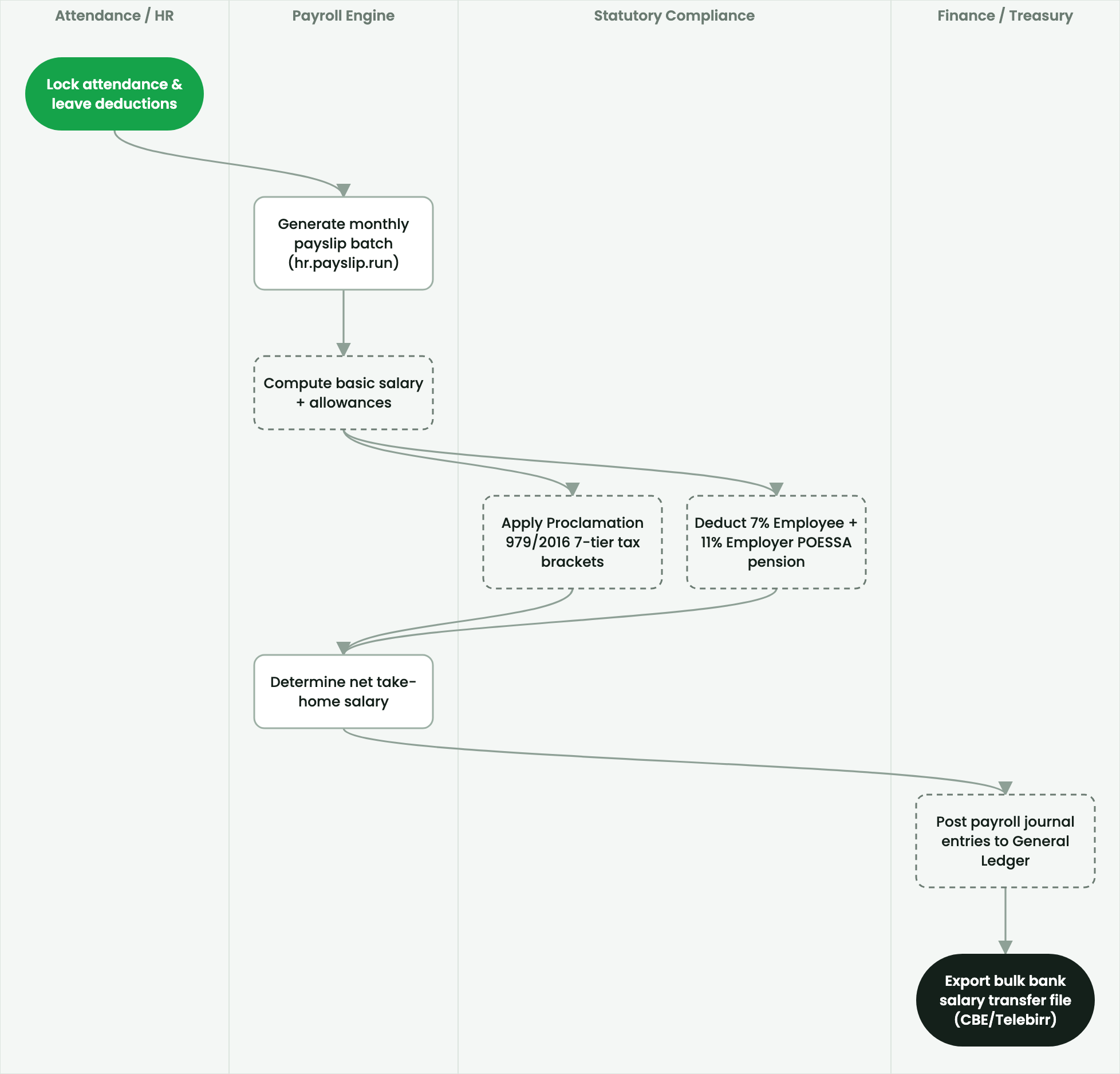
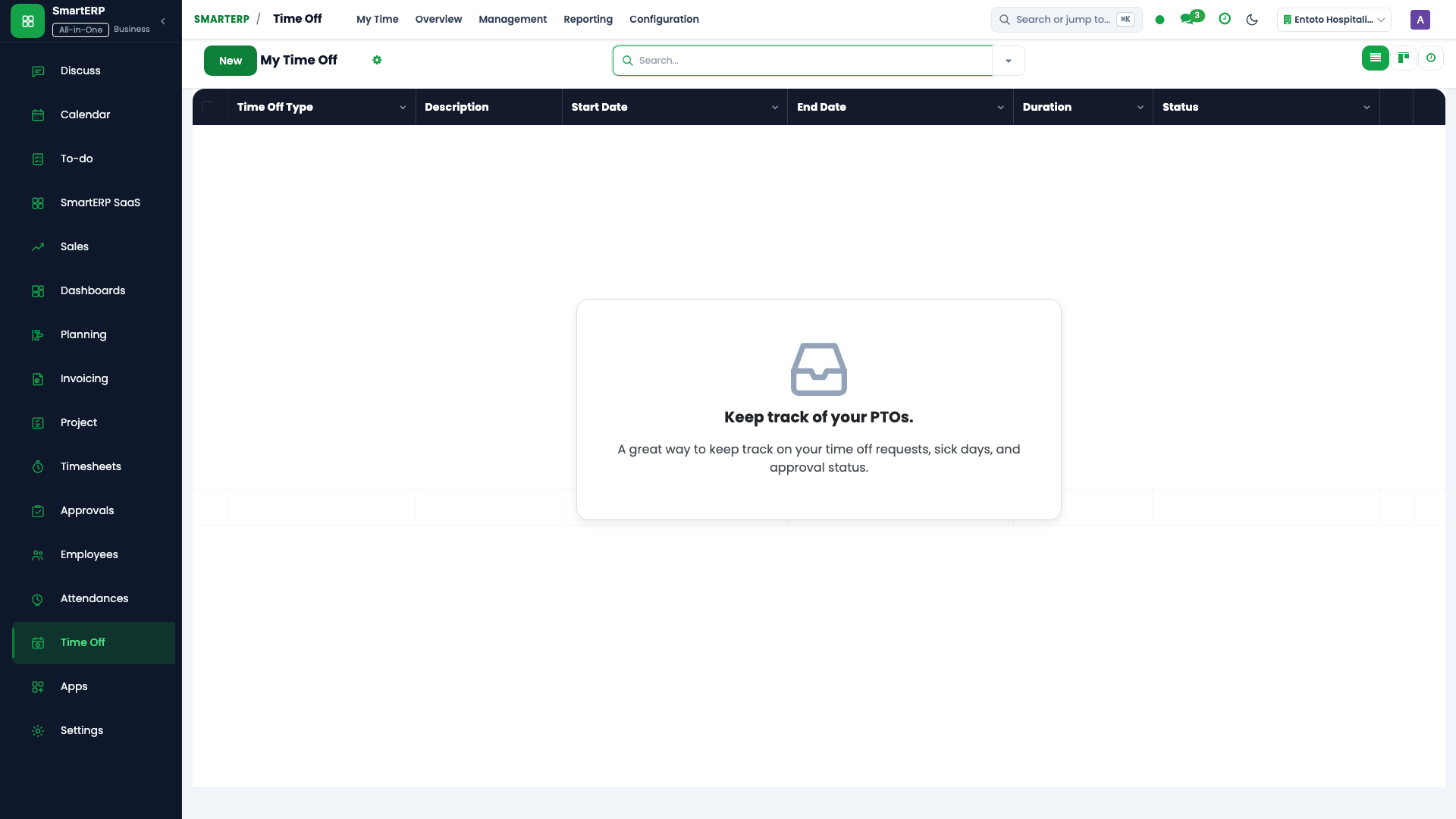
This guide is for Department Managers and Payroll Officers processing overtime hours.
2. Prerequisites & Security Access Groups#
- Required Modules:
hr, hr_payroll, hr_holidays, smarterp_ethiopian_payroll - Security Groups:
Officer: Manage all employees(Technical ID:hr.group_hr_user)Payroll Officer(Technical ID:hr_payroll.group_hr_payroll_user)HR Administrator(Technical ID:hr.group_hr_manager)
- Master Data Dependencies: Company departments, job positions, salary structures, 7-tier Ethiopian income tax brackets, POESSA/PSSPA pension rates, and employee contracts.
3. Step-by-Step Configuration & Execution#
Step 1: Navigating to the Interface#
- Log into your SmartERP instance at
https://smarterp.et/odoo. - Open the main App Switcher (grid icon in the top-left corner).
- Navigate to Attendance → Overtime → Overtime Requests.
Step 2: Workforce Data Parameters & Statutory Controls#
Ensure all personnel and compensation records adhere to statutory labor regulations:
- Designated Authority / Role: Operation authorized under verified RBAC role (Department Supervisor, HR Manager, Payroll Officer).
- Employee Master & Contract Binding: Linked to active employee profile, verified TIN, and active employment contract.
- Statutory Labor & Pension Validation: Compliant with Ethiopian Labour Proclamation No. 1156/2019, POESSA Pension Proclamation No. 1268/2022 (11% employer / 7% employee), and Income Tax Proclamation No. 979/2016.
Step 3: Operational Execution & State Progression#
- State Progression Gate: Advance record from Draft through Reviewed to Confirmed / Certified.
- Integrated Workforce Impact: Synchronizes attendance hours, adjusts leave entitlement balances, and feeds gross-to-net payroll journal disbursements (
account.move). - Audit Verification: System registers tamper-evident audit records logging user ID, timestamp, and cryptographic transaction digests.
Submit and approve overtime requests#
- Open Attendance → Overtime Requests and press New.
- In Employee, select the staff member.
- In Overtime Type, choose the statutory window:
- Daytime Overtime (06:00 to 22:00): Multiplier
1.25×. - Nighttime Overtime (22:00 to 06:00): Multiplier
1.50×. - Weekend Rest Day: Multiplier
2.00×. - Statutory Public Holiday: Multiplier
2.50×.
- Daytime Overtime (06:00 to 22:00): Multiplier
- In Number of Hours, enter duration (e.g.
4.5 Hours). - In Business Justification, describe why overtime was required.
- The Department Manager reviews and presses Approve Overtime.
Automatic payroll integration#
Approved overtime hours flow directly into the monthly payslip run. The payroll engine computes the hourly rate from the basic contract wage and applies the exact statutory multiplier.
4. Advanced Configuration Points#
- Automated Actions & Scheduled Tasks (Crons):
HR: Compute scheduled leave accruals(hr_holidays.ir_cron_leave_accruals): Runs bi-weekly to accrue annual leave balances per Ethiopian labor lawPayroll: Auto-generate monthly payslip batches(hr_payroll.ir_cron_generate_payslips): Runs on the 25th of each calendar monthAttendance: Validate biometric clock-in logs(hr_attendance.ir_cron_sync_attendance): Runs hourly to sync biometric terminal events
- Custom Print Templates & Reports:
- Official Ethiopian Monthly Payslip
- POESSA / PSSPA Statutory Pension Contribution Schedule
- MOR Employment Income Tax (PAYE) Monthly Summary
- Employee Service & Severance Certificate
- Multi-Company Rules: Record-level security isolation under Company 1 (
Ashewa Technology Solutions S.C.), preventing cross-company ledger leakage across parent and subsidiary legal entities.
5. Comprehensive Troubleshooting Matrix#
| Error Symptom / Exception | Probable Root Cause | Corrective Action / Resolution |
|---|---|---|
Access Rights Error: Employee private data hidden | User lacks HR Officer security clearance. | Assign the user to hr.group_hr_user under Settings → Users & Companies. |
Computation Error: Missing contract or salary structure | Employee has no active contract in 'running' state. | Confirm contract terms under Employees → Contracts and ensure contract status is 'Running'. |
Validation Error: Leave allocation exhausted | Requested time off exceeds accrued balance under Ethiopian Labor Proclamation 1156/2019. | Review historical attendance and submit a formal allocation adjustment request. |
Payroll Blocked: Unlinked TIN or Pension number | Statutory rule requires mandatory tax and pension coordinates for payslip calculation. | Update the statutory tab on the employee profile with valid MOR and POESSA registration details. |
Next#
- Allocate leave: Allocate annual leave entitlements.
- Manage calendar: Manage Ethiopian calendar and Pagume.
Last updated: 2026-11-15