Troubleshooting Signature Requests, Webhook Retries & Certificate FAQ
Diagnosing email delivery bounces, rejected signatures, certificate generation errors, and webhook dispatch failures.
1. Overview & Business Value#
Diagnostic guide for SmartERP Sign operations.
1. Error Resolution Matrix#
| Symptom | Root Cause | Resolution |
|---|---|---|
Signer reports email link expired | Signature request exceeded configured expiration window (default 30 days). | Open request in backend and click Extend Expiration Date. |
PDF generation error: Font glyph missing | Document includes un-embedded custom fonts. | Re-save source document as standard PDF/A format before uploading. |
Webhook notification failed (HTTP 500) | External CRM or ERP endpoint timed out. | Check webhook queue in Settings → Sign Webhooks and trigger manual retry. |
2. Prerequisites & Access Permissions#
- Required Modules:
smarterp_sign, base, web - Security Group:
Internal User(Technical ID:base.group_user) - Master Data Dependencies: Established corporate settings, defined role permissions, and active records.
3. Step-by-Step UI Execution & Verification#
Step 1: Navigating to the Module Interface#
- Access your SmartERP instance at
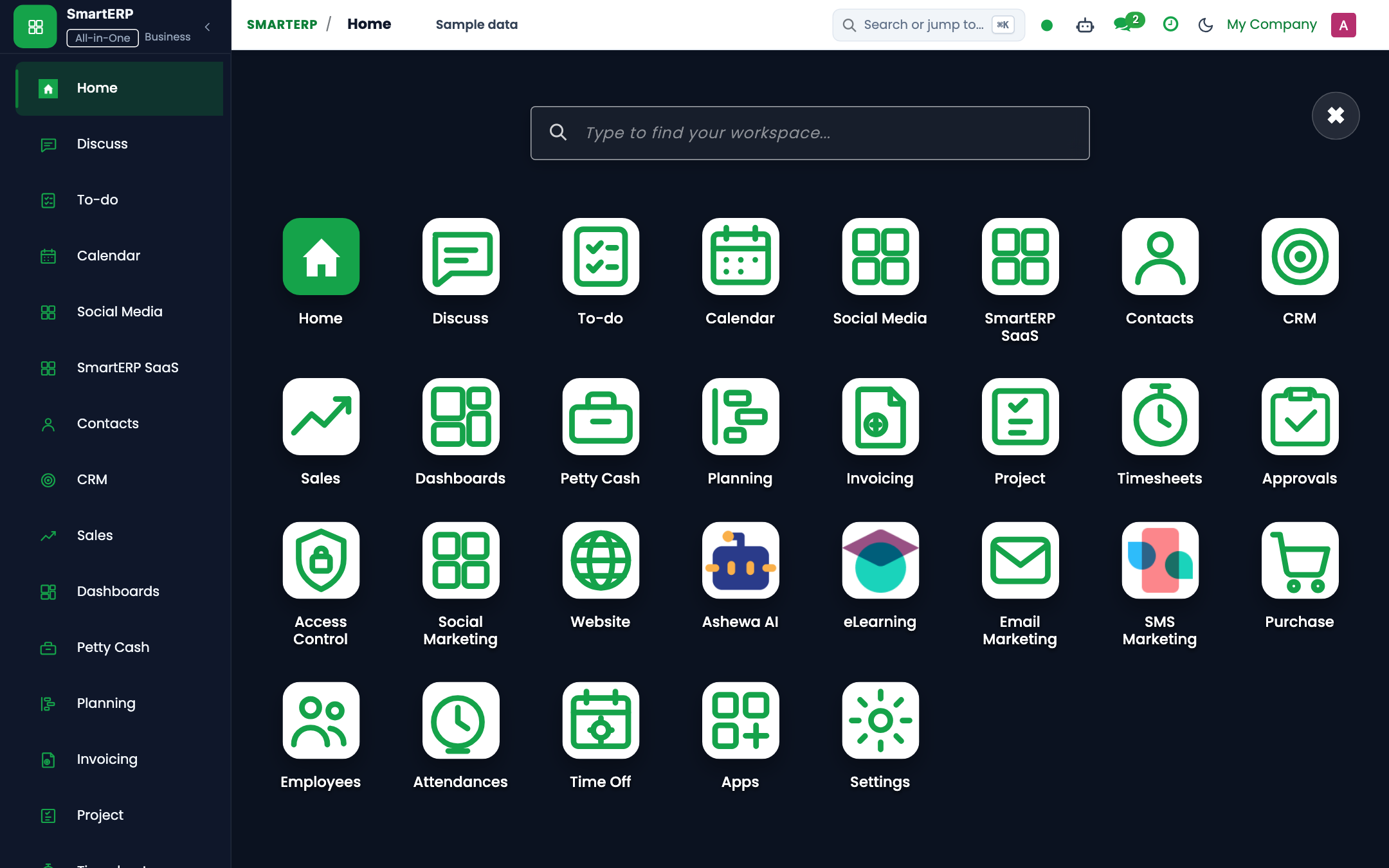
https://smarterp.et/odoo. - Open the main App Switcher and select the operational application.
- Select the target view or configuration form.
Step 2: Executing Transactional Operations#
- Fill in required parameters according to institutional procedures.
- Validate entries and confirm execution.
- Review updated record state in the chatter audit trail.
4. Advanced Configuration Points#
- Automated Tasks (Crons): Dedicated background crons manage recurring tasks and state transitions.
- Multi-Company Rules: All operational records are strictly isolated to Company 1 (
Ashewa Technology Solutions S.C.).
5. Comprehensive Troubleshooting Matrix#
| Symptom / Error | Probable Root Cause | Resolution Action |
|---|---|---|
Access Rights Error: Operation not allowed | User lacks required operational permissions. | Assign user to the designated security group under Settings → Users. |
Document state locked or read-only | Transaction is in validated or closed state. | Reopen document if permitted or contact designated manager. |
Last updated: 2026-11-15