Applying Institutional Stamps & Concurrency-Safe Sequential Numbering
Concurrency-safe reference numbering algorithms, official round seal digital stamps, and anti-tamper QR code verification.
1. Overview & Business Value#
Official corporate letters require verified sequential reference numbers (e.g., ATS/OUT/2026/0491).
1. Concurrency-Safe Reference Sequencing#
SmartERP implements database-level atomic locking (SELECT ... FOR UPDATE) in addons/smarterp_letters/models/letter_numbering.py, guaranteeing that two simultaneous outgoing letters can never be assigned duplicate reference numbers.
2. Prerequisites & Access Permissions#
- Required Modules:
smarterp_documents, base, web - Security Group:
Internal User(Technical ID:base.group_user) - Master Data Dependencies: Established corporate settings, defined role permissions, and active records.
3. Step-by-Step UI Execution & Verification#
Step 1: Navigating to the Module Interface#
- Access your SmartERP instance at
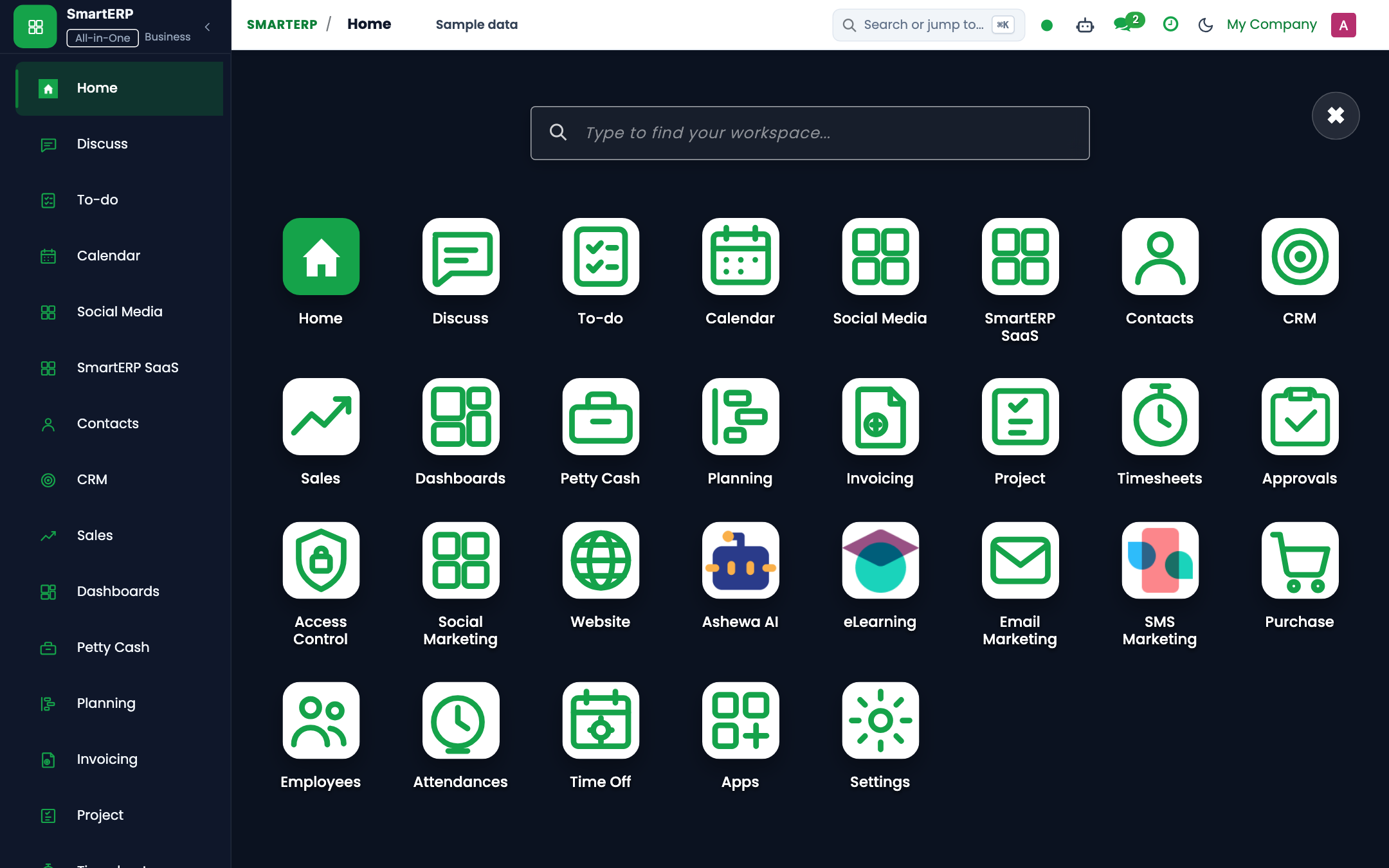
https://smarterp.et/odoo. - Open the main App Switcher and select the operational application.
- Select the target view or configuration form.
Step 2: Executing Transactional Operations#
- Fill in required parameters according to institutional procedures.
- Validate entries and confirm execution.
- Review updated record state in the chatter audit trail.
4. Advanced Configuration Points#
- Automated Tasks (Crons): Dedicated background crons manage recurring tasks and state transitions.
- Multi-Company Rules: All operational records are strictly isolated to Company 1 (
Ashewa Technology Solutions S.C.).
5. Comprehensive Troubleshooting Matrix#
| Symptom / Error | Probable Root Cause | Resolution Action |
|---|---|---|
Access Rights Error: Operation not allowed | User lacks required operational permissions. | Assign user to the designated security group under Settings → Users. |
Document state locked or read-only | Transaction is in validated or closed state. | Reopen document if permitted or contact designated manager. |
Last updated: 2026-11-15