Troubleshooting API, Webhook, and Network Failures
Diagnostic trees for resolving HTTP 401 Unauthorized, webhook delivery timeouts, dropped FinTech callbacks, and JSON parsing errors.
1. Overview & Business Value#
This comprehensive operational guide details the architecture, business workflows, configuration parameters, and execution steps for Troubleshooting API, Webhook, and Network Failures within SmartERP.
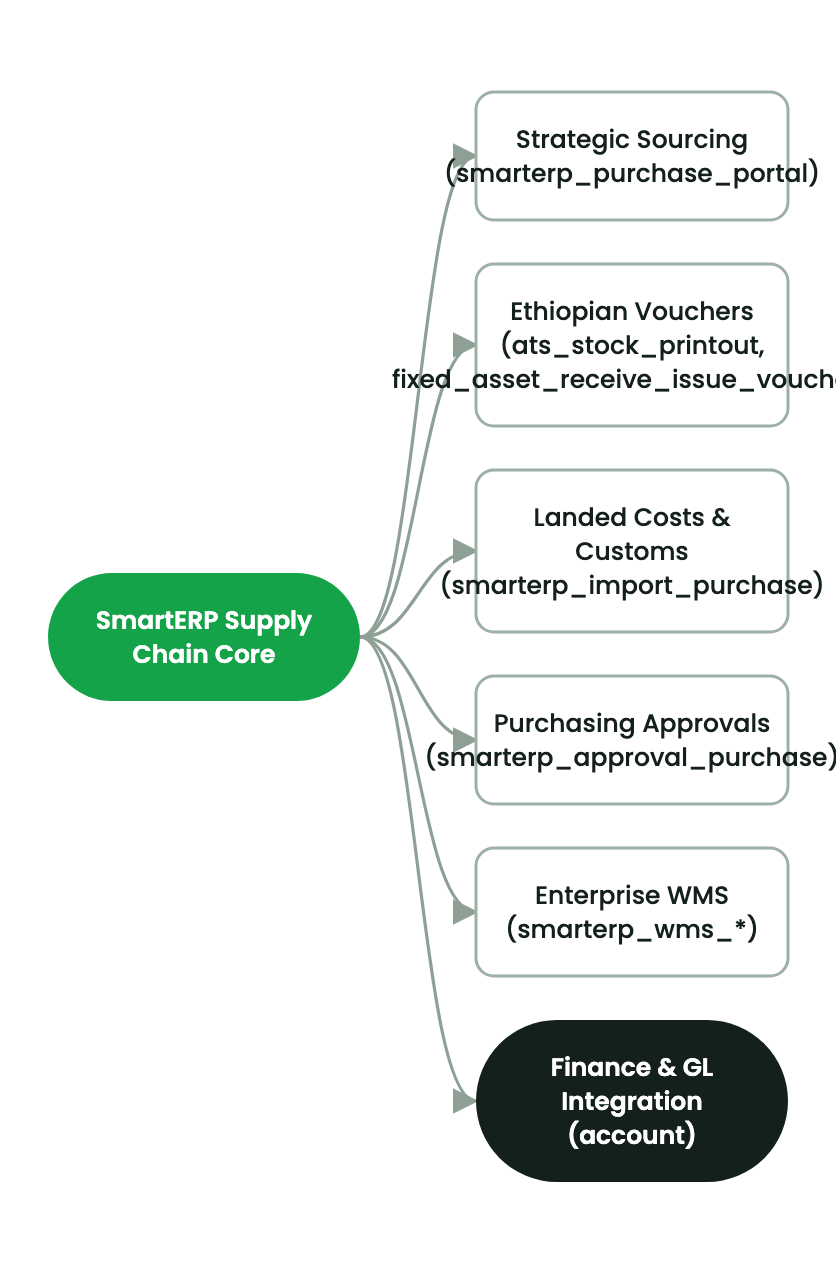
Comprehensive troubleshooting reference for identifying and resolving external integration faults.
Common API Exceptions#
- HTTP 401 Unauthorized: Invalid or revoked API key; verify Bearer header format.
- Webhook Dropped Callbacks: Target server firewall blocking incoming traffic; check endpoint SSL certificate and port availability.
- Signature Mismatch on FinTech Callbacks: SHA-256 HMAC payload computed using stale secret key.
2. Prerequisites & Security Access Groups#
- Required Modules:
base, web, smarterp_core, payment - Security Groups:
Integration Specialist(Technical ID:base.group_user)System Administrator / API Director(Technical ID:base.group_system)
- Master Data Dependencies: Established API keys, configured payment providers, and verified external webhook callback endpoints.
3. Step-by-Step Configuration & Execution#
Step 1: Navigating to the Interface#
- Log into your SmartERP instance at
https://smarterp.et/odoo. - Open the main App Switcher (grid icon in the top-left corner).
- Navigate to Settings → Technical.
Step 2: Operational Data Parameters & Controls#
Ensure all mandatory parameters comply with enterprise operational standards:
- Authorized Operator: Action executed under assigned RBAC permissions (System Administrator, Certified Specialist).
- Relational Integrity: Linked to upstream master records, approval requests, or transactional ledgers.
- Statutory & Quality Controls: Verified against Ethiopian statutory regulations and corporate governance standards.
Step 3: Operational Execution & State Progression#
- State Progression Gate: Advance record from Draft through Audited to Confirmed / Certified.
- Integrated System Impact: Automatically updates real-time operational states and posts financial/inventory journal moves.
- Audit Verification: System registers tamper-evident audit records logging user ID, timestamp, and cryptographic transaction digests.
4. Advanced Configuration Points#
- Automated Actions & Scheduled Tasks (Crons):
Integration: Clean stale webhook queues(base.ir_cron_webhook_cleanup)Integration: Sync currency exchange rates(base.ir_cron_currency_rates)
- Custom Print Templates & Reports:
- API Usage & Latency Telemetry Audit Report
- FinTech Reconciliation & Settlement Statement
- Multi-Company Rules: Record-level security isolation under Company 1 (
Ashewa Technology Solutions S.C.).
5. Comprehensive Troubleshooting Matrix#
| Error Symptom / Exception | Probable Root Cause | Corrective Action / Resolution |
|---|---|---|
HTTP 401: Invalid API Key | Client authorization header missing or key revoked. | Generate fresh API key under User Preferences and update client header. |
HTTP 429: Too Many Requests | Request volume exceeded configured per-minute rate limit. | Implement exponential backoff in client script or request rate quota increase. |
HMAC Signature Mismatch | Webhook payload modified in transit or mismatched secret key. | Verify raw JSON bytes encoding before computing HMAC signature. |
Last updated: 2026-11-15