ይህ ገጽ ገና ወደ አማርኛ አልተተረጎመም። የእንግሊዝኛው ጽሑፍ ቀርቧል።
Guest Loyalty, History, and VIP Preferences
Maintaining guest profile preferences, room location choices, dietary restrictions, VIP amenity packages, and repeat loyalty rewards.
1. Overview & Business Value#
This comprehensive operational guide details the architecture, business workflows, configuration parameters, and execution steps for Guest Loyalty, History, and VIP Preferences within SmartERP.
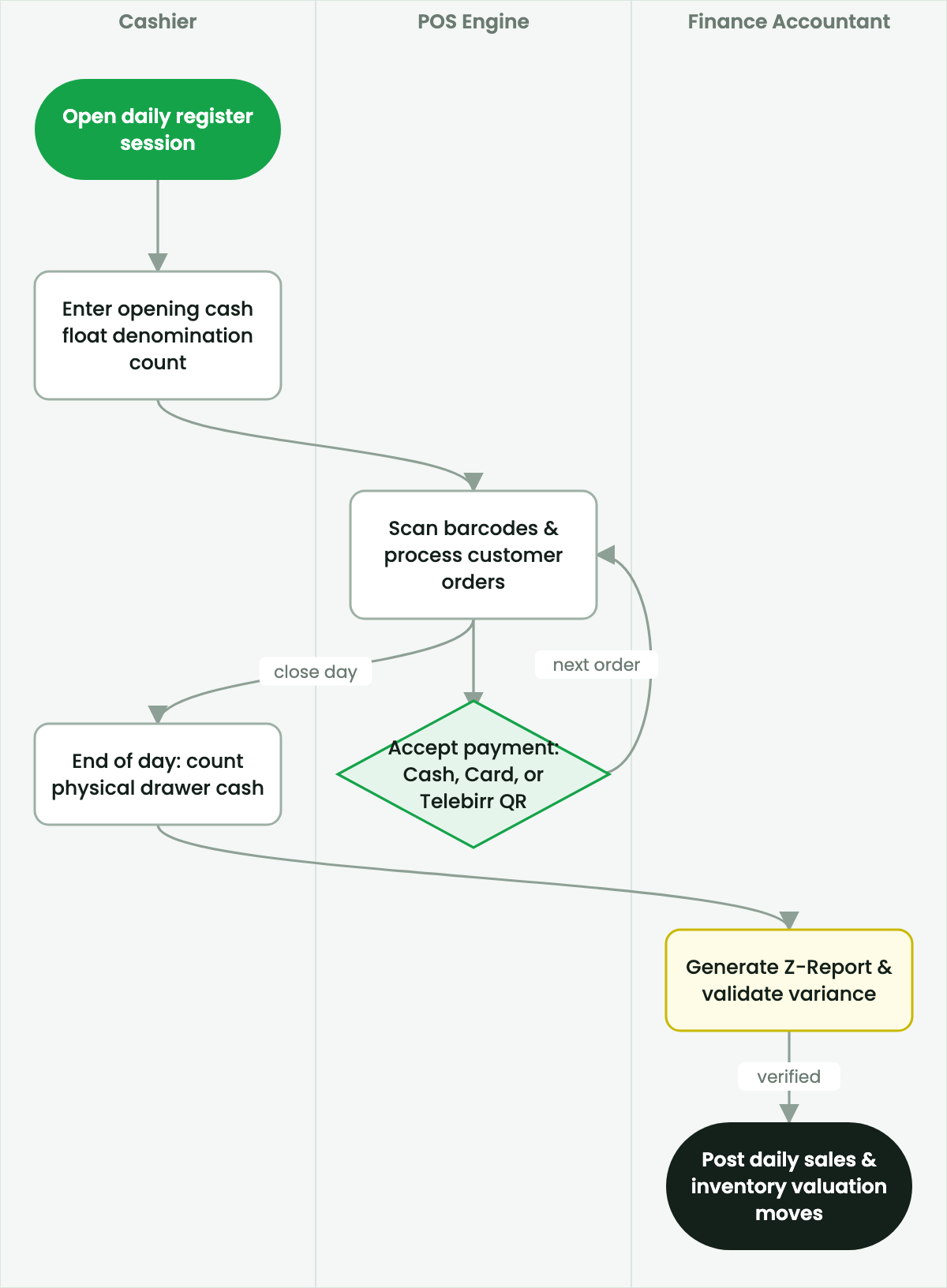
Comprehensive guest history enables personalized hospitality service that converts one-time travelers into lifelong hotel brand advocates.
Guest Profile Intelligence#
- Room Preferences: High floor, quiet room, extra feather pillows, hypoallergenic linen.
- Dietary & Beverage Habits: Vegetarian, halal, sparkling water preference, wine vintage choice.
- VIP Classification: VIP 1 (Head of State / C-Level Executive), VIP 2 (Repeat Loyalty Member), VIP 3 (Special Occasion Anniversary / Birthday).
- Automated Amenity Orders: VIP flag triggers automated kitchen requisition for fruit basket and welcome confectionary.
2. Prerequisites & Security Access Groups#
- Required Modules:
smarterp_hospitality, point_of_sale, account, stock - Security Groups:
Front Desk Receptionist(Technical ID:hotel.group_hotel_reception)Housekeeping Supervisor(Technical ID:hotel.group_hotel_housekeeping)Night Auditor / Financial Controller(Technical ID:hotel.group_hotel_night_auditor)Hotel General Manager(Technical ID:hotel.group_hotel_manager)
- Master Data Dependencies: Established property hotel profile for Company 1 (
Ashewa Technology Solutions S.C.), room inventory, room types, rate plans, and POS dining outlets.
3. Step-by-Step Configuration & Execution#
Step 1: Navigating to the Interface#
- Log into your SmartERP instance at
https://smarterp.et/odoo. - Open the main App Switcher (grid icon in the top-left corner).
- Navigate to Hotel → Front Office → Room Reservations.
Step 2: Operational Data Parameters & Controls#
Ensure all mandatory parameters comply with enterprise operational standards:
- Authorized Operator: Action executed under assigned RBAC permissions (Hotel General Manager, Front Office Supervisor, Night Auditor).
- Relational Integrity: Linked to upstream master records, approval requests, or transactional ledgers.
- Statutory & Quality Controls: Verified against Ethiopian statutory regulations and corporate governance standards.
Step 3: Operational Execution & State Progression#
- State Progression Gate: Advance record from Draft through Audited to Confirmed / Certified.
- Integrated System Impact: Automatically updates real-time operational states and posts financial/inventory journal moves.
- Audit Verification: System registers tamper-evident audit records logging user ID, timestamp, and cryptographic transaction digests.
4. Advanced Configuration Points#
- Automated Actions & Scheduled Tasks (Crons):
Hotel: Post nightly room rate charges to folios(hotel.ir_cron_night_audit): Runs nightly at 02:00 to post room accommodation fees.Hotel: Housekeeping room cleanliness inspection reset(hotel.ir_cron_housekeeping_reset): Runs daily at 06:00 to refresh room turnaround boards.Hotel: Check No-Show reservations(hotel.ir_cron_noshow_cleanup): Runs nightly to process unfulfilled reservations.
- Custom Print Templates & Reports:
- Official Guest Registration Card (GRC) with Digital Signature
- Guest Folio Tax Invoice (Model 85 Compliant)
- Daily Manager Report (DMR) & RevPAR Ledger
- Housekeeping Floor Turnaround Board & Attendant Roster
- Multi-Company Rules: Record-level security isolation under Company 1 (
Ashewa Technology Solutions S.C.), preventing cross-hotel guest folio leakage across sister properties.
5. Comprehensive Troubleshooting Matrix#
| Error Symptom / Exception | Probable Root Cause | Corrective Action / Resolution |
|---|---|---|
Access Rights Error: Cannot execute Night Audit | User lacks assigned Night Auditor security privileges. | Assign user to hotel.group_hotel_night_auditor under Settings → Users. |
Validation Error: Room not in clean inspected status | Attempting to check guest into a dirty or uninspected room. | Housekeeping floor supervisor must inspect and mark room Clean prior to check-in. |
Folio Settlement Block: Open POS checks exist | Guest checkout attempted while restaurant or bar bills remain open. | Close all open restaurant checks to the folio before printing final bill. |
Keycard Encoder Timeout: Communication error | USB/network RFID encoder machine disconnected or daemon offline. | Check physical USB cable connection and restart PMS keycard encoder service. |
መጨረሻ የተሻሻለው: 2026-11-15