ይህ ገጽ ገና ወደ አማርኛ አልተተረጎመም። የእንግሊዝኛው ጽሑፍ ቀርቧል።
Local Development Environment and Toolchain Setup
Step-by-step instructions for configuring Python 3.12+, PostgreSQL 16, uv/pip, Docker, pre-commit git hooks, and VS Code / Antigravity development tools.
1. Overview & Business Value#
This comprehensive operational guide details the architecture, business workflows, configuration parameters, and execution steps for Local Development Environment and Toolchain Setup within SmartERP.
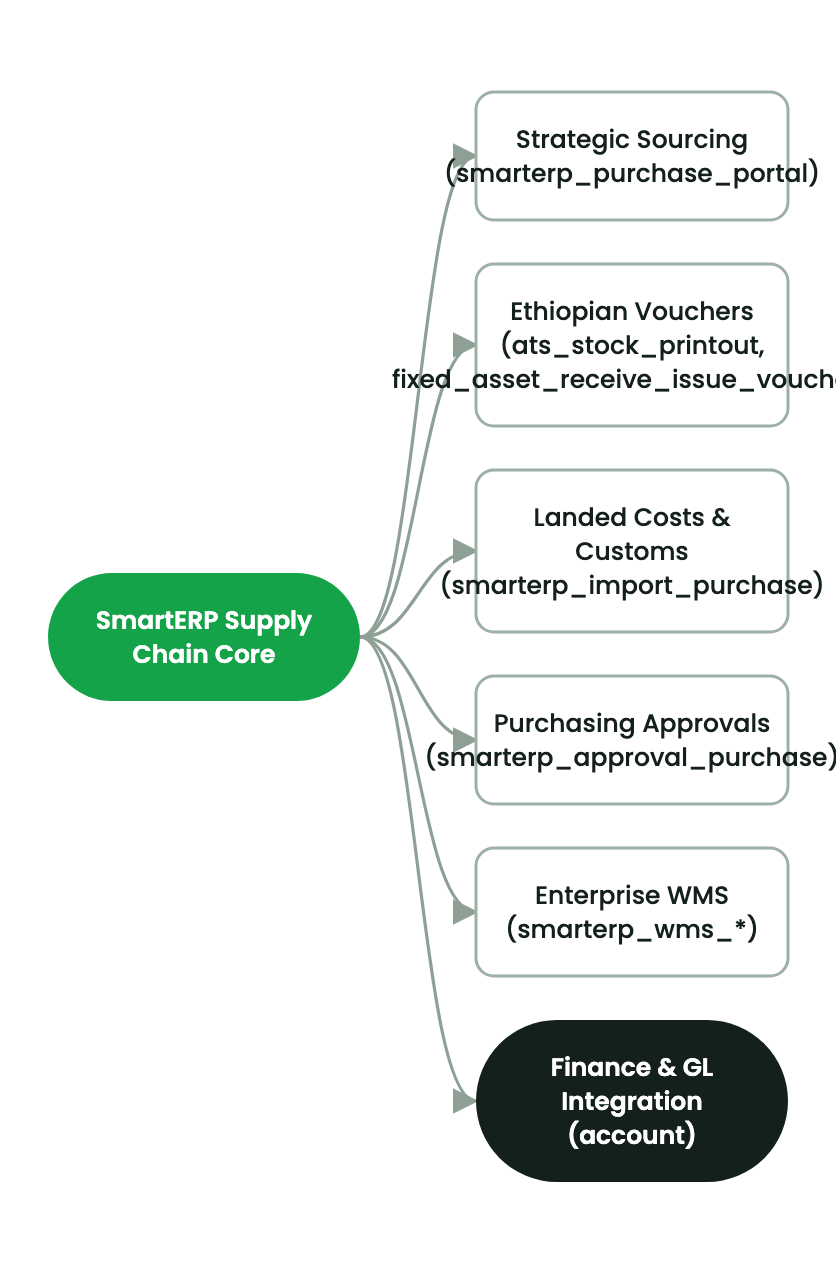
Configuring a standardized local development environment ensures reproducible runtime behavior and prevents deployment regressions.
Prerequisites & System Packages#
- Operating System: macOS (Apple Silicon / Intel) or Linux (Ubuntu 22.04 / 24.04 LTS).
- Python Runtime: Python 3.12+ with virtual environment tools (
venvoruv). - Database Engine: PostgreSQL 16 with development libraries (
libpq-dev). - Node & Playwright: Node.js v20+ for automated browser test harnesses.
2. Prerequisites & Security Access Groups#
- Required Modules:
base, web, smarterp_core - Security Groups:
Enterprise Developer(Technical ID:base.group_no_one)System Administrator(Technical ID:base.group_system)
- Master Data Dependencies: Established local development toolchain (Python 3.12+, PostgreSQL 16), cloned repository (
smarterp-platform), and valid database configuration.
3. Step-by-Step Configuration & Execution#
Step 1: Navigating to the Module Interface#
- Open your terminal or development environment in the repository root (
/Users/danielbekele/smarterp-platform). - Activate your dedicated Python virtual environment.
- Verify Git branch status:
git status.
Step 2: Creating and Parameterizing Records#
- Execute development commands or scaffolding templates.
- Define mandatory manifest parameters:
- name (Mandatory): Descriptive module title.
- version (Mandatory): Standard semantic versioning (e.g.
19.0.1.0.0). - depends (Mandatory): Explicit list of upstream module dependencies.
- license (Mandatory): Open source or proprietary enterprise license identifier.
- Configure optional parameters: data files, security ACLs, and automated test cases.
Step 3: Validating and Processing Transactions#
- Execution & Testing: Run unit tests via
odoo-bin -i <module_name> --test-enable --stop-after-init. - Quality Verification: Ensure test suite passes with zero errors and zero unhandled warnings.
4. Advanced Configuration Points#
- Automated Actions & Scheduled Tasks (Crons):
Developer: Module test runner trigger(base.ir_cron_run_tests)System: Automated cache cleanup(base.ir_cron_cache_cleanup)
- Custom Print Templates & Reports:
- Technical Data Dictionary Specification
- Code Quality & Test Coverage Dossier
- Multi-Company Rules: Record-level security isolation under Company 1 (
Ashewa Technology Solutions S.C.).
5. Comprehensive Troubleshooting Matrix#
| Error Symptom / Exception | Probable Root Cause | Corrective Action / Resolution |
|---|---|---|
ImportError: cannot import name from odoo | Outdated virtualenv or PYTHONPATH misconfiguration. | Re-activate virtualenv and verify that Odoo 19 libraries are correctly installed. |
ParseError: Element '<tree>' is deprecated | Attempting to use legacy Odoo tree view syntax in Odoo 19. | Replace <tree> with <list> in the view XML definition. |
ValidationError: External ID not found | Manifest data list contains an item before its prerequisite is loaded. | Re-order XML filenames in __manifest__.py so security and parent menus load first. |
መጨረሻ የተሻሻለው: 2026-11-15